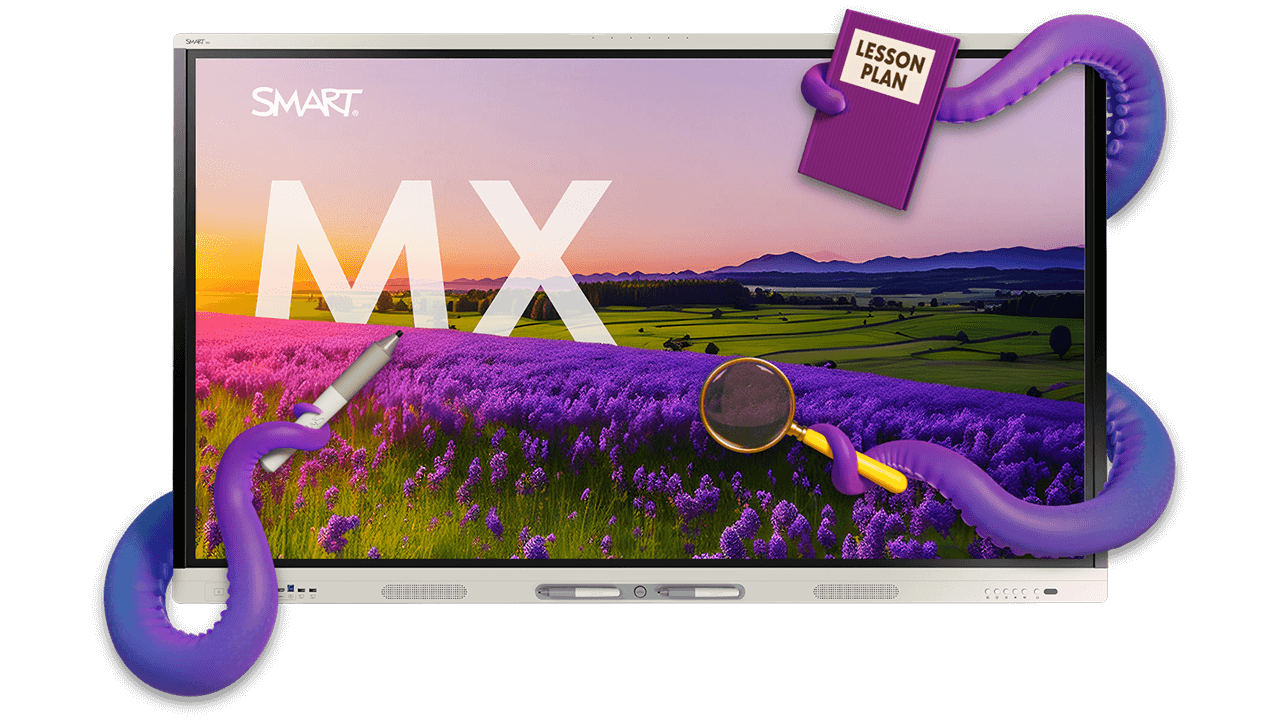
SMART Board MX series interactive display
Powered by SMART's iQ 4 classroom OS, the MX series brings full interactivity, built-in apps, and seamless device connectivity to every K–12 classroom.
Available in 55", 65", 75", 86", 98"
Book a demo-
Why SMART Board MX series
-
Key features
-
98" display
-
Included software
-
See the MX series in action
Made for multitaskers - and a classroom standard for broad deployment
Give more teachers the tools they need with an interactive display that's easy to deploy, simple to manage, and ready to grow with your district. The SMART Board MX series helps schools standardize on interactive displays that deliver a consistent classroom experience while adding advanced capabilities only where they're needed.


Lasts longer. Demands less.
With upgradeable technology, centralized management, and value beyond instruction, from alerts and communications to audio amplification, SMART interactive displays reduce complexity and help districts get more from every investment.

Powered by iQ: It’s like having an extra set of hands… or eight.
Standardize your classrooms with intuitive, day-one apps and AI assistant tools teachers love. With built-in upgradeability and robust admin tools, the MX series lowers training hurdles today while protecting your district’s tech investment for years to come.

Best touch & ink
Write over anything on your screen, and your notes stay exactly where you put them, even as you switch between apps. Write and navigate on Chrome and apps at the same time, without ever freezing your screen.
Key Features of your SMART Board MX series
Everything included makes teaching and IT management easier and your display last longer. Some features and specifications may vary by display size. See the product specifications for details.
Some features and specifications may vary by display size. See the product specifications for details.
EDLA-licensed by Google
Seamless cloud storage integration and access to Google Play. Enjoy powerful interoperability for Google for Education, Microsoft Office 365 apps, and all the other apps your teachers need.

EPEAT certified
Designed with sustainability in mind and built for long-term use in demanding educational environments.

4K UHD, LED 50,000 hrs, zero-bonded glass
Hardware built to last for years, plus appliance-based upgrade options and OTA system and feature updates means a solution that will support the needs of your classroom and save you money for years to come.
iQ 4 embedded computing on Android 15
iQ 4 is the education-first operating system (OS) that keeps your SMART Board interactive display upgraded for years, saves you time and money, and equips teachers with the go-to tools they'll use to boost student engagement every single day.
iQ 4 is more than OS—it's a smarter way to run your classrooms.

Integrated mic array
Enhance speakers, not background noise. An integrated array of wide-angle area mics designed for the classroom makes it easy to record lessons or connect to students outside the classroom.

2x 20W speakers
Enhanced audio. Enjoy 40W of sound output to create an immersive and high-quality audio experience. 2 integrated 15W speakers in 55" size.

65W USB-C
Single cable connectivity. Easily connect any device with ethernet connectivity, power charging, video, audio, touch, and data with a single cord.

Multi-user sign-in
Secure global profiles. Secure, multi-user profiles save teachers time with quick access to their own personalized setup, files, apps, and bookmarks. It also offers easy QR code and NFC card sign-in options.

WiFi 6E & hotspot support
Fast, exclusive Wi-Fi. Access the most advanced Wi-Fi 6E spectrum for improved performance, faster speeds, and enhanced network security.
98" SMART Board MX series display
Available in 2027: Standardize on the same trusted SMART experience in every space, from classrooms to auditoriums, with a new 98" display built for your largest learning environments.
Contact us for a quote for the 98" MX series

16GB RAM & 128GB storage
More memory and storage give teachers the performance and headroom they need for demanding multitasking, evolving workflows, and future iQ and Android capabilities.

Android 15, upgradable to Android 19*
The 98" display can support Android versions up to and including Android 19, reducing replacement cycles and maximizing long-term value.
* Subject to chipset vendor support, Google platform and certification requirements, and successful validation by SMART. Availability, timing, and scope of support are subject to change

Improved Touch (64 Points) and palm reject
Enable more students to interact simultaneously with responsive, precision touch and palm rejection that keeps lessons flowing without accidental interruptions.

100W USB-C
Power, connect, and charge laptops through a single cable with 100W USB-C, reducing classroom clutter and simplifying everyday teaching.

20W Subwoofer & upgraded 8-mic array
Deliver clearer audio, stronger voice capture, and more engaging lessons with enhanced sound and an upgraded microphone array designed for modern classrooms.

Integrated Wi-Fi 7 & Bluetooth 6
Stay ready for tomorrow's classrooms with next-generation wireless connectivity built in for faster, more reliable performance and easier device integration.
Software included with the SMART Board MX series
Award-winning software. No subscription required. Included free with every SMART interactive display with iQ:


SMART Notebook
Award-winning desktop software for creating engaging learning experiences with your SMART Board.
Discover SMART Notebook

See the MX series in action
Explore the interactive display built for modern classrooms, combining powerful teaching tools, effortless connectivity, and a consistent experience across every learning space.
See how the SMART Board MX series adapts to the needs of different environments.

Education
Standardize interactive experiences across classrooms, libraries, STEM labs, and collaborative learning spaces with a display that's easy to deploy, manage, and use every day.
Discover education experiencesFrequently Asked Questions
-
What is the SMART Board MX series?The SMART Board MX series are interactive displays designed for education, combining the iQ classroom operating system built on Android 15, integrated teaching software, multi-user collaboration tools, and centralized management capabilities in a solution built for modern classrooms and learning spaces.
-
What sizes are available in the SMART Board MX series?The SMART Board MX series is available in 55", 65", 75", 86", and 98" sizes, making it easy for schools and districts to standardize on a consistent interactive display experience across classrooms, libraries, STEM labs, collaborative learning spaces, and auditoriums.
-
What software is included with a SMART Board MX series interactive display?Every SMART Board MX series interactive display includes SMART's award-winning software suite at no additional cost, including the iQ operating system, iQ apps, SMART Notebook lesson creation software, SMART Ink annotation software, SMART Mirror screen sharing, MDM tools, and SMART Control Alerts, with no subscription required.
-
How does the SMART Board MX series help IT teams manage interactive displays?With centralized management tools, remote updates, user profile management, and SMART Control capabilities, the SMART Board MX series helps IT teams deploy, monitor, and maintain interactive displays across an entire school or district while reducing support requirements.
-
What devices work with SMART Board MX series interactive displays?SMART Board MX series interactive displays support a wide range of devices and ecosystems, including Google for Education, Microsoft 365, ChromeOS, Windows, Mac, and Android student devices. USB-C connectivity, screen sharing, and cloud integration make it easy to connect existing technology.
-
What makes SMART Board MX series different from other interactive displays?The SMART Board MX series combines purpose-built education software, SMART Ink annotation, built-in classroom collaboration tools, centralized management, future-ready upgradeability, and one of the broadest size ranges available. It gives schools the flexibility to standardize on a single interactive display platform while adapting to the needs of different learning spaces.