
When you choose SMART, you get powerful solutions for student engagement and so much more.
You get the support of a seriously experienced, time-tested EdTech company, ready to train, educate, and support, plus:








Why thousands of districts and educators choose and stay with SMART:






#WeAreSMART
#ConnectionsThatMatter







See what’s new in
SMART Interactive Displays
ONLY SMART’s industry-leading touch and ink technology enables multiple users to intuitively write, erase, touch, and gesture at the same time, over any program or app, without interfering with another’s tools.
Explore SMART displaysTeachers love Lumio
Our award-winning learning software empowers teachers to transform any lesson into an engaging learning experience. From collaborative workspaces to on-the-fly assessments to game-based learning, Lumio equips teachers with everything they need to deliver dynamic lessons every single day.
SMART is in the news
Explore SMART innovations, inspiring messages from our leaders and how we're making an impact worldwide.



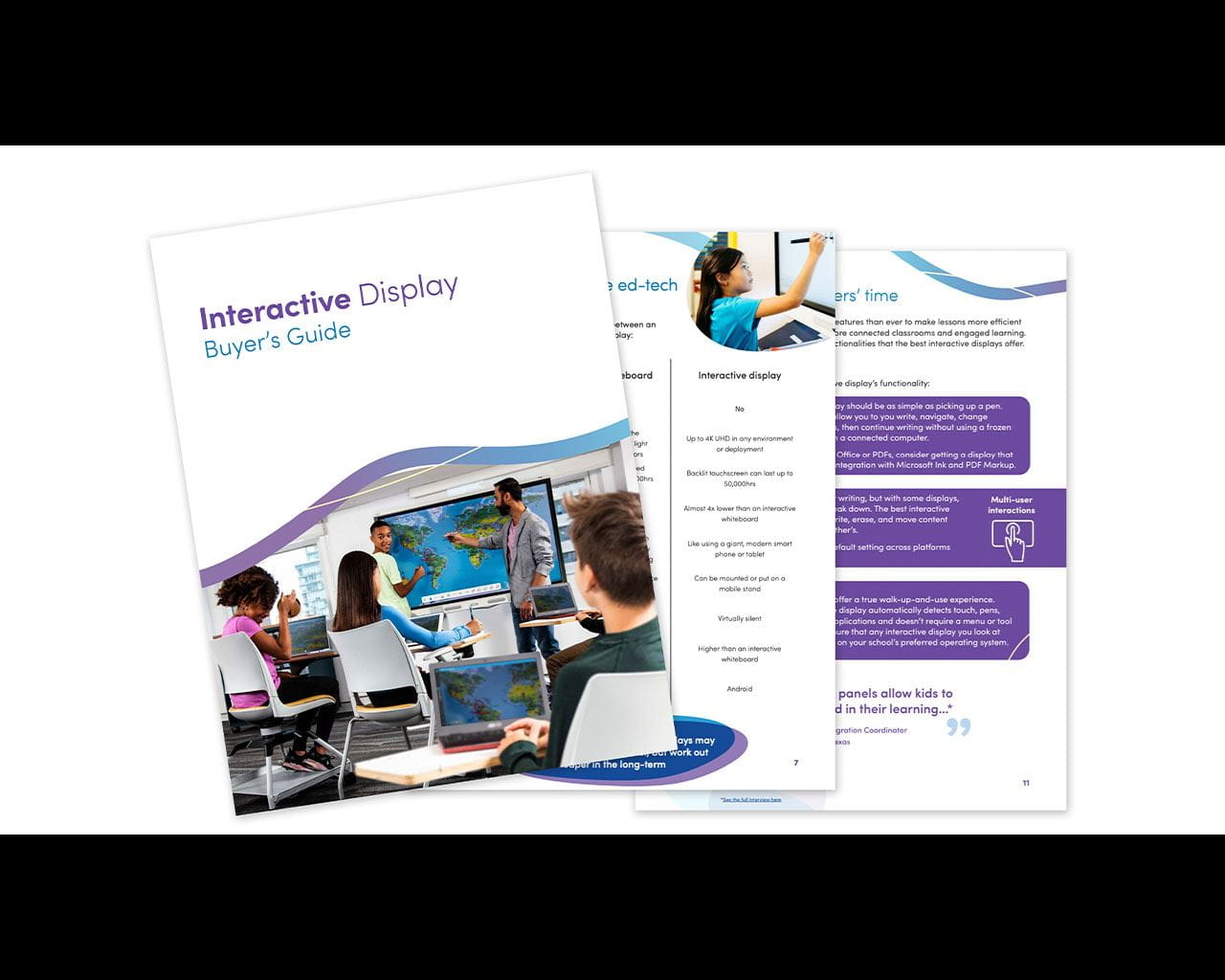
Have confidence in your decision
Everything you need to make the right purchase for your district
Specs, price, privacy and security, compatibility and usability are just a few of the components that tech buyers have to weigh as they advocate for their technology purchases.
In our Buyer’s Guide for interactive displays, we’ve made it easy to ensure you cover every base as you assess your display options.
Download the Buyer’s Guide
Considering other brands?
Low-quality displays may cost more than you think.
Bargain buys can result in hidden costs that are more than you bargained for. Make sure you know the true cost of a display before you purchase.
Download our whitepaper so you can be sure you’re getting the best bang for your buck.
Download the whitepaperSMART is here to win with you
When you choose to sell SMART products, you’re backed by a highly-rated brand, world-class support and education expertise.