dcsimg

Top technical tips for SMART Board interactive whiteboards

SMART hardware

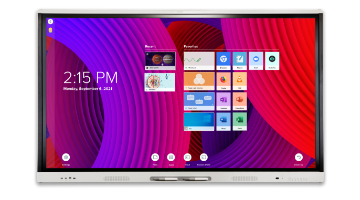
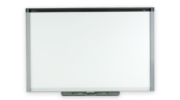
SMART Board interactive whiteboards

Operating systems

Windows operating system and Mac OS operating system software

Overview

This document links you with resources to help you get the most from your SMART Board interactive whiteboards.

Details

Find the topics that apply to you, and then see the linked documents below.

Topic Documents
Further information on your SMART Board interactive whiteboards
Troubleshooting your SMART Board interactive whiteboards

Maintaining your SMART Board interactive whiteboards

Other resources

If you didn’t find what you’re looking for, consider the following resources:

Other top technical tips documents

First published July 18, 2012


Get answers and information

Searching notebook docs - matte blue

Search our knowledge base – a library of over 1,500 technical documents.

Training and professional development

Training on site

Explore our training and professional development offerings

Contact support

Illustration of man wearing headset

Do you have questions about your SMART products? Our support team can help you get the answers you need.

       
SMART Technologies is a leading provider of technology solutions that enable inspired collaboration in schools and workplaces around the world by turning group work into a highly interactive, engaging and productive experience. SMART delivers an integrated solution of hardware, software and services designed for superior performance and ease of use, and remains a world leader in interactive displays.
©2013 SMART Technologies All rights reserved | Legal
This site uses cookies to improve the experience of our visitors. By continuing to browse this site,
you are agreeing to our use of cookies. Find out more.