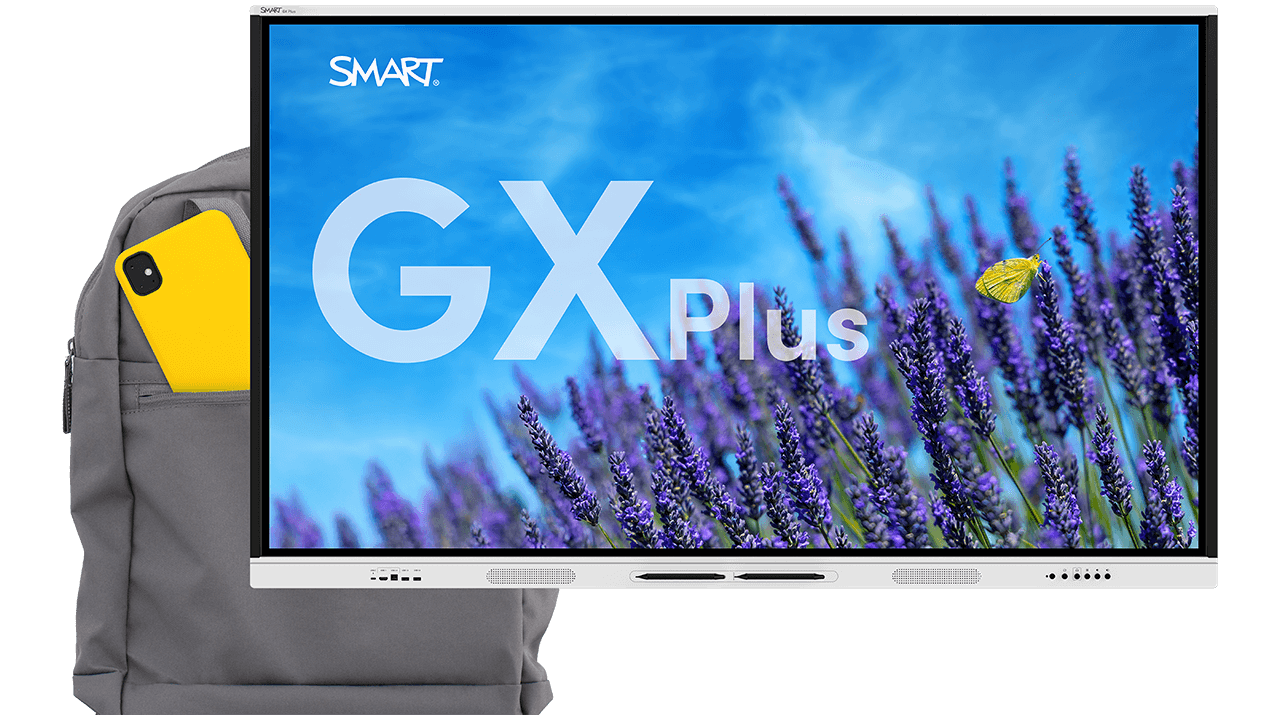
Powerful interactivity at a price you’ll love
Deliver embedded Android computing, EDLA-licensed Google and Microsoft integrations, SMART Ink annotation, and essential teaching tools for everything teachers need, at a price that will surprise you.
Book a demo See the GX Plus in actionUnlock the power of SMART in your classroom



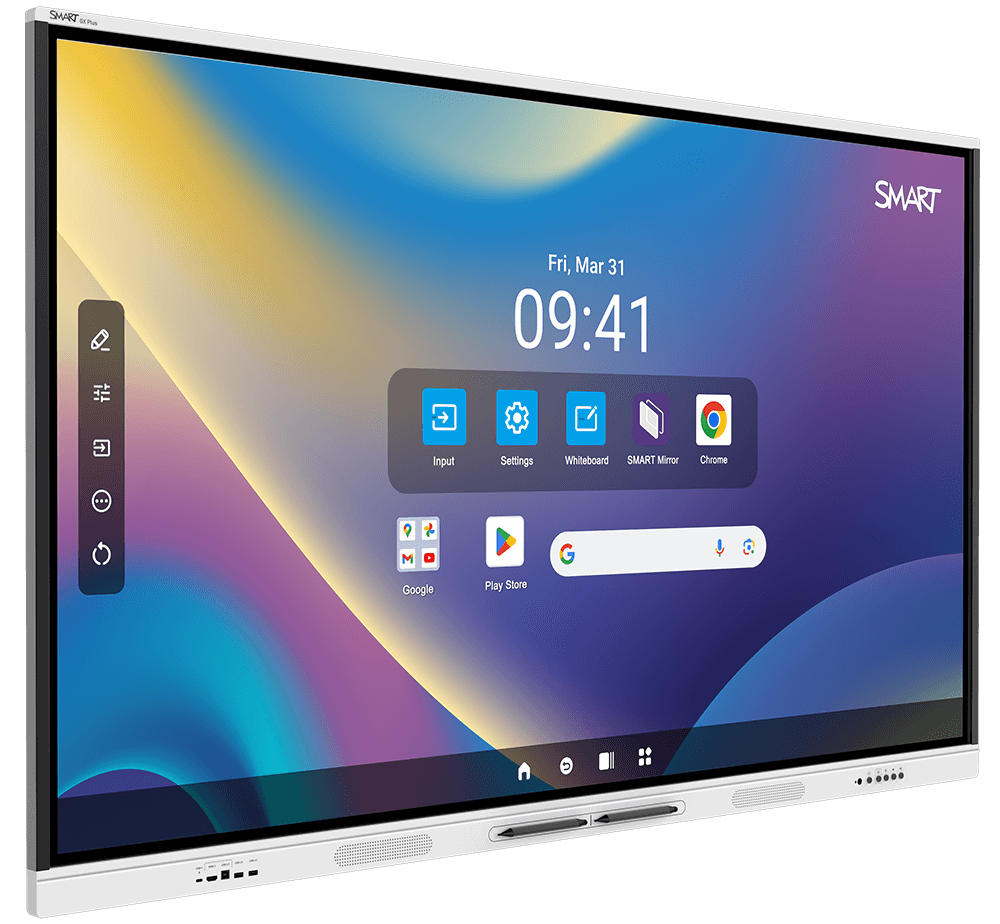



Bring reliable interactivity to your classroom
Touch designed for learning
With up to 50 points of interaction, teachers and students can interact and collaborate with ease. Object awareness™ means pens write, fingers move, and palms erase, so teachers can focus on teachable moments with no technology distractions.
Request a quoteSee how SMART compares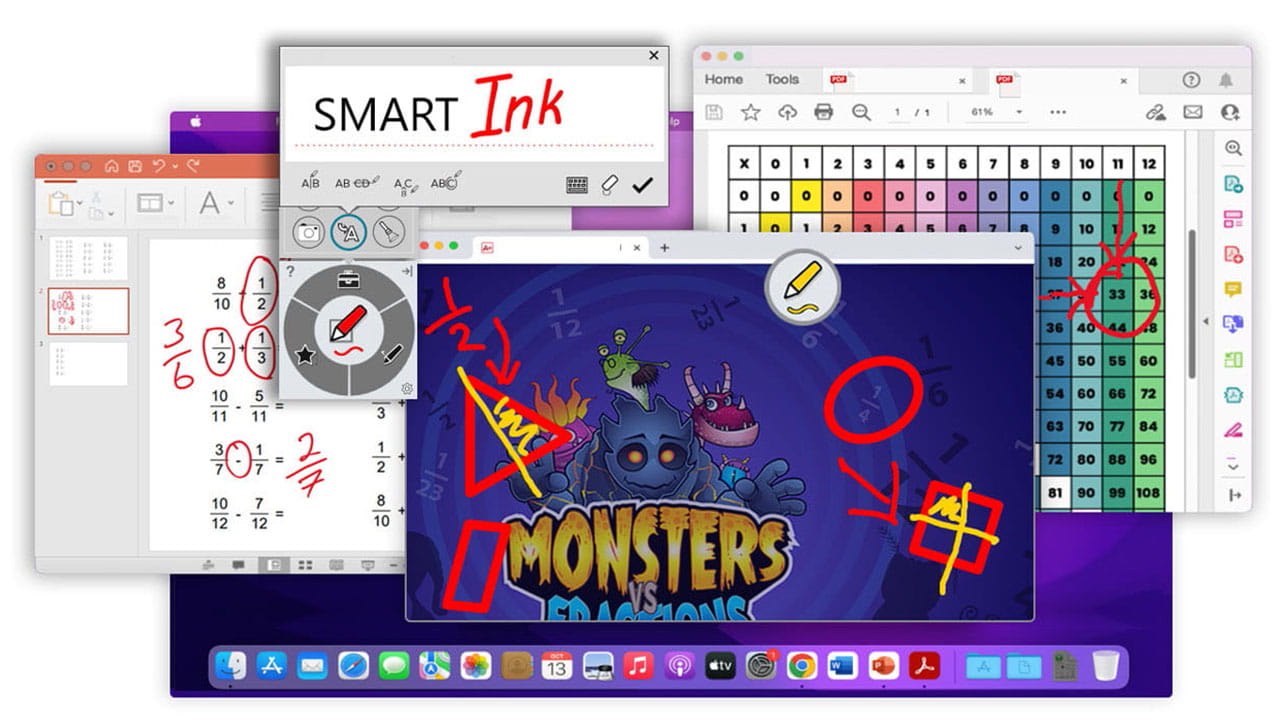
SMART Ink
Flexibly annotate over everything
SMART’s best-in-class persistent ink tools for Windows and Mac easily add digital ink and presentation tools to the files and applications your teachers already know and use. Only SMART Ink provides multi-window support, so your annotations stay where you want them.
Compare SMART Ink vs the competition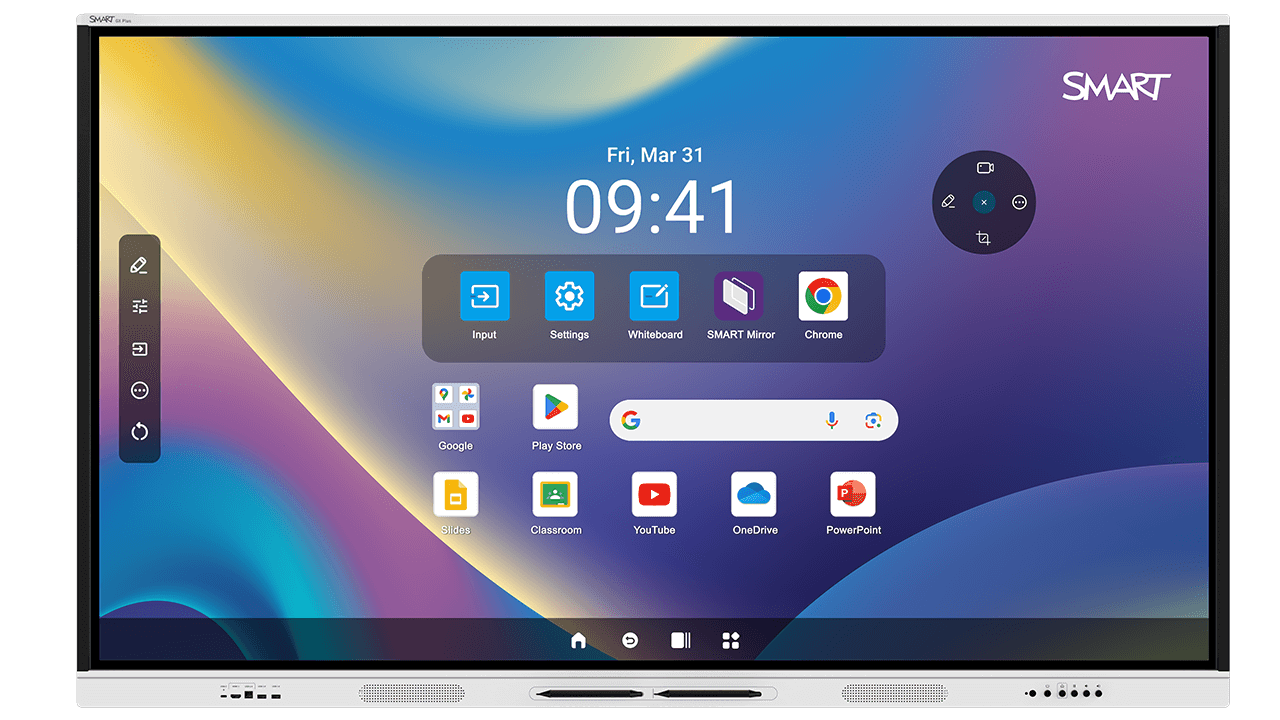
Embedded Android computing, EDLA licensed
No computer needed
Walk up and teach. Browse the web and use the whiteboard, apps, and widgets to increase student engagement. Enjoy powerful interoperability for Google for Education, Microsoft Office 365 apps, and all the other Android apps and education resources teachers know and love. All on an embedded platform with the power and security of Android.
Looking for a modular solution?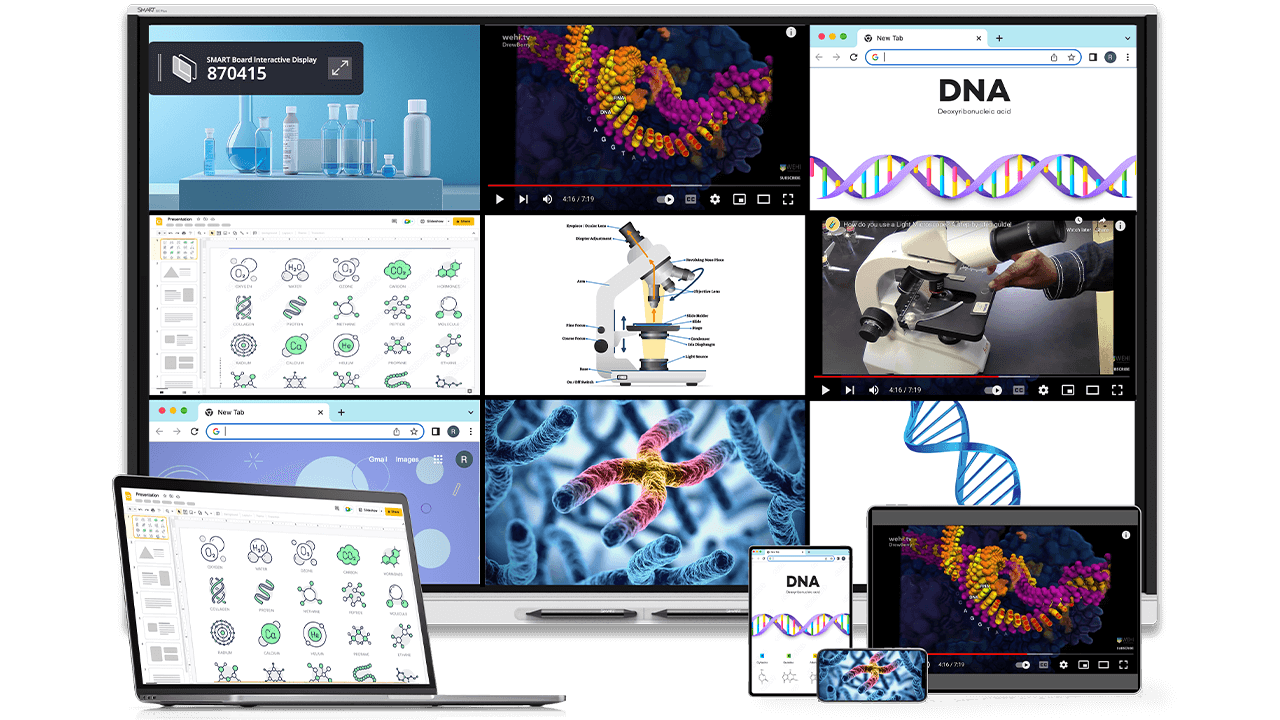
SMART Mirror screen share
Integrate student devices with ease
Let students share ideas and classwork from connected student devices. Teachers can guide learning with touchback to Windows and Mac computers.
Learn about SMART Mirror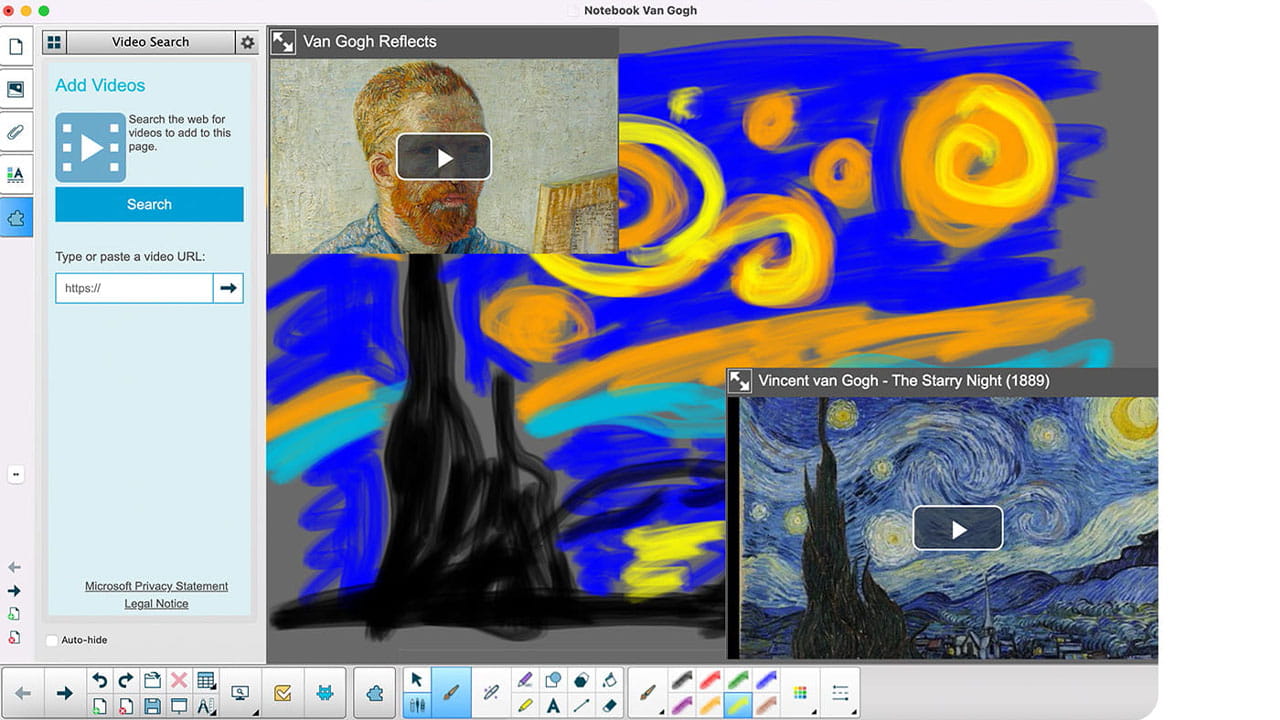
Free with your SMART Board
SMART Notebook
Award-winning desktop software for creating engaging learning experiences with your SMART Board – no subscription required. With SMART Notebook®, delivering exciting, engaging lessons has never been easier.
Discover SMART Notebook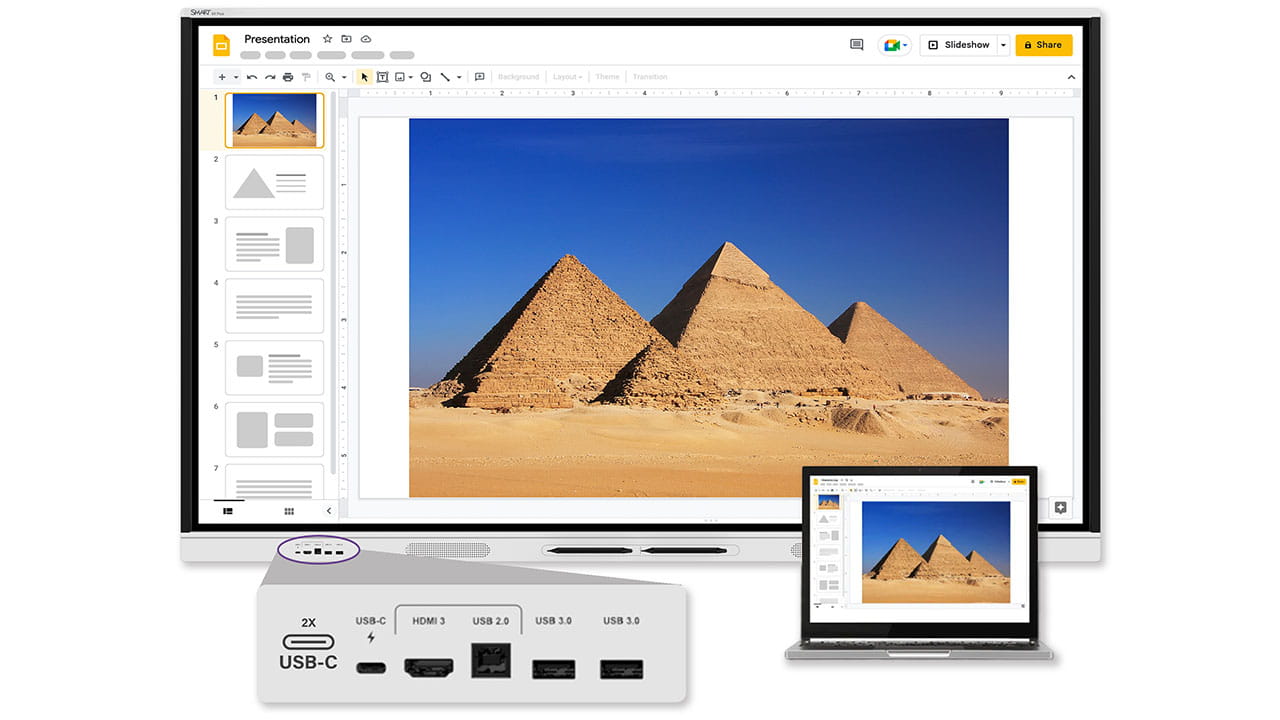
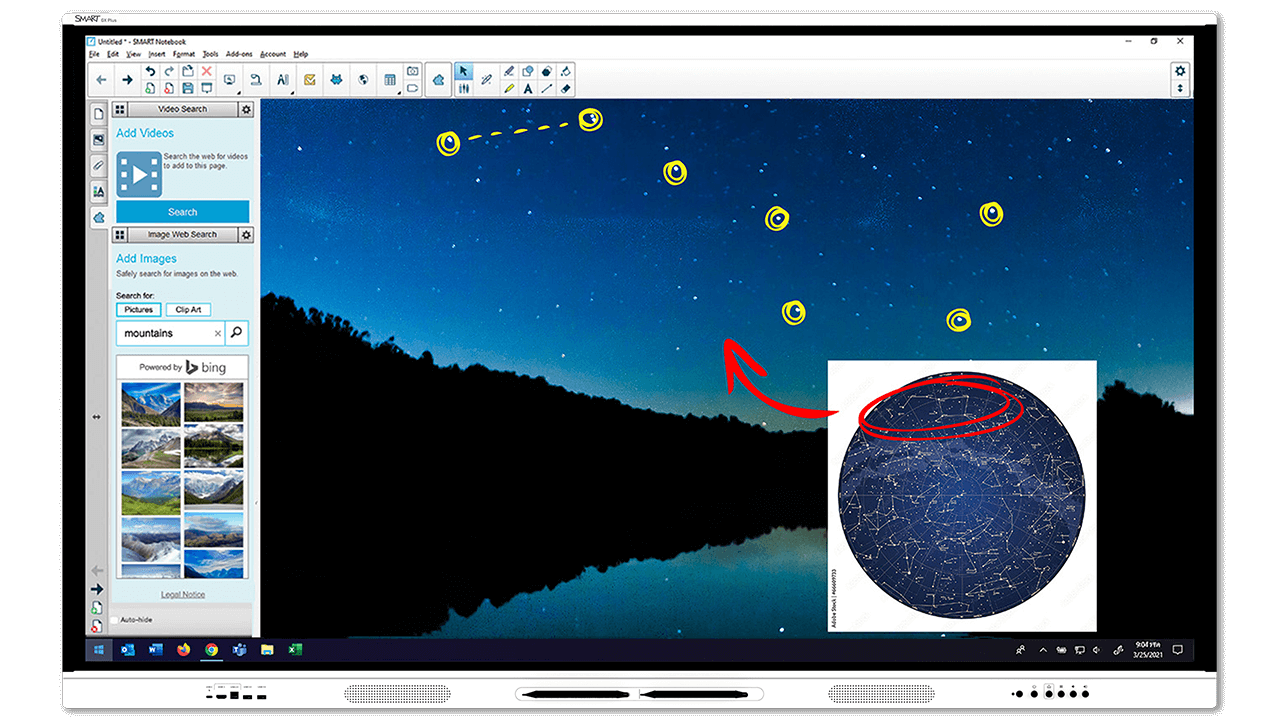
BYOD device support with USB-C
Works with your preferred platform
Windows, Mac, Chrome, and more: interoperability with leading operating systems and front-facing connection ports make it easy for students and teachers to connect, interact, and share.
USB-C supports easy video, touch, and audio connectivity with only one cord.
Use SMART Ink with Windows & Mac, or write over any other input and capture your work with the built-in Android ink overlay app.
Essential teaching tools


Your established technology partner
Supporting your implementation
Minimise downtime and avoid additional costs. SMART GX Plus includes SMART's standard warranty, providing reliable warranty and support benefits. Includes:
- Real-time technical support
- Customer support teams around the globe
- Advanced replacement with 2-way shipping
SMART Remote Management software, SMART Assure, and extended warranty also available – up to 7 years – for the ultimate warranty coverage.
Book a demo
Free resource library for teachers
Lumio's FREE plan gives teachers access to thousands of games, activities, and teacher-created lesson plans. Combine the physical interactivity of a SMART display with the lesson delivery capabilities of Lumio® to create the perfect learning environment.
Sign up todayFeel confident about your EdTech investment
Adopt the GX Plus faster



Find the right fit for your classroom
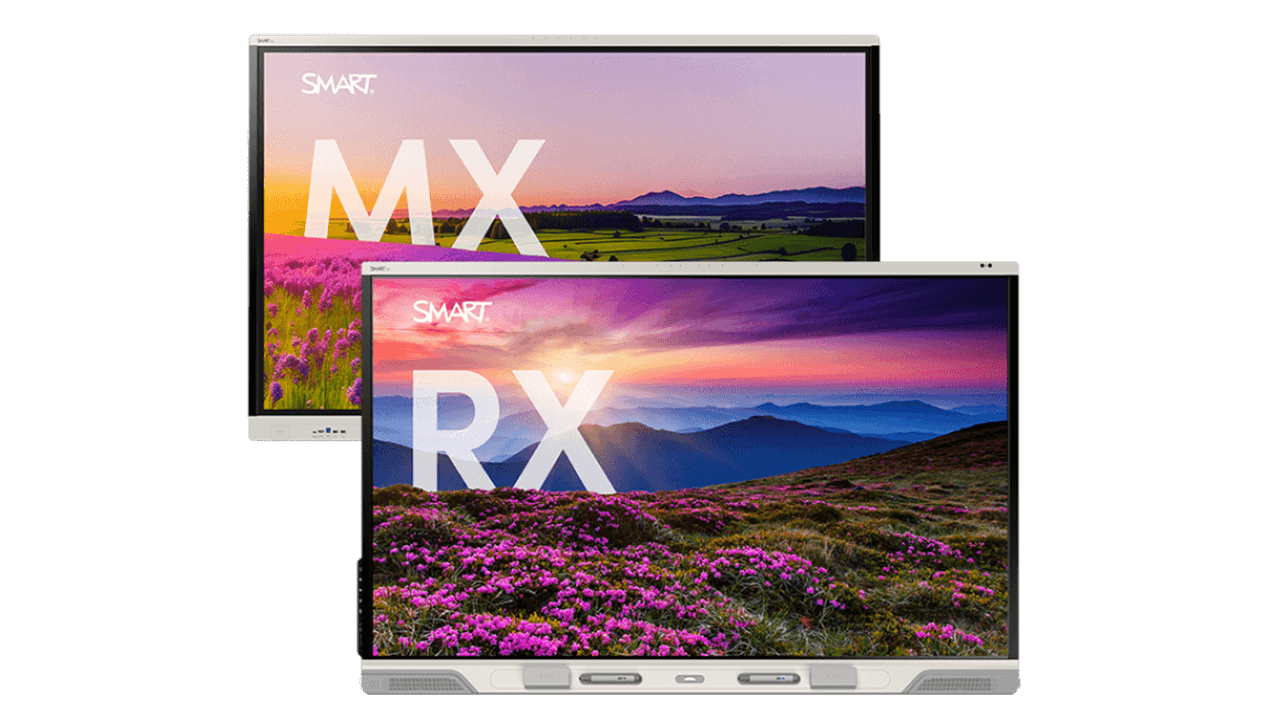
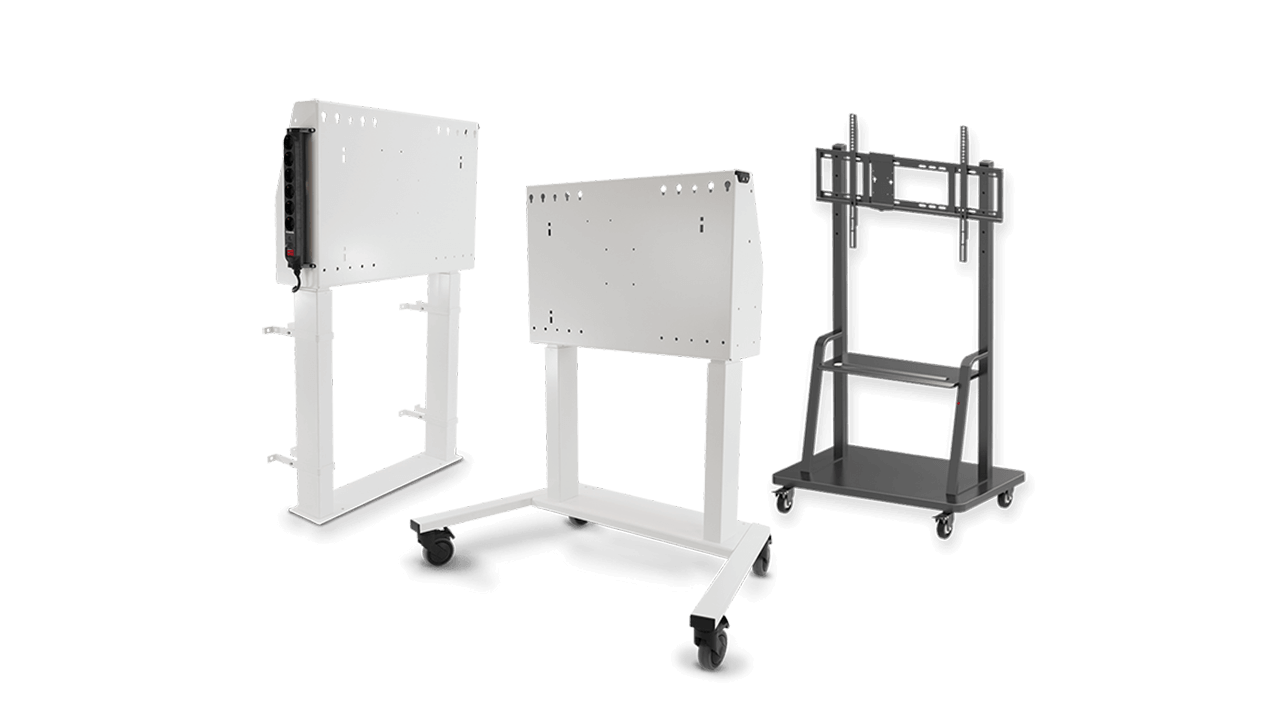

Find the perfect fit for your modern classroom.


