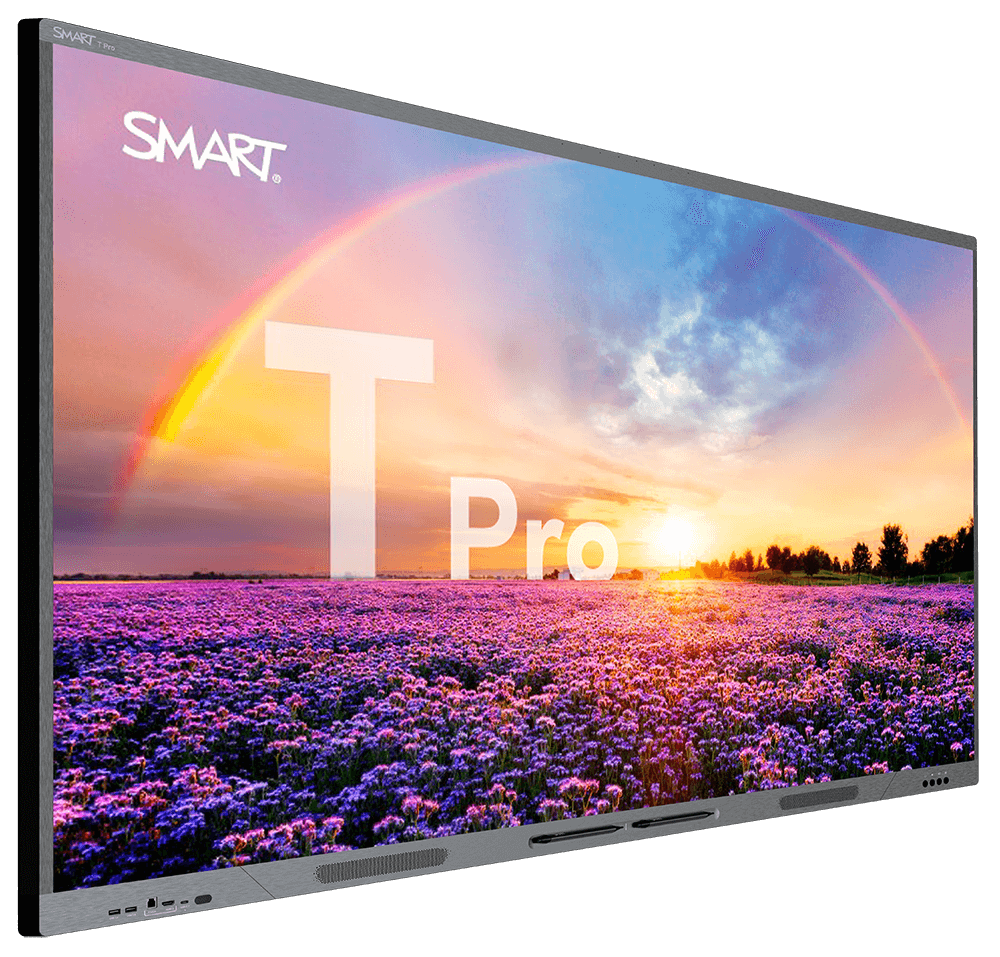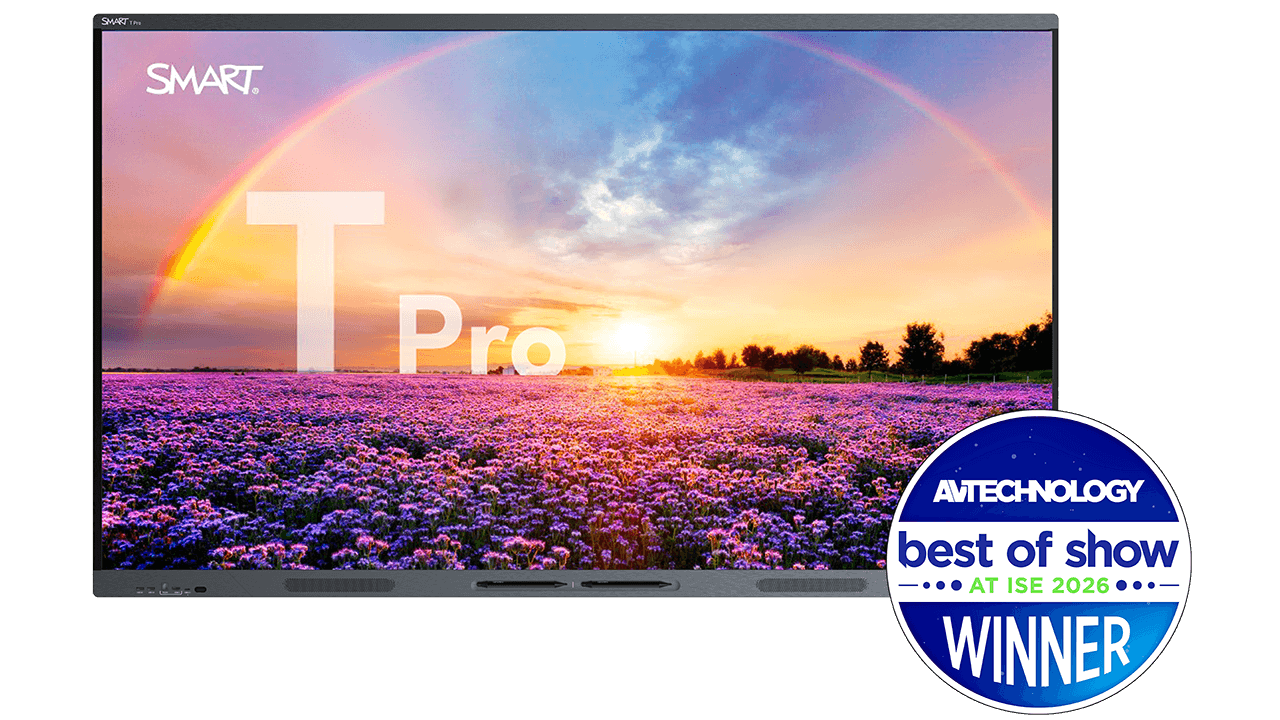
SMART Board T Pro series interactive display
Teach with the brilliance of QLED

SMART Board T Pro series QLED interactive display for classrooms

The SMART Board T Pro series brings QLED 4K visuals and Dolby Vision to the classroom. The only QLED interactive display on the market that enables users to write in multiple programs and switch between them without their ink disappearing.

Speak to an expert

Built for the modern teacher

The T Pro series is an interactive display for schools that’s purpose-built for any presentation or lesson offering flexible computing, an integrated mic-array, and 60W of audio output.


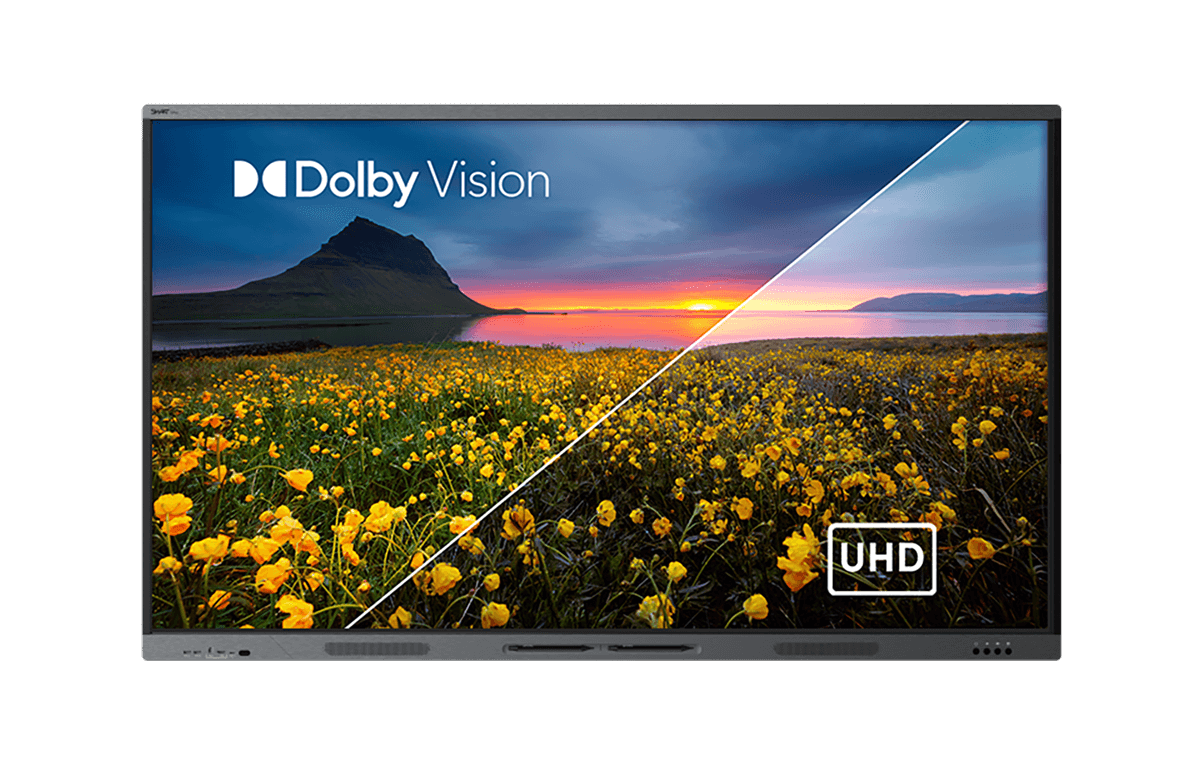
SMART Board T Pro series display showing the difference between Dolby and UHD

See the brilliance of your vision

No matter whether your students are at the front or back of the classroom, the T Pro series is guaranteed to make your vision clear thanks to incredible QLED display technology.

Deploying Dolby Vision in videos? The T Pro series supports your Dolby Vision coded content for dynamic frame-by-frame adjustments and an even richer color experience.

Teacher in a classroom performing fractions for a classroom on a T Pro series SMART Board

Teach in the way you know best

Walk up to the display and either connect a single USB-C cable to your laptop or use a SMART OPS PC module to work with the OS/IT system of your choice – SMART iQ, Windows, ChromeOS, or Android.
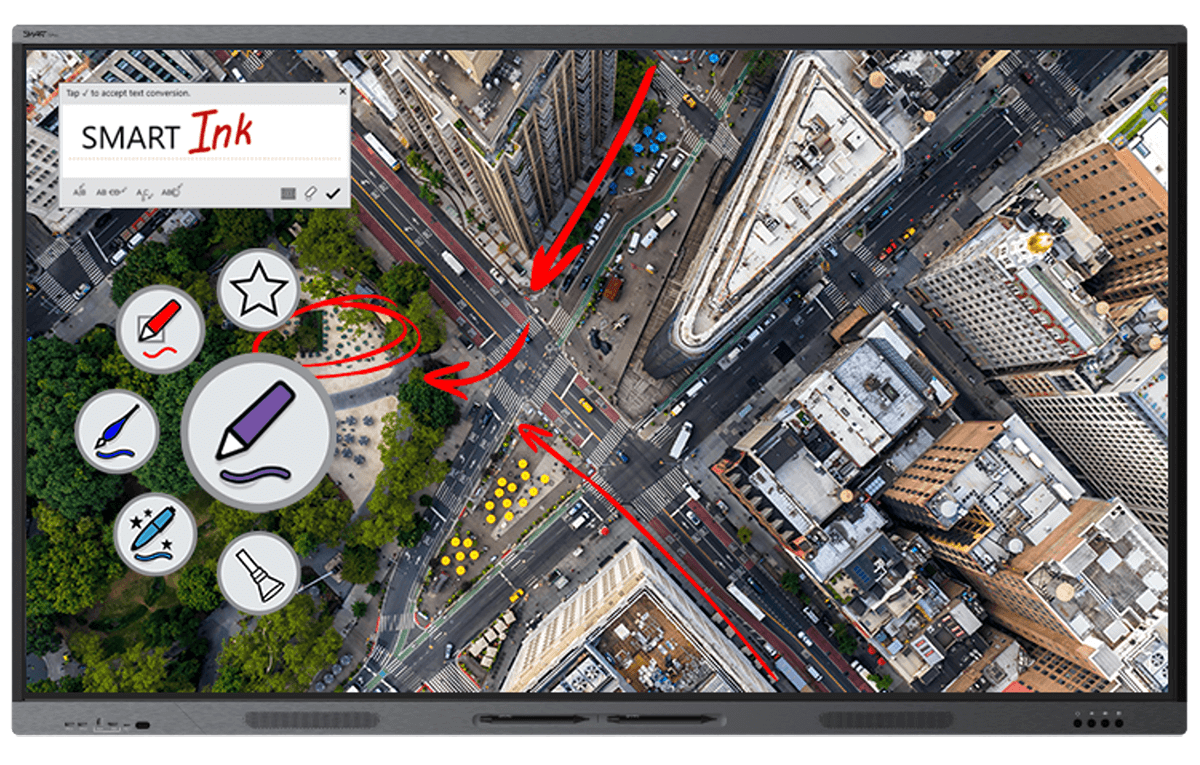
SMART Board T Pro series interactive display with SMART Ink

The best digital ink

SMART Board displays enable users to pick up a pen, add their notes, then save their annotations in the native file format (Microsoft Office files and PDFs).

Multiple students collaborating at the same time? SMART is also the only interactive display provider that truly allows multiple users to write, erase, and interact with objects at the same time without interference.

Complete your solution

SMART AM60 appliance

The latest SMART embedded computing, EDLA-licensed by Google, at a value that can’t be beat.

SMART Chromebox

Provide an easy gateway into a Google ChromeOS environment.

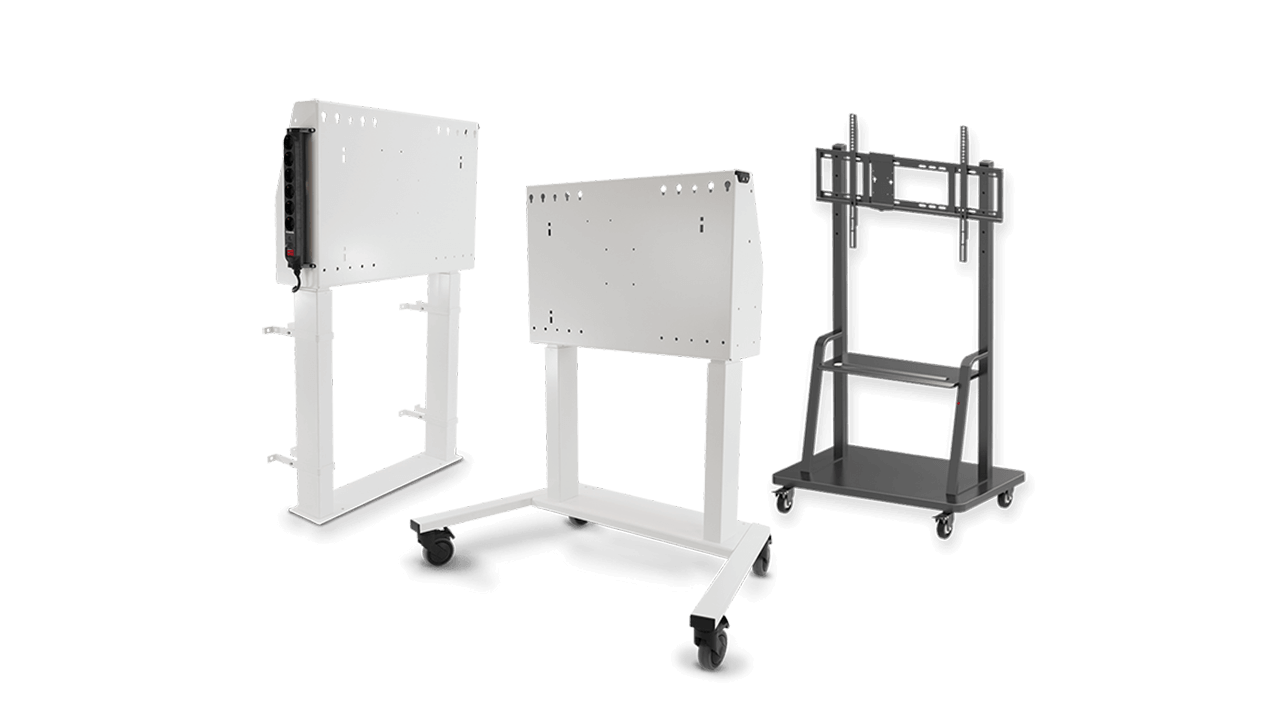
Stands and Wall Mounts

Height-adjustable, app-controlled stands.

SMART Board T Pro series interactive display showing a collage of photos

Supporting your implementation

We are committed to supporting our customers in every step of their SMART journey:

  • SMART’s equipment warranty gives you ultimate peace of mind, with warranty extension options for up to 7 years (region dependent)
  • 24/7 technical support with teams around the globe
  • Advanced replacement and two-way shipping services
  • In-depth Support Site and professional training for FREE

Find the perfect fit for your modern classroom.

Which display is right for your classroom?

Check out the SMART Board Selector and get a personalized recommendation for your ideal display.

Make the most informed decision.

Download our Interactive Displays Buyer’s Guide for a comprehensive guide to choosing the right display.

See our displays in action.

Experience the ease of use and industry-leading interactivity with a personalized demo by one of our experts.

Frequently asked questions

  • Can my class use different tools on the SMART Board T Pro at the same time?
    Yes. The SMART Board, including T Pro series, is the only interactive displays with Simultaneous Tool Differentiation, allowing one student to erase while another writes or moves an object, without the display confusing the inputs, something competing displays can't do.
  • What is QLED on the SMART Board T Pro?
    QLED on the SMART Board T Pro is a quantum dot display technology that delivers a wider, more accurate color range and increased brightness compared to standard LED displays, making lessons easier to see from anywhere in the room.
  • Can SMART Ink on the T Pro save annotations directly into Office files and PDFs?
    Yes. SMART Ink on the SMART Board T Pro writes directly into the native Microsoft Office or PDF file. Unlike overlay-based annotation tools, there's no proprietary file conversion and no risk of losing notes when the file is reopened elsewhere.
  • Does the SMART Board T Pro support Dolby Vision?
    Yes. The SMART Board T Pro supports Dolby Vision, dynamically optimizing brightness and color frame-by-frame for sharper, more accurate lesson content and video in the classroom.
  • Can I choose my own operating system on the SMART Board T Pro?
    Yes. The SMART Board T Pro supports SMART OPS computing modules, letting IT teams choose Windows, ChromeOS, or Android to match their existing school technology environment. You can also connect your own computer to the T Pro and keep working in the OS you’re familiar with.
  • What support is included with the SMART Board T Pro?
    Every SMART Board T Pro purchase includes warranty options up to 7 years, 24/7 global technical support, and advanced replacement shipping.
  • Does the SMART Board T Pro support room control systems?
    Yes. The SMART Board T Pro includes HDMI-CEC, RS-232, and TCP/IP command support, making it easy for school IT administrators to integrate it into existing room control systems.