Microsoft Teams and SMART interactive displays for government
Combine the real-time collaboration capabilities of SMART interactive displays with the organizational infrastructure of Microsoft Teams, supporting hybrid government meetings, departmental coordination, and distributed team communication across agencies, facilities, and operational environments.
Book a demo Watch Teams integration in actionConnect and empower government teams wherever they are
SMART interactive displays integrate seamlessly with Microsoft Teams, enabling government teams to collaborate visually, communicate clearly, and coordinate effectively, whether participants are in the room, at a remote facility, or joining from the field.
Why Microsoft Teams with SMART interactive displays?
-
Hybrid government meetings that keep every participant engaged
Whether in-person or remote, government team members can share screens and collaborate on shared whiteboards within a Microsoft Teams meeting, keeping distributed departments, agencies, and field teams aligned without requiring everyone in the same room.
-
Works with certified Microsoft Teams devices
SMART interactive displays work with certified Microsoft Teams room cameras, microphones, and speakers, so government facilities can integrate SMART displays into existing Teams room setups without replacing peripheral equipment or reconfiguring established AV infrastructure.
-
Annotate directly across Microsoft Teams sessions
SMART Ink software, included with all SMART interactive displays, enables government teams to annotate directly into Microsoft Teams sessions, writing across Microsoft 365 tools, applications, browsers, and connected video sources without freezing the screen or interrupting active workflows. Annotations embed into original file formats, keeping documentation accurate and accessible after the session ends.
-
Visual clarity for government briefings and coordination
4K UHD resolution combined with up to 40 points of touch provides a sharp, high-visibility display experience for in-room government participants, ensuring maps, operational data, documents, and briefing materials are clear and legible across any room size. Remote participants engage with the same content in real time, keeping distributed teams fully aligned throughout active sessions.
One-touch access to Microsoft Teams with SMART TeamWorks
SMART TeamWorks provides one-touch access to Microsoft Teams and other conferencing platforms directly from the display's home screen, so government teams launch sessions, share content, and manage meetings without navigating between applications or managing separate platform interfaces. All from a single, consistent interface regardless of which platform a session runs on.
Discover SMART TeamWorksExplore our lineup of SMART interactive displays
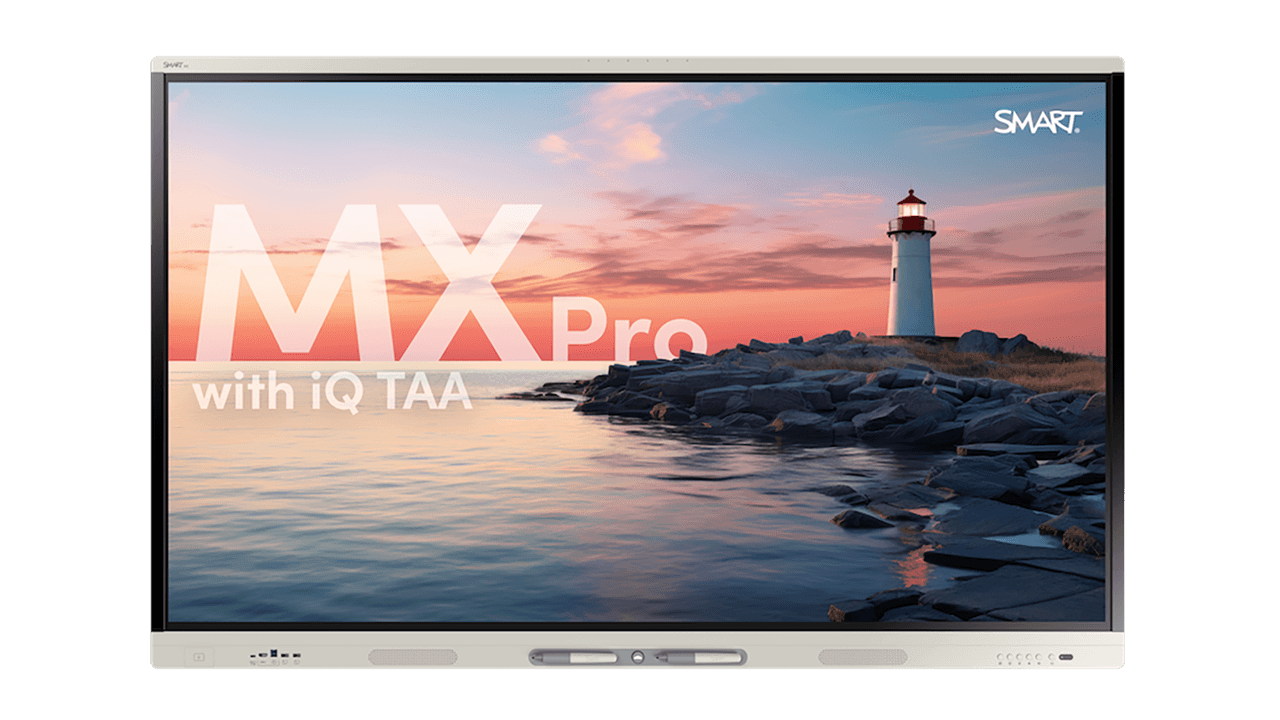
MX Pro series with iQ TAA
Equip your team with a TAA-compliant interactive display with built-in collaboration tools.
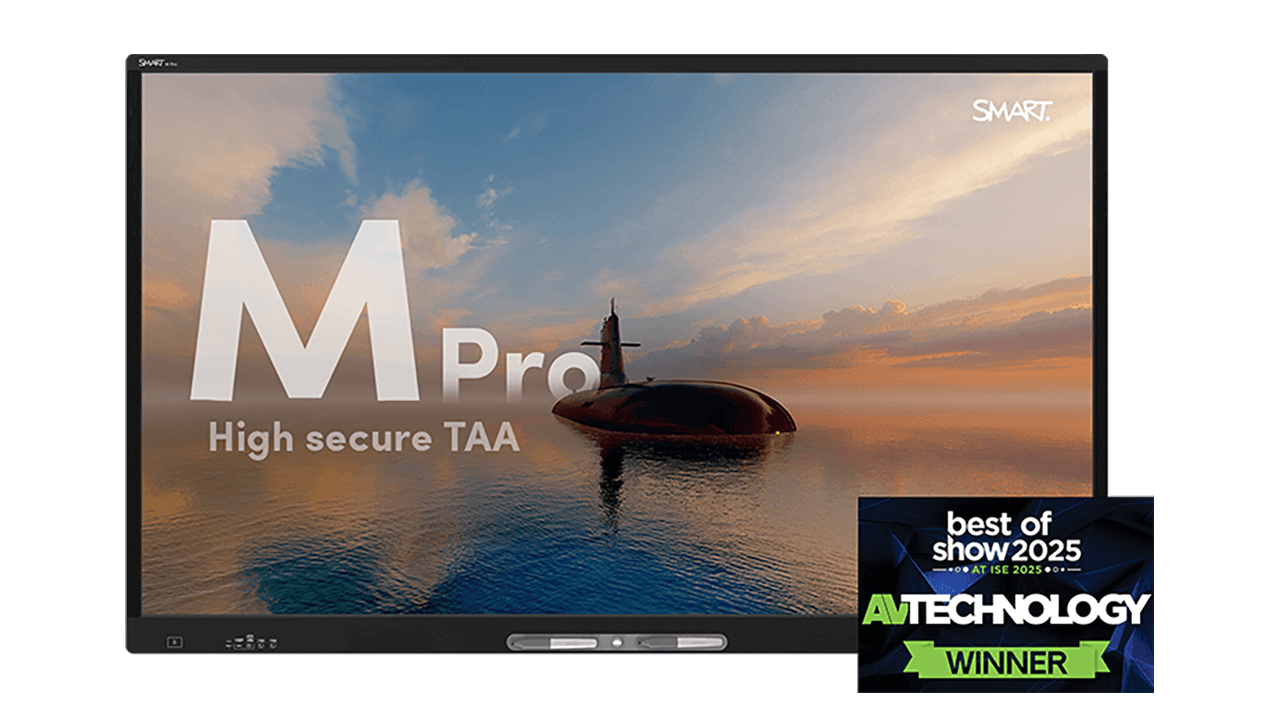
M Pro high secure series TAA
Level-up mission critical training with a TAA-compliant interactive display that prioritizes privacy.
Equip your team with solutions for the moments that matter
A solution for every workplace.
Download our brochure to see how a SMART display can revitalize your workspace, meetings, and training.
Find your perfect fit.
Choose the SMART display that checks every box? Connect with an experienced SMART guide for a quote tailored to your needs.
See our displays in action.
Make meetings meaningful. Experience dynamic collaboration with a personalized demo led by a SMART expert.