
Lumio : des outils pédagogiques interactifs pour stimuler la participation des élèves
Faites participer chaque élève sur n'importe quel appareil. Les outils pédagogiques de Lumio aident les enseignants à créer des leçons interactives et à les dispenser depuis n'importe quel écran ou tableau connecté.
S'inscrire GRATUITEMENT Définition de Lumio
Accès à toutes les fonctionnalités de série, y compris l'Assistance IA

Aucune carte de crédit n'est requise

100 Mo de stockage de leçons
Offrez à vos élèves une expérience interactive remplie d'activités, de jeux, d'espaces de travail en groupe, d'évaluations formatives et bien plus encore, le tout depuis un seul espace.

Retrouvez du temps dans votre journée grâce à l'assistance AI de Lumio : générez du matériel pédagogique interactif de haute qualité à l'aide d'une simple commande - maintenant avec la génération complète de leçons !

Segmentez, diffusez et révisez les leçons pour différentes classes et différents groupes, en direct ou de manière asynchrone.

Modifiez et transformez les diapositives et les documents existants en apprentissage actif

Recueillez et enregistrez les progrès des élèves et apportez un retour d'information individualisé
Tirez le meilleur parti de chaque leçon avec Lumio

Rendez chaque leçon plus stimulante
Générez instantanément des activités et des quiz pour vos leçons existantes afin d’accroître l’engagement.

Gagnez du temps dans la préparation des leçons
Transformez des idées en leçons complètes en quelques minutes, et gagnez plus de temps pour l'enseignement.

Suivez les apprentissages en temps réel
Obtenez des mises à jour en temps réel pour comprendre l’apprentissage des élèves et identifier les besoins d’assistance.

J'aime pouvoir importer mes propres ressources et ajouter un peu de piment Lumio pour rendre les leçons collaboratives, amusantes et recueillir un retour d'information précieux.

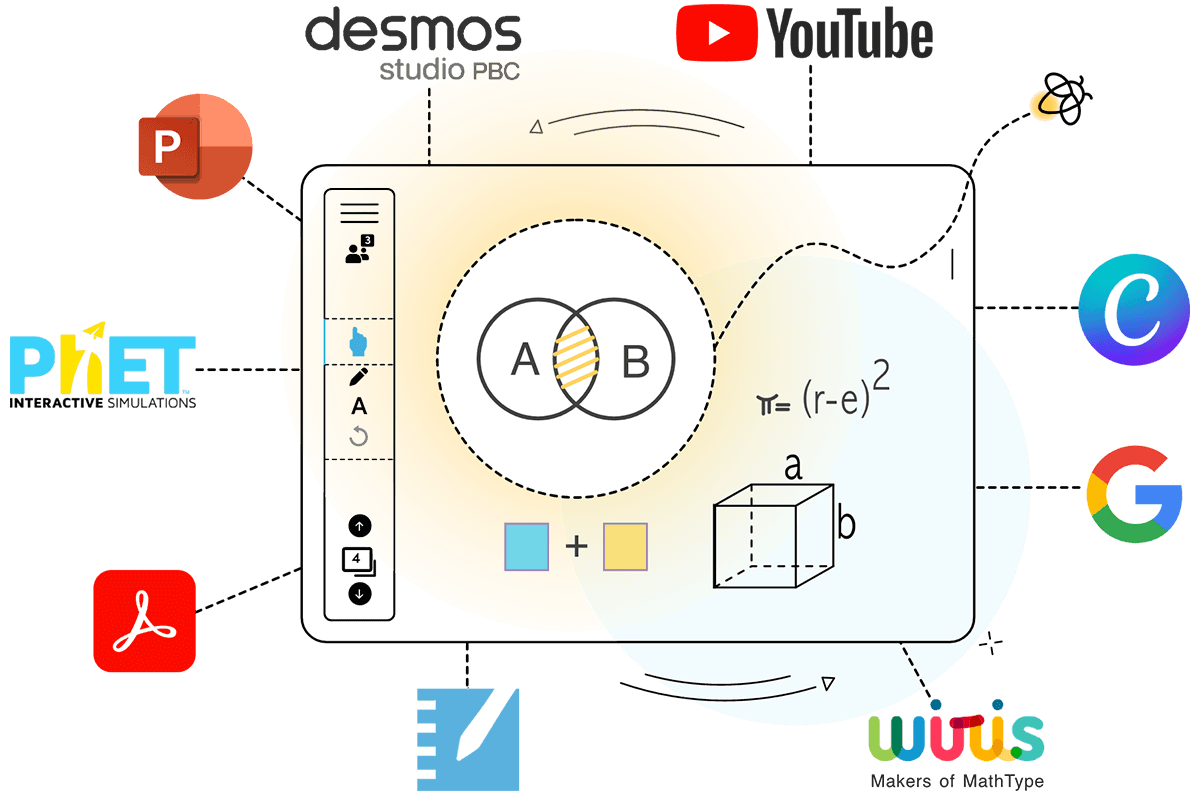
De Canva à Slides, de Desmos à YouTube, Lumio fonctionne avec les outils technologiques que vous utilisez déjà.
Découvrir les intégrations d'outils
Spécialement conçu pour améliorer les résultats des élèves, Lumio n'est pas seulement amusant, il est efficace !
Découvrez les méthodes d'apprentissage fondées sur des données probantes et les recherches empiriques qui guident le développement des produits Lumio.

Améliorez l'attention et la concentration

Favorisez des contrôles cohérents de la compréhension

Améliorez l'accessibilité pour tous les apprenants


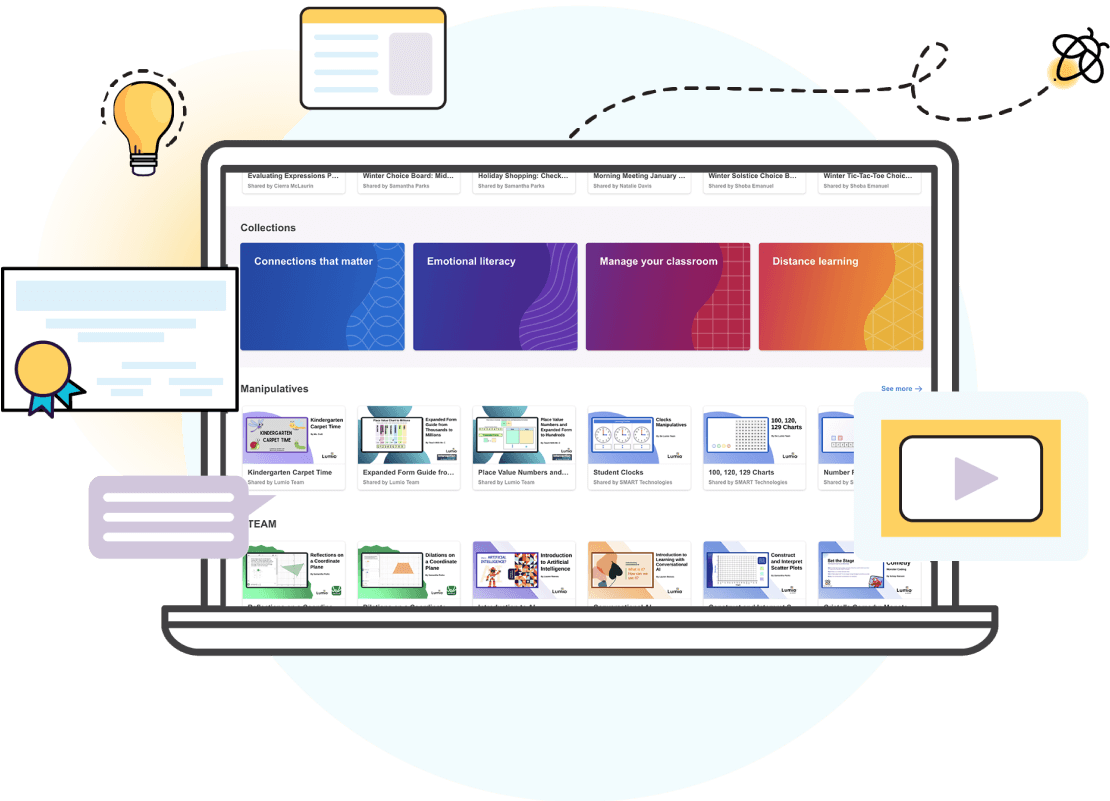
Passez moins de temps à planifier et plus de temps à vous connecter
- Des milliers de ressources GRATUITES prêtes à l'emploi et de contenus de cours créés par des enseignants pour des enseignants
- Jeux personnalisables, organisateurs graphiques, éléments à manipuler numériques et quiz pour les élèves de la maternelle au lycée.
- Une bibliothèque croissante de ressources élaborées en partenariat avec des marques que vous connaissez et appréciez
- L'Assistance IA facilite la création d'activités et de documents basés sur des quiz pour TOUS les enseignants.

Lumio est apprécié par plus de 1,3 millions d'enseignants dans le monde entier. Ils lui font confiance.

Pourquoi les établissements et les académies aiment Lumio ?
- Pour rendre tous les appareils de vos élèves, y compris les Chromebooks et les tablettes, encore plus interactifs
- Pour s'intègrer aux plateformes existantes
- Pour un déploiement simple et fluide
- Pour une confidentialité et une sécurité exceptionnelles ; conformité au RGPD, à la COPPA et à la FERPA
- Le tout à un prix nettement inférieur à celui des options comparables
Avec Lumio, nous pouvons nous appuyer sur l'objectif de notre académie, qui est de placer les élèves au premier plan de l'éducation. Et c'est bien normal.
Prix
Qu'il s'agisse d'un abonnement individuel ou d'un abonnement à l'échelle d'un établissement, il existe un forfait qui répond à vos besoins. Et ce, à un prix nettement inférieur à celui d'options comparables !


Donnez vie à l'apprentissage de manière active et collaborative et vous verrez les visages de vos élèves s'illuminer !
Enseignants, obtenez Lumio GRATUITEMENT.

Réalisez des économies et simplifiez votre approche technologique grâce à une plateforme qui permet aux enseignants de tout faire.
Administrateurs, offrez Lumio à votre école ou à votre académie.
foire aux questions
-
Ai-je besoin d'un SMART Board® pour utiliser Lumio ?Non ! Lumio peut être utilisé dans n'importe quel navigateur sur n'importe quel appareil, indépendamment d'un SMART Board.
-
Lumio est-il gratuit ?
Oui ! Lumio propose une offre gratuite qui permet aux enseignants d'accéder à la création de leçons, à des activités basées sur des quiz et à 100 Mo d'espace de stockage.
Pour une expérience Lumio complète, les utilisateurs peuvent souscrire à l'offre Standard ou Spark pour bénéficier d'un stockage illimité, d'un accès complet aux fonctionnalités d'IA, et bien plus encore !
-
Lumio nécessite-t-il le téléchargement d'un logiciel ?
Non ! Lumio peut être utilisé sur le navigateur sans téléchargement de logiciel.
Les utilisateurs à la recherche d'une expérience intégrée peuvent télécharger l'application gratuite du navigateur ou utiliser l'application Lumio sur certains écrans interactifs SMART Board.
-
Comment les élèves s'inscrivent-ils aux leçons de Lumio ?
Les élèves peuvent se joindre à une leçon de Lumio de plusieurs façons :
- Accédez à la page d'inscription de Lumio et entrez le code unique de la classe de l'enseignant
- Scannez le code QR de la leçon qui apparaît sur l'écran de la préleçon
- Partagez le lien unique de la leçon avec la classe
-
Puis-je importer mes fichiers existants dans Lumio ?Oui ! Vous pouvez importer et modifier des fichiers PDF, Google Slides, PPT et SMART Notebook dans les leçons Lumio. Lors de l'édition d'une leçon, vous pouvez insérer des images PNG et JPG.
-
Puis-je revenir sur le travail des élèves après la session ?Oui ! La fonctionnalité de sessions de classe de Lumio permet aux enseignants de revoir le travail des élèves pendant et après une leçon Lumio.
-
Lumio fonctionne-t-il uniquement en diffusion en direct ou peut-il aussi être utilisé de manière autonome ?Les deux ! Lumio est conçu pour permettre aux enseignants de dispenser des cours attrayants en direct et peut également être utilisé comme plateforme pour assigner des travaux individuels aux élèves.
-
À quels niveaux scolaires Lumio convient-il ?Lumio convient à tous les niveaux d'enseignement, de la maternelle à la terminale, à l'enseignement supérieur et même au développement professionnel.