
Lumio: विद्यार्थियों की सहभागिता बढ़ाने के लिए इंटरैक्टिव टीचिंग टूल्स
हर विद्यार्थी को किसी भी डिवाइस पर शामिल करें। Lumio के टीचिंग टूल्स शिक्षकों को इंटरैक्टिव लेसन बनाने और उन्हें किसी भी स्क्रीन या स्मार्ट बोर्ड से पढ़ाने में मदद करते हैं।
मुफ़्त में साइन अप करें Lumio क्या है?
एआई असिस्ट सहित सभी मानक सुविधाओं तक पहुंच

किसी क्रेडिट कार्ड की आवश्यकता नहीं

100MB का लेसन स्टोरेज
अपने स्टूडेंट को एक ही जगह पर इंटरैक्टिव अनुभव दें, जिसमें गतिविधियां, गेम, ग्रुप वर्कस्पेस, रचनात्मक असेसमेंट वगैरह शामिल हैं।

Lumio के एआई असिस्ट से अपना कीमती समय बचाएं: केवल एक प्रॉम्प्ट के साथ पढ़ाने के लिए अच्छी क्वालिटी का इंटरैक्टिव कॉन्टेंट तैयार करें – इससे पूरा लेसन जेनरेट किया जा सकता है!

अलग-अलग वर्गों और समूहों के लिए लेसन को सेगमेंट में बांटें, डिलीवर करें और उनकी समीक्षा करें – या तो लाइव या एसिंक्रोनस रूप से।

रियल टाइम में पढ़ाने के लिए, मौजूदा स्लाइड और हैंडआउट में बदलाव करें

स्टूडेंट की प्रोग्रेस इकट्ठा करके सेव करें और व्यक्तिगत फ़ीडबैक दें
Lumio के साथ हर लेसन के साथ और अधिक लाभ पाएं

हर लेसन में और अधिक सहभागिता लाएं
मौजूदा लेसन के लिए तुरंत गतिविधियां और क्विज़ बनाकर छात्रों की सहभागिता बढ़ाएं.

लेसन प्लानिंग में समय बचाएं
मिनटों में, विचारों को पूरे लेसन में बदलें और पढ़ाने के लिए ज़्यादा समय बचाएं.

रियल-टाइम में सीखने की प्रक्रिया को समझें
रीयल-टाइम अपडेट पाकर छात्रों की सीखने की प्रगति समझें और जानें कि किसे अतिरिक्त सहायता की ज़रूरत है.

मुझे अपनी खुद की सामग्रियों को इंपोर्ट करके, उसमें थोड़ा सा Lumio का तड़का लगाना बहुत पसंद है, ताकि लेसन को सहयोगात्मक, मज़ेदार, और ऐसा टूल बनाया जा सके जिसे मैं अहम फ़ीडबैक इकट्ठा करने के लिए इस्तेमाल कर सकूं।

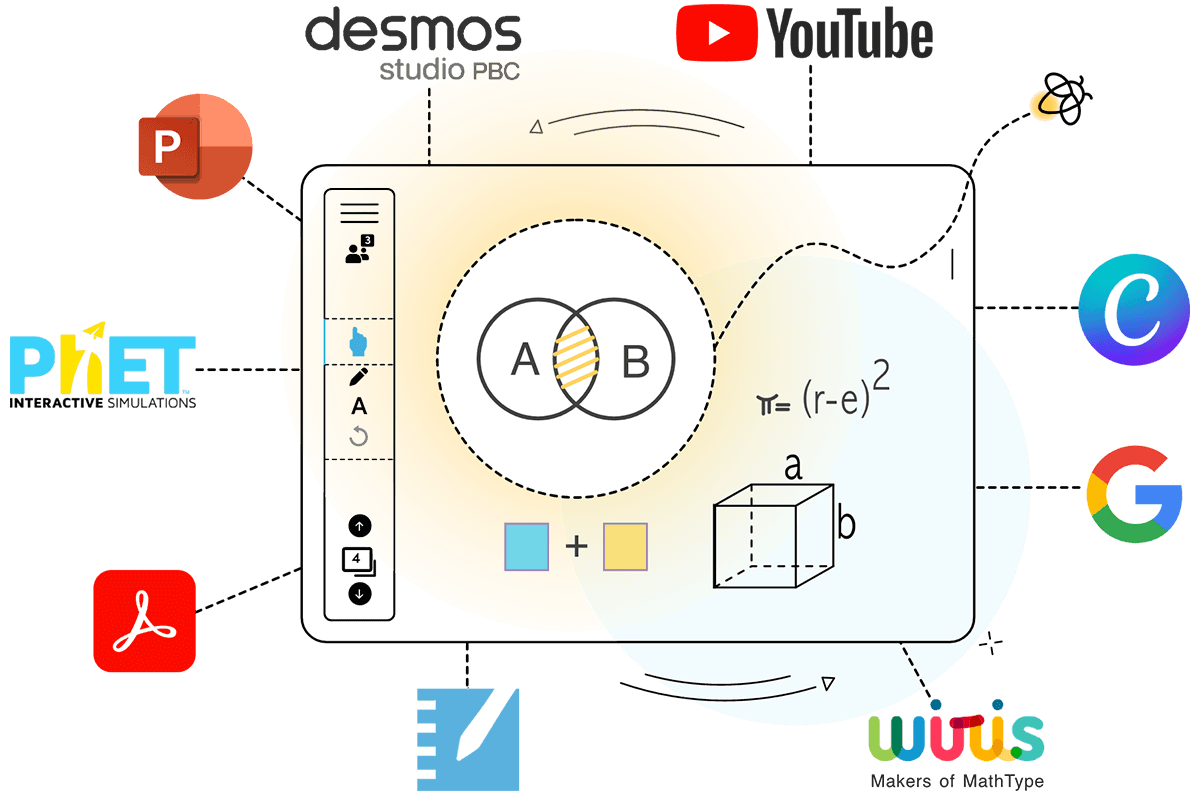
Canva से लेकर Slides तक, Desmos से लेकर YouTube तक, Lumio उन तकनीकी उपकरणों के साथ काम करता है जिन्हें आप पहले से ही उपयोग कर रहे हैं।
टूल इंटिग्रेशन के बारे में एक्सप्लोर करें
खास तौर से स्टूडेंट के परिणामों को बेहतर बनाने के लिए डिज़ाइन किया गया है – यह सिर्फ़ मज़े के लिए नहीं है, यह काम करता है!
पढ़ाने के लिए आज़माए जा चुके तरीके के पीछे का विज्ञान और फ़ैक्ट पर आधारित रिसर्च के बारे में जानें, जिससे Lumio के प्रॉडक्ट बनाने में मदद मिलती है।

ध्यान और फ़ोकस को बढ़ाता है

स्टूडेंट को समझ आ रहा है या नहीं, यह लगातार चेक करता रहता है

सभी स्टूडेंट के लिए एक्सेसिबिलिटी बढ़ाना


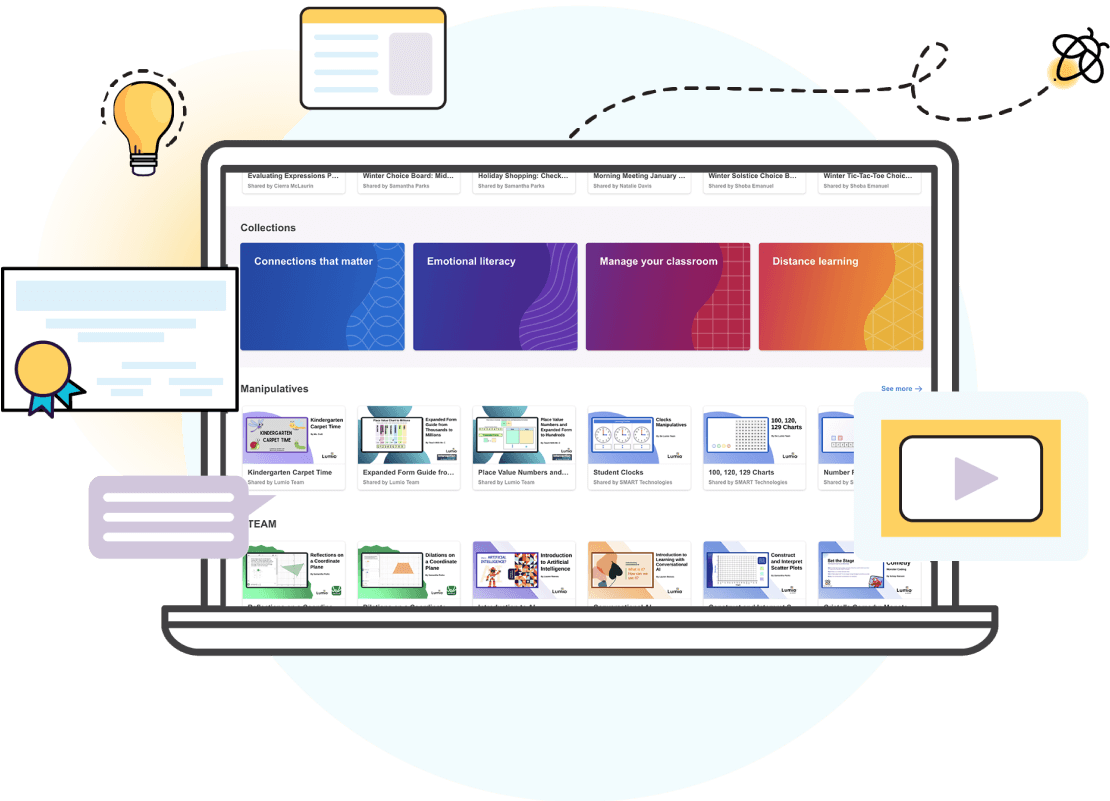
प्लान बनाने में कम समय और लोगों से जुड़ने के लिए ज़्यादा समय लगाएं
- शिक्षकों ने शिक्षकों के लिए ऐसे हज़ारो संसाधन और लेसन पहले से बना रखे हैं जो उनके लिए मुफ़्त में उपलब्ध हैं
- किंडरगार्टन से लेकर 12वीं तक की क्लास के लिए कस्टमाइज़ किए गए गेम, ग्राफ़िक ऑर्गनाइज़र, डिजिटल मैन्युपलेटिव और क्विज़
- संसाधनों की लगातार बढ़ती हुई लाइब्रेरी, जिसे उन ब्रैंड के साथ मिलकर बनाया गया है जिन्हें आप जानते और पसंद करते हैं
- एआई असिस्ट से क्विज़ पर आधारित गतिविधियां और हैंडआउट बनाना, सभी शिक्षकों के लिए बहुत आसान हो जाता है

Lumio को दुनिया भर में 13 लाख से ज़्यादा शिक्षक पसंद करते हैं और इस पर भरोसा करते हैं।

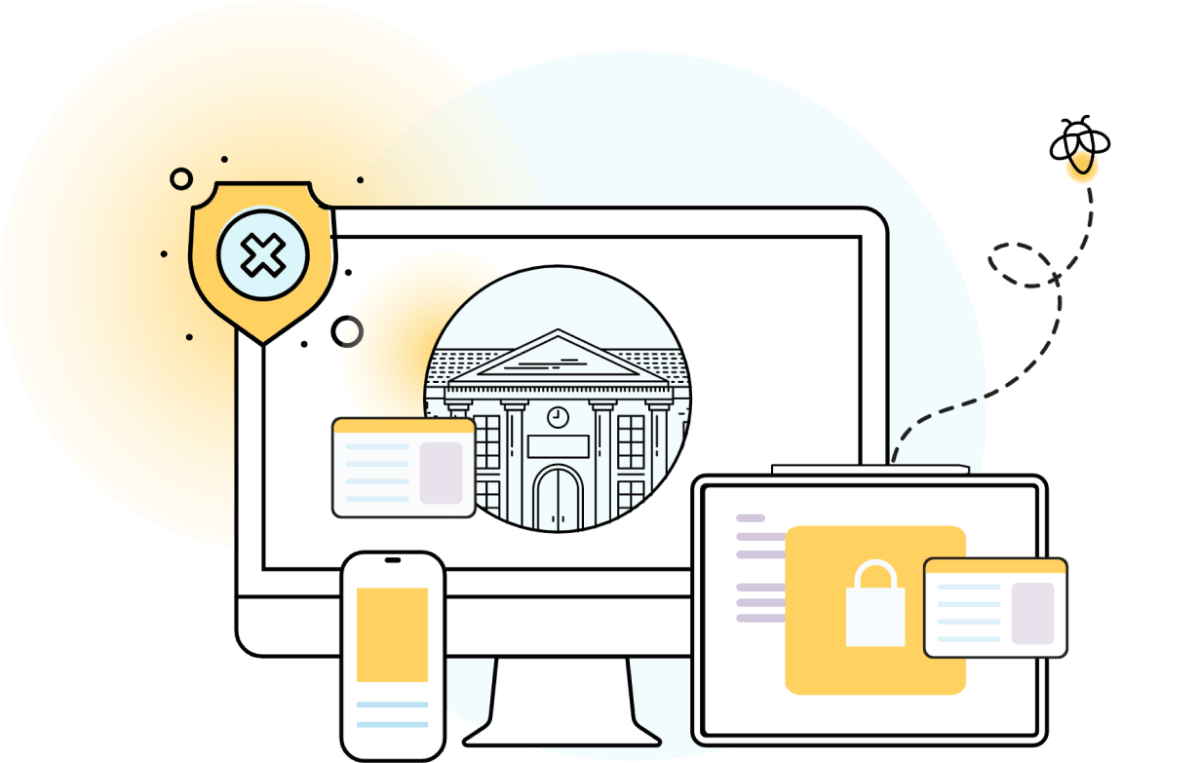
स्कूल और उनके संगठन Lumio को क्यों पसंद करते हैं
- Chromebook और टैबलेट सहित आपके सभी स्टूडेंट डिवाइसों को और भी ज़्यादा इंटरैक्टिव बनाता है
- मौजूदा प्लैटफ़ॉर्म के साथ इंटिग्रेट करता है
- इरे इस्तेमाल करना आसान है
- बेहतरीन गोपनीयता और सुरक्षा; GDPR, COPPA और FERPA का पालन करता है
- ये सभी सुविधाएं, अन्य विकल्पों की तुलना में काफी कम कीमत पर उपलब्ध हैं
Lumio की मदद से, हम अपने स्कूल के संगठन के उस लक्ष्य को पूरा करने में सक्षम हैं जिसमें शिक्षा के क्षेत्र में छात्रों को सबसे आगे रखा जाता है। और ऐसा ही होना चाहिए।
मूल्य निर्धारण
व्यक्तिगत स्तर से लेकर स्कूल के संठन के स्तर तक, आपकी हर ज़रूरत के हिसाब से हर प्लान उपलब्ध है। इसके अलाव, इस तरह के अन्य विकल्पों की तुलना में इनकी कीमत बहुत कम है!


एक्टिव और कोलैबोरेटिव तरीकों से पढ़ाई को दिलचस्प बनाएं – इससे आपके स्टूडेंट के चहरे खुशियों से खिल उठेंगे!
शिक्षक, Lumio मुफ़्त में पाएं।

शिक्षकों के लिए बनाए गए प्लैटफ़ॉर्म से बचत करें और टेक्नोलॉजी इस्तेमाल करना आसान बनाएं।
एडमिनिस्ट्रेटर, Lumio को अपने स्कूल या संगठन में इस्तेमाल करें।
Frequently asked questions
-
क्या मुझे Lumio का उपयोग करने के लिए SMART Board® की ज़रूरत है?नहीं! Lumio को किसी भी डिवाइस पर किसी भी ब्राउज़र में इस्तेमाल किया जा सकता है। इसके लिए SMART Board ज़रूरी नहीं है।
-
क्या Lumio को मुफ़्त में इस्तेमाल किया जा सकता है?
हां! Lumio का एक मुफ़्त प्लान है जो आपको लेसन बनाने, क्विज़ आधारित एक्टिविटी और 100MB स्टोरेज का ऐक्सेस देता है।
उपयोगकर्ता Lumio की अतिरिक्त सुविधाओं का इस्तेमाल करने के लिए, स्टैंडर्ड या Spark प्लान की सदस्यता ले सकते हैं, जिसमें असीमित स्टोरेज, एआई सुविधाओं का पूरा ऐक्सेस वगैरह शामिल हैं!
-
क्या Lumio के लिए किसी सॉफ़्टवेयर डाउनलोड करने की ज़रूरत है?
नहीं! Lumio को बिना किसी सॉफ़्टवेयर डाउनलोड के ब्राउज़र पर इस्तेमाल किया जा सकता है।
इंटिग्रेट अनुभव की तलाश करने वाले यूज़र, वैकल्पिक रूप से मुफ़्त ब्राउज़र ऐप डाउनलोड कर सकते हैं या चुनिंदा SMART Board के इंटरैक्टिव डिस्प्ले पर Lumio ऐप का इस्तेमाल कर सकते हैं।
-
छात्र, Lumio लेसन में कैसे शामिल होते हैं?
छात्र, कई तरीकों से Lumio लेसन में शामिल हो सकते हैं:
- Lumio से जुड़ने के लिए पेज पर जाएं और शिक्षक का यूनिक क्लासरूम कोड डालें
- लेसन शुरू होने से पहले स्क्रीन पर दिखाई देने वाले लेसन के क्यूआर कोड को स्कैन करें
- क्लास के साथ लेसन से जुड़ने का यूनिक लिंक शेयर करें
-
क्या मैं अपनी मौजूदा फ़ाइलों को Lumio में इंपोर्ट कर सकता/सकती हूं?हां! आप Lumio लेसन में PDF, Google Slides, PPT और SMART Notebook फ़ाइलों को इंपोर्ट और उनमें बदलाव कर सकते हैं। लेसन में बदलाव करते समय आप PNG और JPG इमेज जोड़ सकते हैं।
-
क्या मैं सेशन समाप्त होने के बाद स्टूडेंट के काम को दोबारा देख सकता/सकती हूं?बिल्कुल! Lumio की क्लास सेशन सुविधा से शिक्षक, Lumio में लेसन पढ़ाने के दौरान और उसके बाद स्टूडेंट के काम की समीक्षा कर सकते हैं।
-
क्या Lumio केवल लाइव डिलीवरी है या इस पर स्वतंत्र रूप से काम किया जा सकता है?दोनों! Lumio को ऐसे डिज़ाइन किया गया है कि इससे शिक्षकों को आकर्षक लाइव लेसन पढ़ाने की सुविधा मिलती है और इसका उपयोग छात्रों को व्यक्तिगत कार्य सौंपने के लिए एक प्लैटफ़ॉर्म के रूप में भी किया जा सकता है।
-
Lumio किस कक्षा के छात्रों के लिए उपयुक्त है?Lumio शिक्षा के सभी स्तरों के लिए सही है। यह किंडरगार्टन से 12वीं कक्षा से लेकर उसके बाद की शिक्षा तक के अलावा, व्यावसायिक विकास के लिए सही है।