
The helping hands you didn't know you needed
With ready-to-use apps, intuitive AI tools, and instant student connection, iQ helps you deepen learning and keep every student involved.
Book a demo-
Key specifications
-
Features
-
See iQ in action
-
Accessibility
-
iQ models
Tools that make it easier to teach and engage


Not enough prep time? We've got you. Start lessons faster with built-in apps and workflows that keep students focused and engaged from the moment class begins.

No more tech juggling. Students can join, collaborate, and contribute from any device in the room with NO extra steps, apps, or setup,

Purpose-built AI tools help teachers save time and do more, without ever putting student data at risk.
Key features that make up your iQ SMART display.
Everything included that makes teaching easier and your display last longer.


See how iQ brings lessons to life
Watch how built-in teaching tools and intuitive workflows make it easy to spark engagement and keep learning moving.

Accessibility isn't optional - it's essential.
Inclusive design supports every learner. iQ’s Tool Explorer and Digital Manipulatives unlock diverse methods of action and expression, ensuring every learner can demonstrate their understanding through flexible, interactive pathways — because every learner deserves a voice.
Explore inclusive learning toolsSMART solutions with iQ 4 OS:
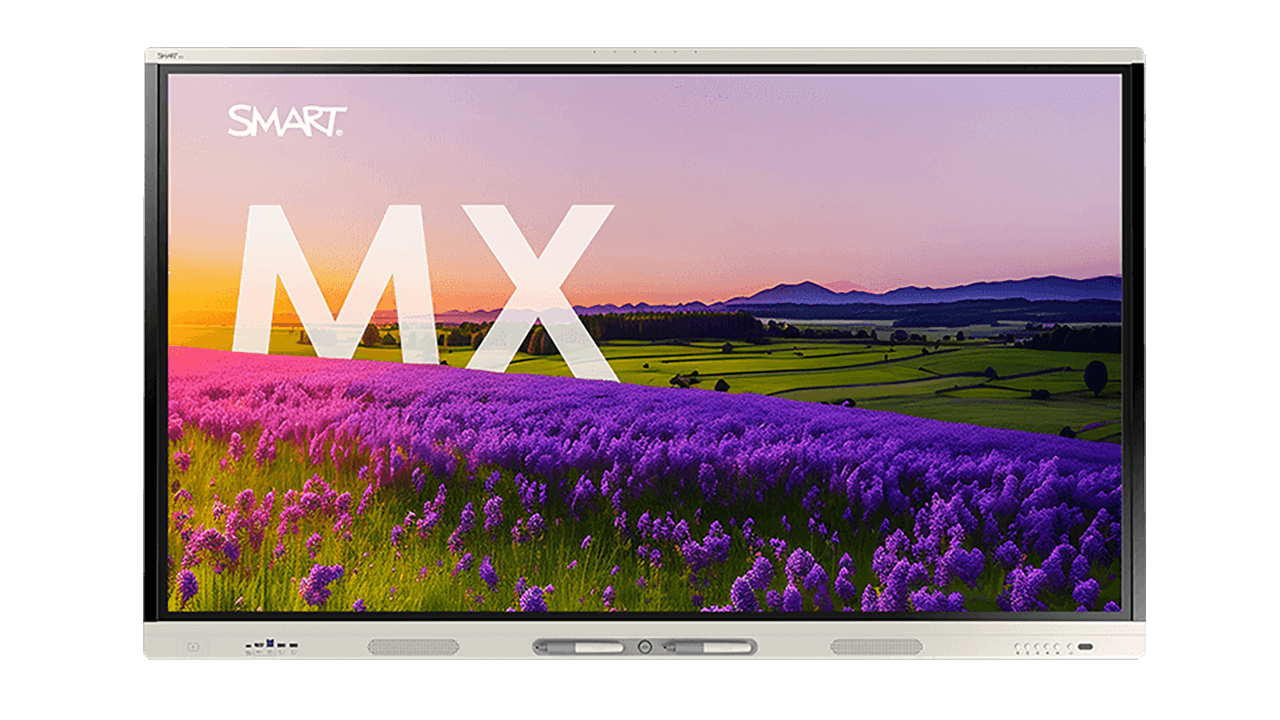
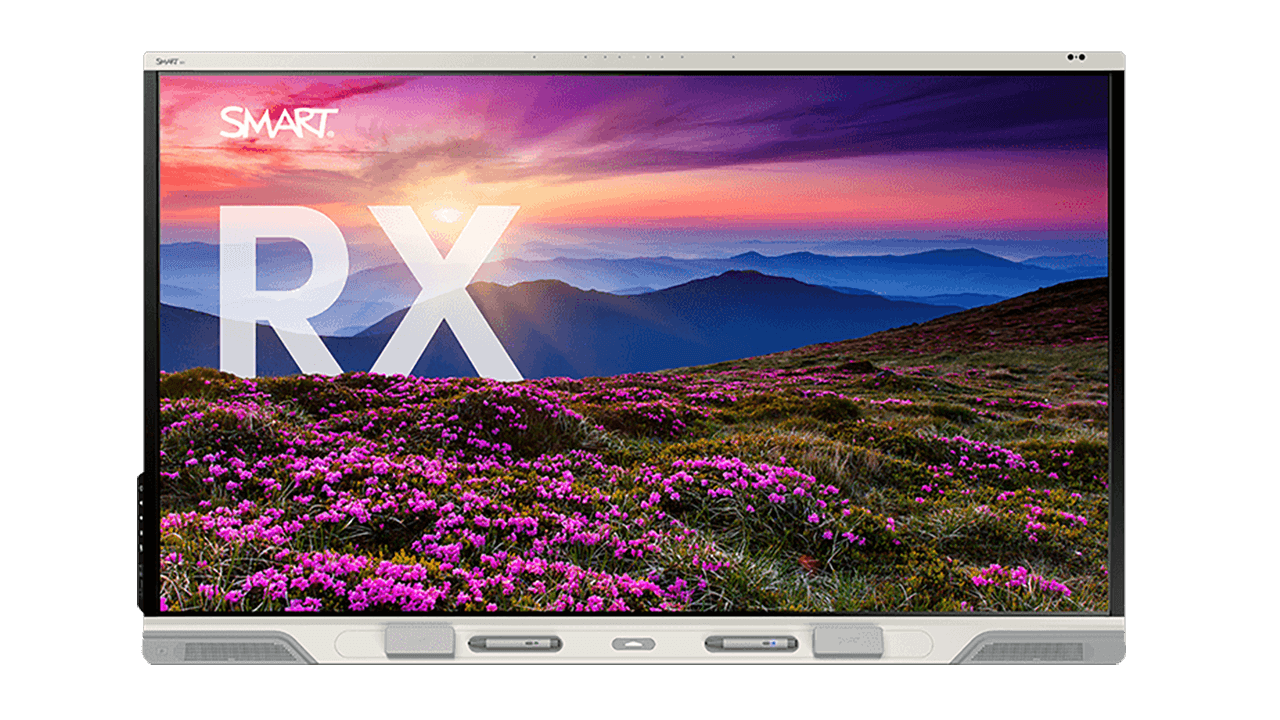

Teaching tools that keep students engaged
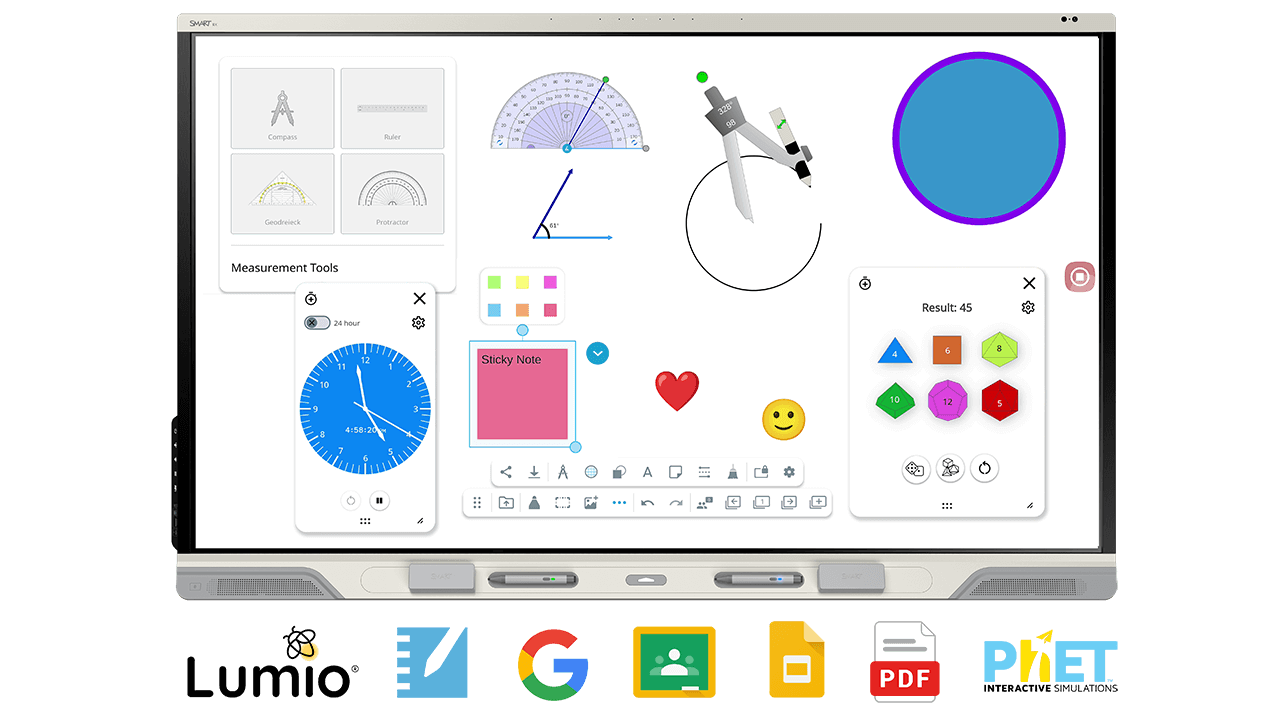
Not enough prep time? We’ve got you. Built into the iQ whiteboard, teachers can boost engagement for any topic without breaking stride. No setup, no learning curve.
What’s included:
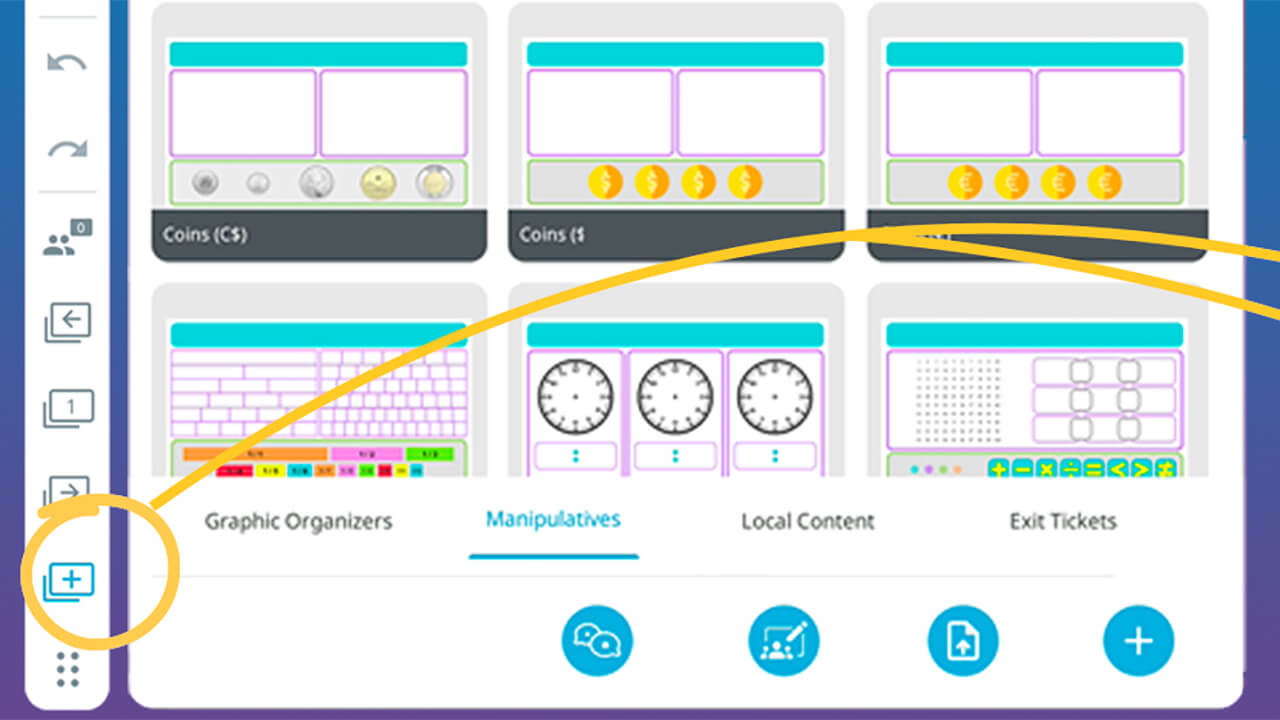
Research-based templates and graphic organizers help facilitate learning and instruction.
Digital manipulatives that students can drag and drop, rotate, and ink over, instantly getting hands-on.

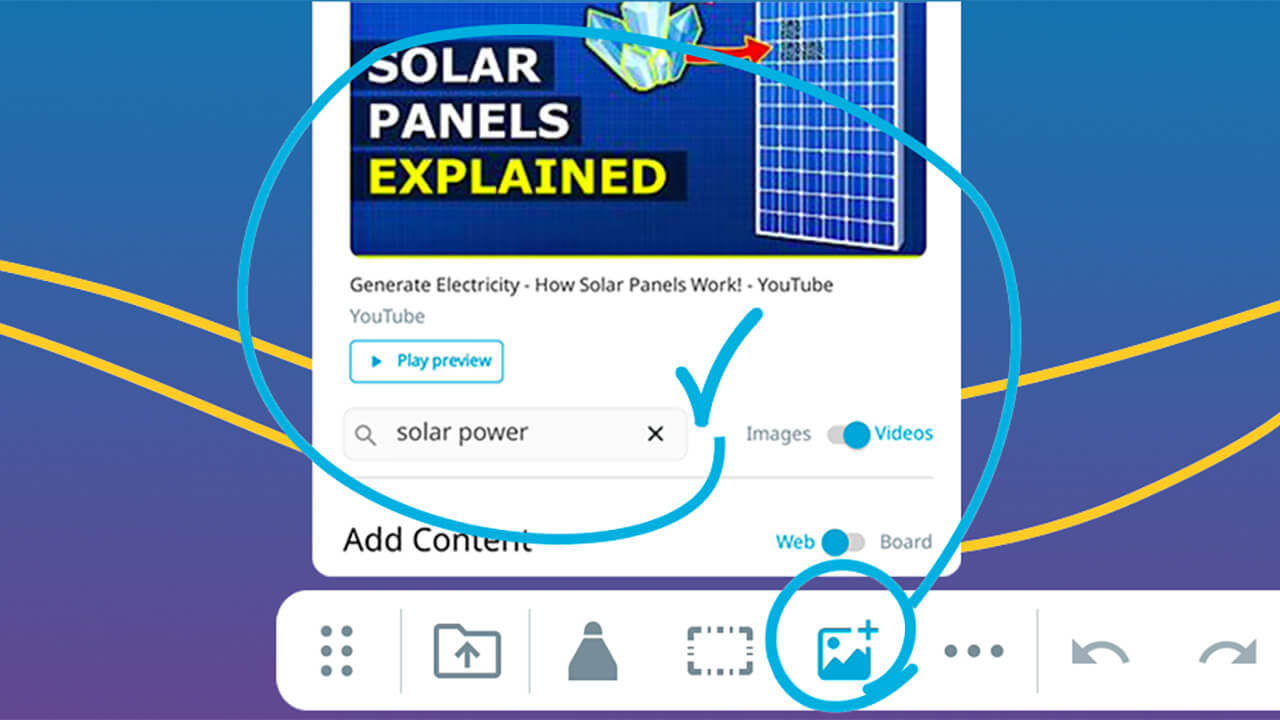
Ad-free YouTube videos and image search easily add engagement and avoid class-interrupting ads.
-

Tool Explorer
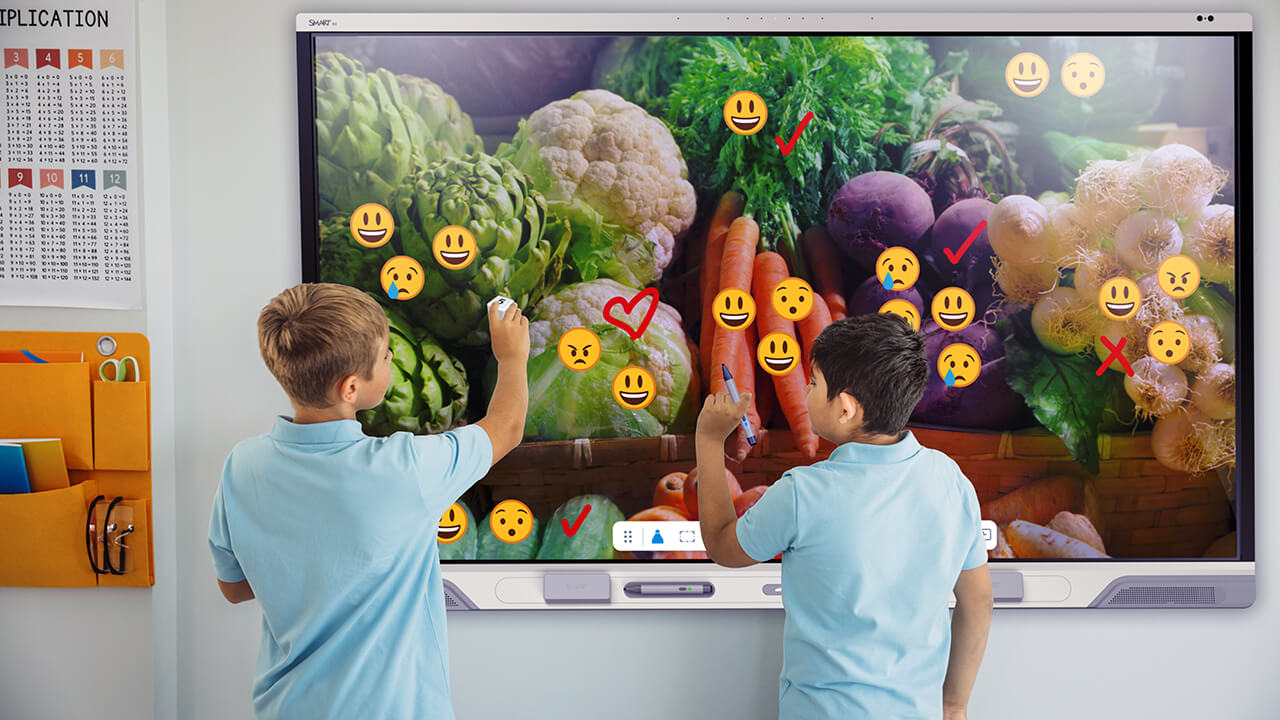
Every student, every voice. SMART's exclusive Tool Explorer accessories turn touch into communication. With teacher- customizable digital stamps, students interact in ways that feel natural, boosting participation and confidence. ONLY with SMART (sold separately)
Discover accessible learning tools

Power participation and collaboration across every student device.
-
Whole-class collaboration
-
Exit tickets
-
Lumio integration
-
More features

Quick connections, quality learning.
iQ4 connects student devices in seconds—so teachers can teach, not troubleshoot.
Let students lead the learning. With iQ 4, students can share ideas in real time, brainstorm together, and build skills that matter. Teachers keep control over which pages are collaborative – Only with SMART.
See collaboration in action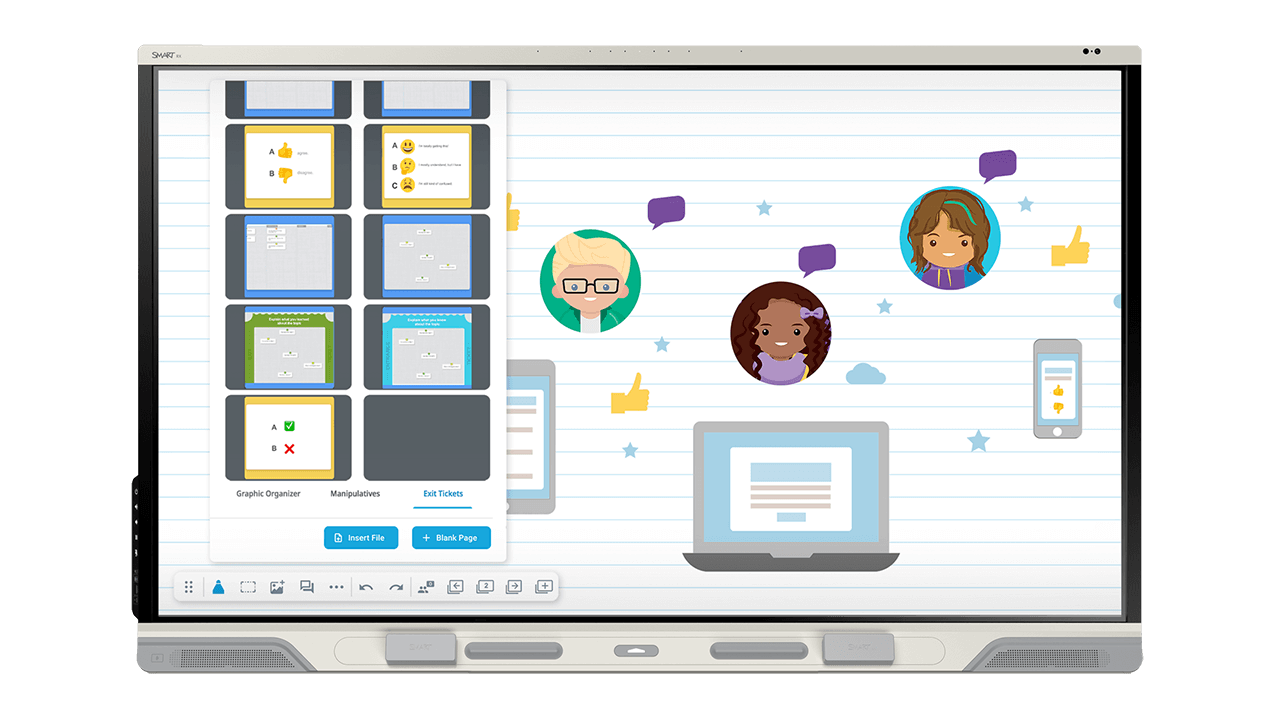
Exit tickets
Guide collaboration and get feedback that matters with a built-in library of exit-tickets for student devices – ONLY with SMART.
Want to know what stuck—and what didn't—before the bell rings?
SMART's walk-up-and-use whiteboard makes it easy to launch ready-made exit tickets that work across subjects and grade levels.
See Exit Tickets in action
Lumio learning
Forget printing and passing. Teachers launch Lumio handouts and group spaces in seconds from the iQ 4 whiteboard - no prep, no paper, no hassle. It’s handouts that hand themselves out. ONLY with SMART.
Discover LumioMore tools to connect student devices:

iQ Whiteboard
- Broadcast lesson
- Student-paced learning mode
- Teacher-led learning mode
- Per-page collaboration controls
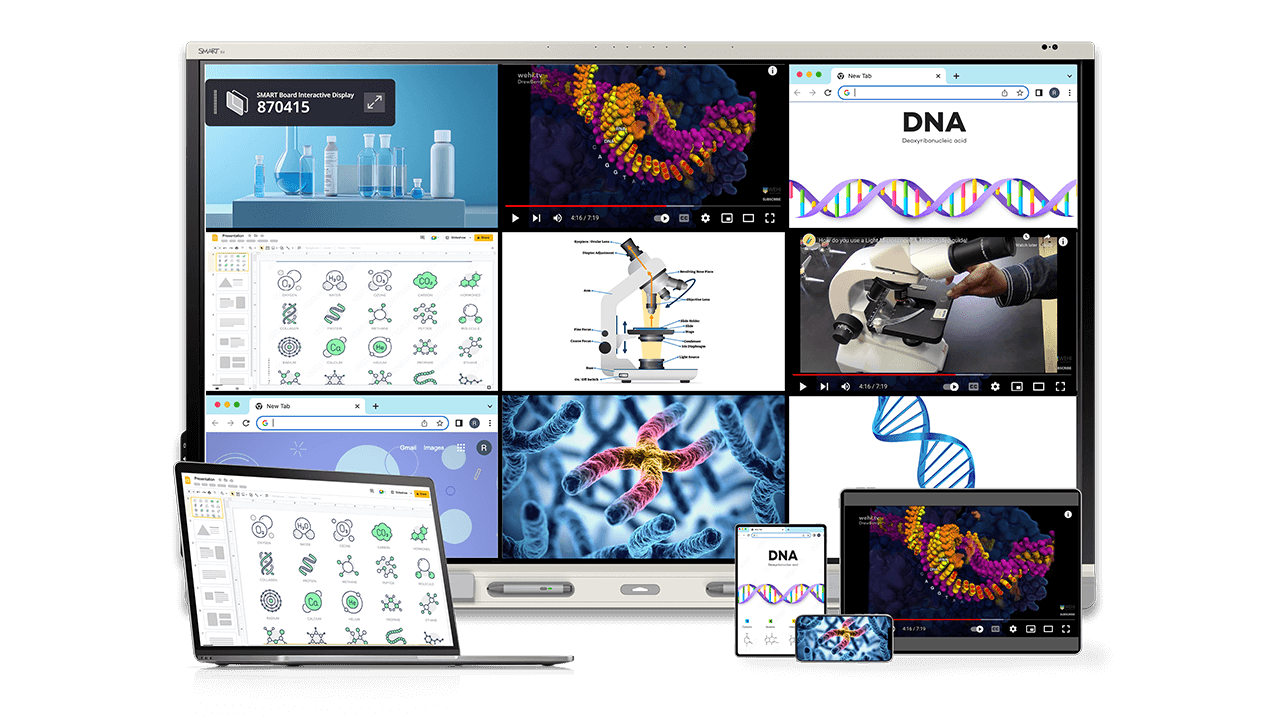
SMART Mirror screen share
- Broadcast screen
- 9 device screen share
- Teacher moderation
- and more
Safe, secure and purposeful in-app AI tools
Teachers can access the power of AI to save time and support lessons on the fly. Learn how SMART is designing AI for the classroom.

AI inking tools
Go from scribbles to shareables.
Whether it's jotting down student ideas, adding emoji, or writing math equations*, AI Ink-to-text turns freehand writing and drawing into digital assets that are easy to copy, edit, and share.
(* Coming in 2026)
AI translate
Every student, any language. SMART's whiteboard translates words and text on the fly—making lessons more inclusive and supporting language learning with ease.
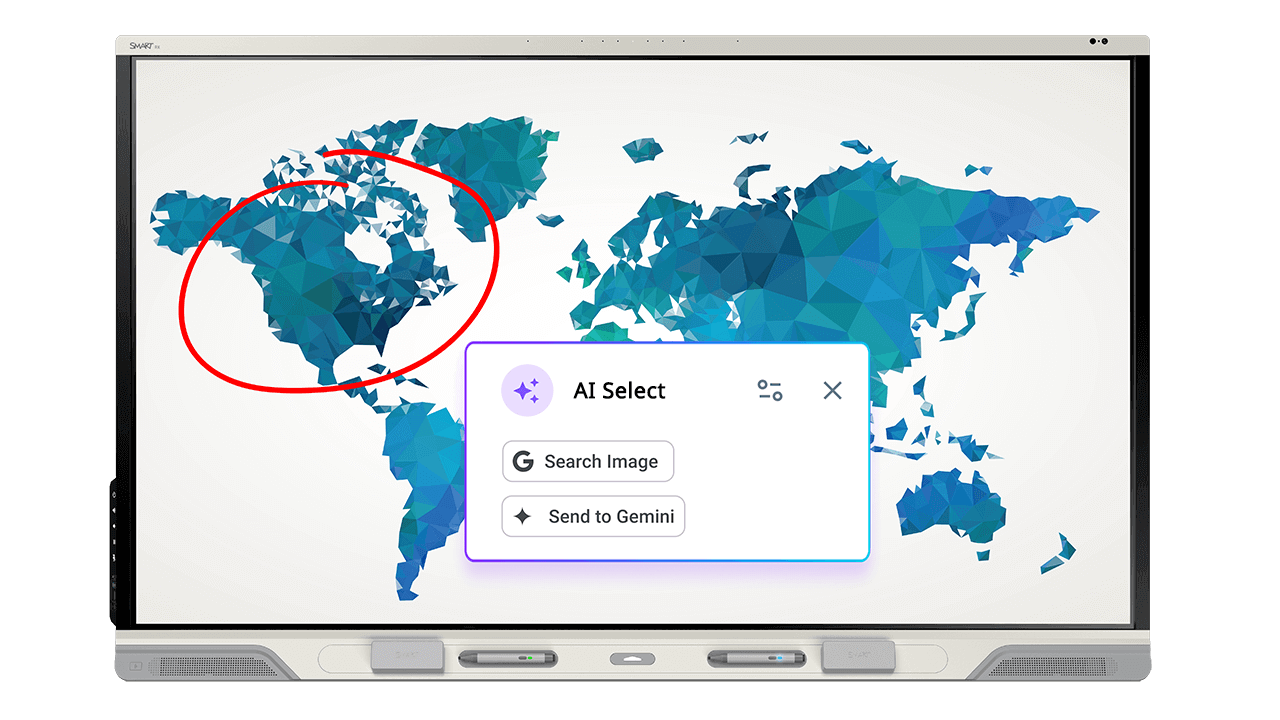
AI Select
Save time and extend learning. iQ4’s new AI search means teachers can get quick answers or context without breaking the flow of a lesson.
(Coming in 2026)The AI tools you already know and love:
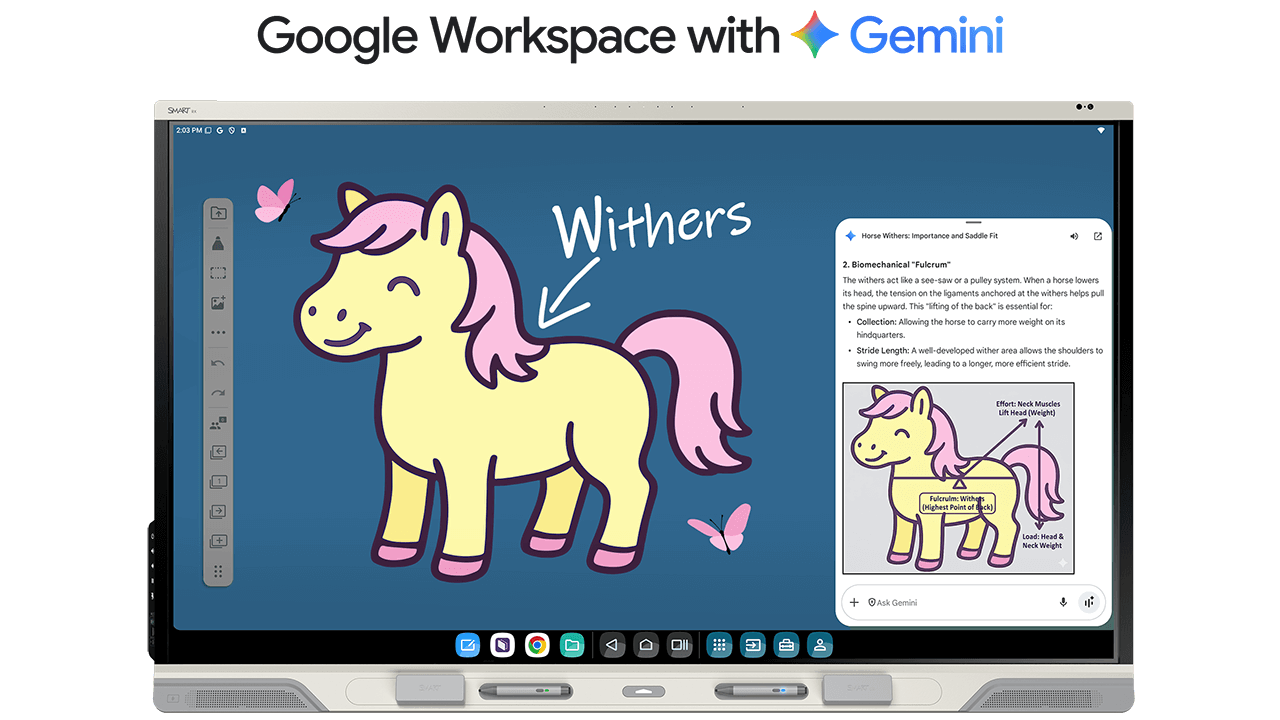
Google Gemini
Talk, Touch, Teach. Use built-in Google Gemini AI with the SMART Board microphone to blend voice-generated commands, content, and multi-touch interaction — so teachers can create, adapt, and teach on the fly. No typing. No toggling. Just teaching.

Lumio
Prep time, meet AI. Lumio's AI tools instantly generate standards-aligned lessons, handouts and quizzes—so teachers spend less time planning and more time teaching. Discover Lumio AI.
Smarter tools. Stronger teaching.
With easy-to-use education tools, AI features, and effortless student participation, iQ gives you everything you need to create engaging, meaningful learning—right from the display.
Ready to see how SMART displays elevate the full iQ experience? Explore our lineup: