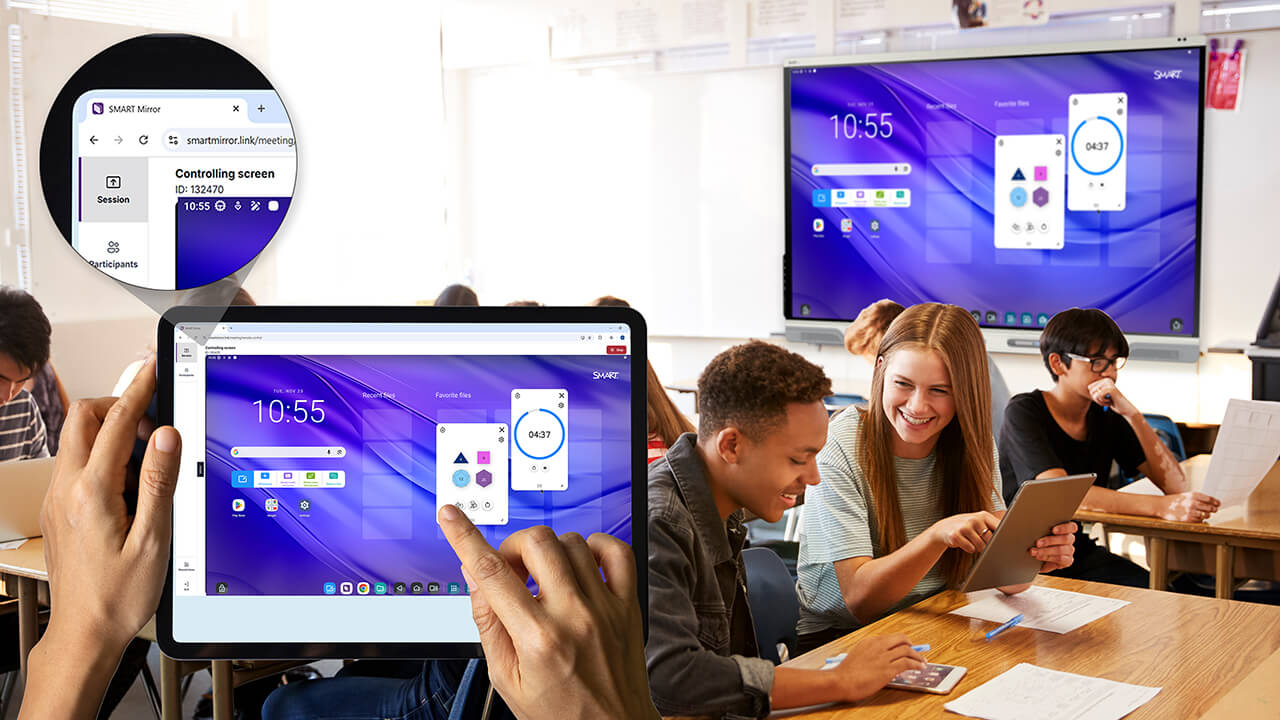
Screen share that keeps you teaching.
SMART Mirror
SMART Mirror gives teachers true freedom—to move freely, present from any device, and maintain control of their SMART Board. Stress-free, seamless screen sharing for more engaging lessons, without the tech headache.
Book a demo Connect to SMART MirrorScreen sharing for every classroom
SMART Mirror is screen sharing that makes teaching feel effortless. Teachers can move naturally around the room, presenting lessons from any device, staying fully in command of their board. It’s hassle-free flexibility.
-
Key specifications
-
Features
-
See SMART Mirror in action
Everything you get with SMART Mirror
Screen sharing that opens up worlds of possibilities. When you choose SMART Mirror, here’s what to expect:
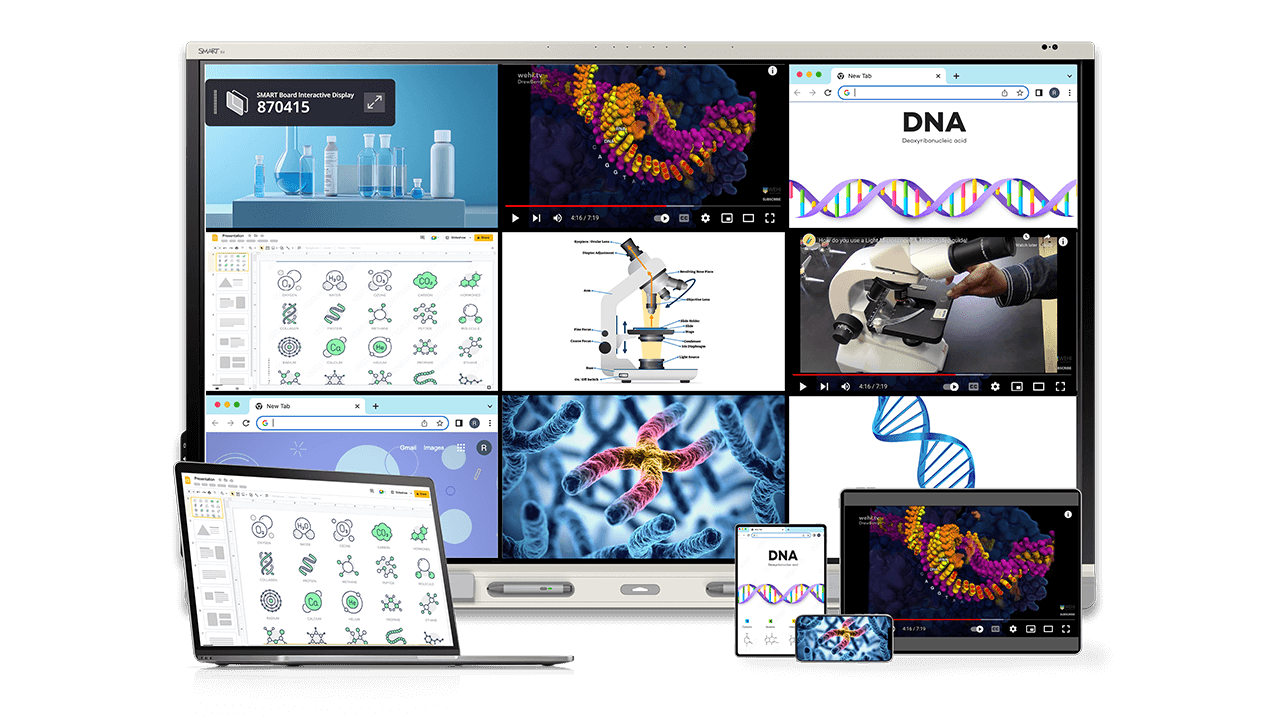

Connect and share via AirPlay, Miracast, Google Cast, a web browser, app, and more. This truly effortless screen sharing unlocks a world of possibilities for teachers and students.

From broadcast to remote screen control, SMART Mirror gives teachers the tools they need to engage and moderate lessons - enabling personalized teaching while roaming.

Designed for stability and security, SMART Mirror keeps teaching simple and tech teams happy.
Superior screen sharing
SMART Mirror is packed with features that make teaching seamless, effective, and flexible - no cables, no front-of-room tethering, no limitations in participation.


Effortless teaching in action.
See how SMART Mirror transforms teaching when teachers and students can present information from anywhere, anytime, without hassle.
-
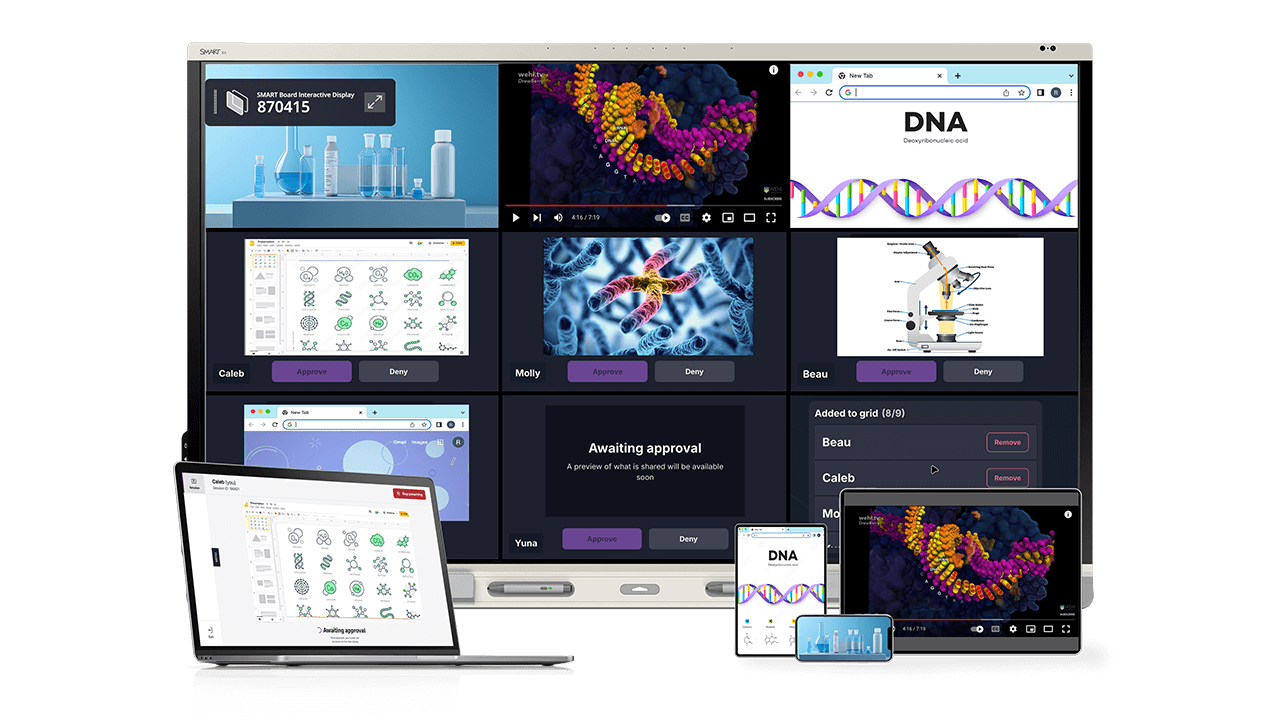
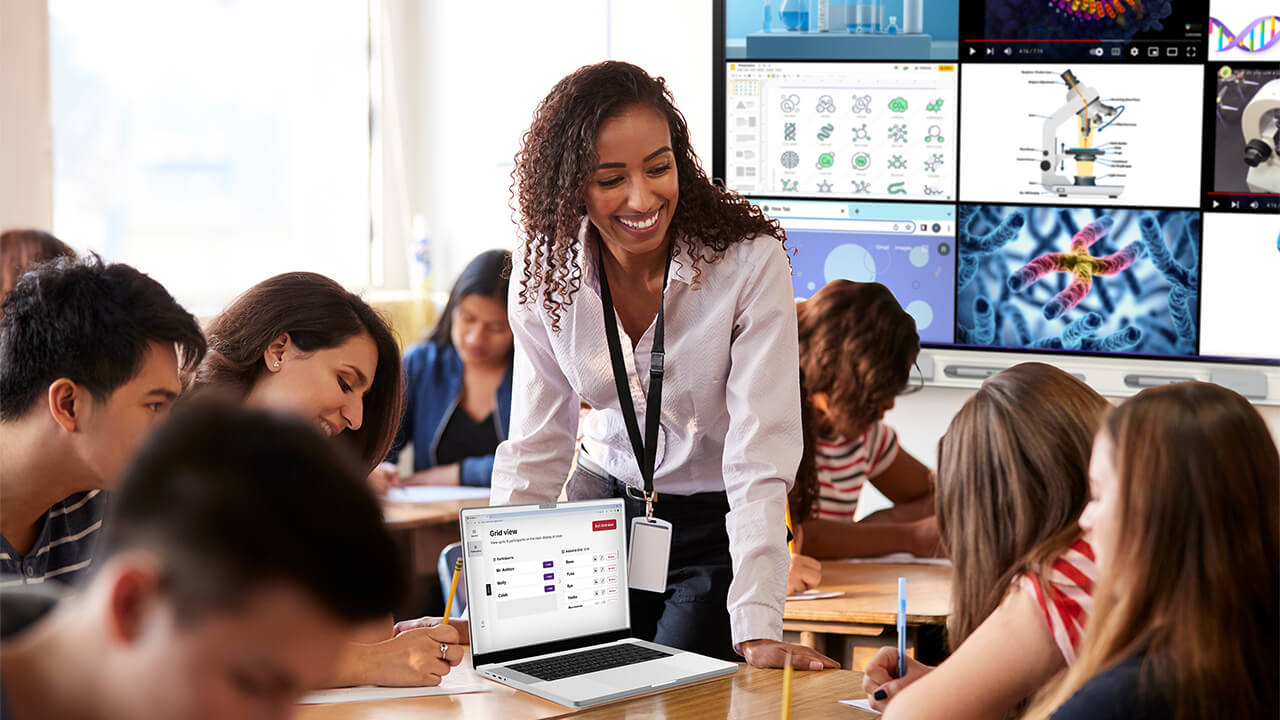
Empower teachers to moderate whole-class screensharing.
With SMART Mirror, teachers stay in control.
- 9-grid student view and unlimited lobby lets students share their work collectively.
- Robust spotlighting capabilities allow teachers to hand-select individual student work to display for unique learning opportunities.
- “Preview” allows moderators to vet any participant's screen before they share it, ensuring appropriate and relevant content stays on the screen at all times.
Find the perfect fit for your modern classroom.


