SMART iQ 4 OS
iQ 4 is the education-first operating system (OS) that keeps your SMART Board® interactive display upgraded for years, saves you time and money, and equips teachers with the go-to tools they'll use to boost student engagement every single day.
iQ 4 is more than OS—it's a smarter way to run your classrooms.
Book a demoPurpose-built OS by the most preferred interactive display brand*
SMART’s iQ 4 makes the most of your tech budget with future-proofed hardware and upgradeability that keeps things fresh and running smoothly for years to come. Designed for district-wide consistency, simplified management, and ease of use, iQ 4 lets teachers teach, students learn, and admins manage—without unnecessary tech complexity.

The OS that delivers value – today, tomorrow, and long after.

The personalized OS that simplifies every lesson - and every day for IT.

Safe, secure and purposeful AI.
-
Key specifications
-
Features
-
See iQ in action
-
iQ models
Built for teaching, designed to last
Upgradeability, ultimate useability, and streamlined management. Here’s how iQ 4 delivers value over and over again for your district.


Upgrade the OS, not the screen. SMART's iQ 4-powered updates and modular upgrades give districts a smarter way to extend display life and stretch every dollar – for up to ten years. ONLY with SMART.

iQ 4 combines enterprise-level controls, admin tools and integrations that scale across your district, so you can manage tech and support teachers without breaking a sweat.

iQ 4’s built-in apps are so intuitive that even day-one teachers can jump right in.
Key Features of your iQ SMART Board
Everything included makes teaching and IT management easier and your display last longer.


A closer look at iQ 4
Watch how our built-for-education OS makes teaching smoother, management simpler, and engagement soar.
The best SMART Boards now come equipped with iQ 4 and Google EDLA


The OS that delivers value – today, tomorrow, and long after
Simple to roll out. Effortless to maintain. Built to last. iQ 4 delivers more performance and value for years to come.

Discover everything iQ can deliver.
SMART Boards can double as digital signage*, emergency alert system end points, teacher audio amplification, and student workstations, saving you money and maximizing your tech investment.
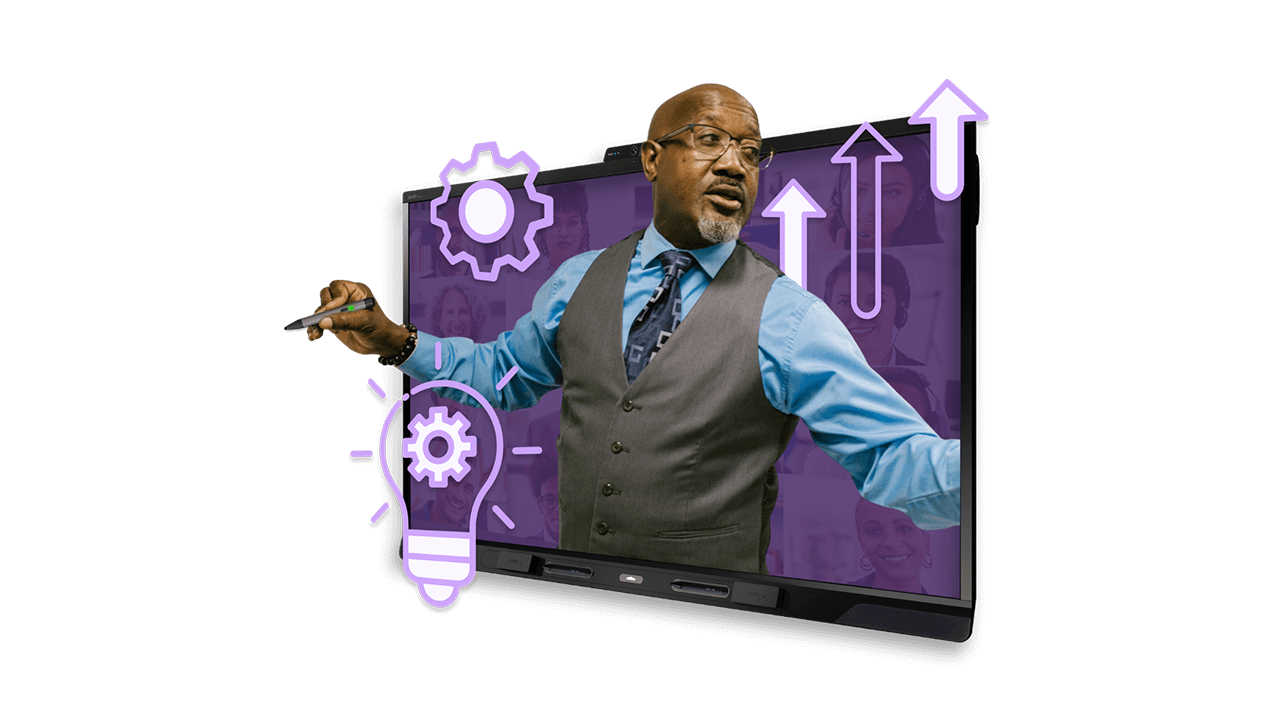
35 years of making teaching easier with classroom-first design.
iQ 4 delivers teacher-friendly workflows shaped by 35 years of EdTech expertise. With SMART, you gain a long-term partner offering real human support, expert training, and lasting value beyond installation.

Technology that grows with you.
Enjoy years of reliable performance and interactivity. Because your technology should last as long as your vision.
The OS that works with what you know.
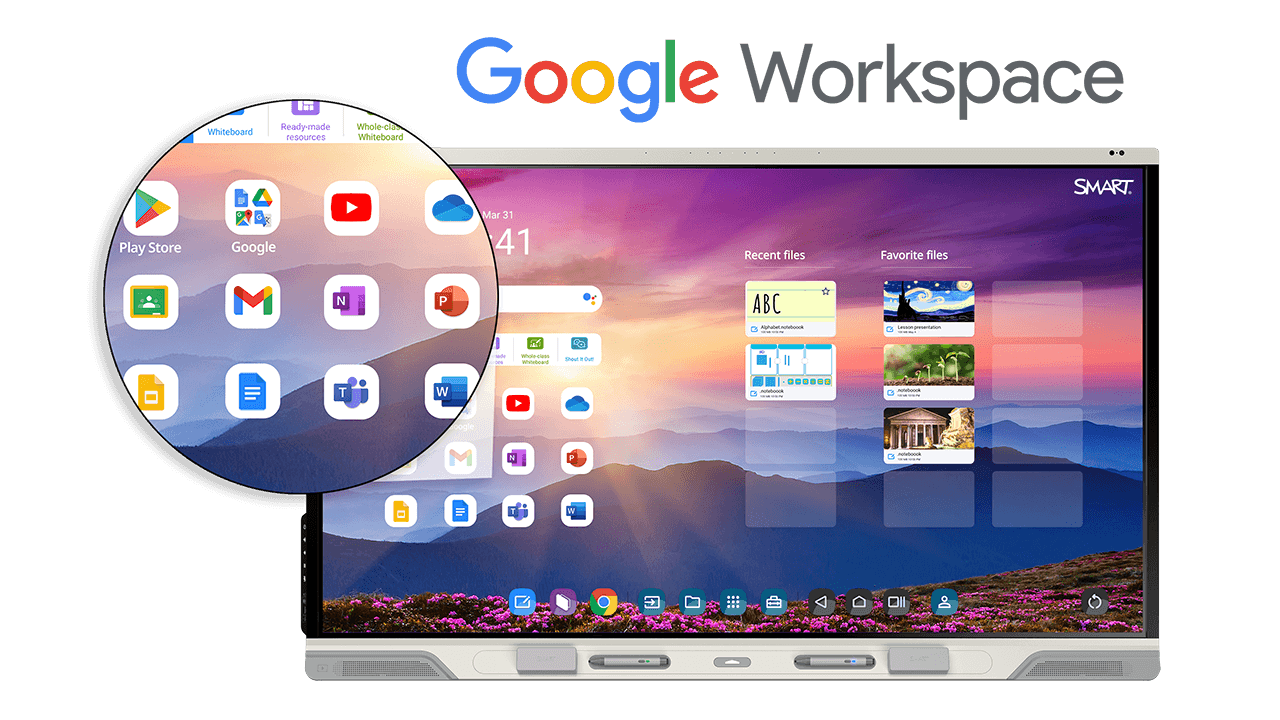
Plug into what teachers already love. EDLA-licensed iQ 4 fits right into your district’s ecosystem—no retraining required. iQ 4 works great with:
- Google Workspace for Education
- Microsoft Office 365
- Android apps, with full access to Google Play
- Video conferencing platforms, with optional SMART OneLaunch
-
Classroom
-
Library
-
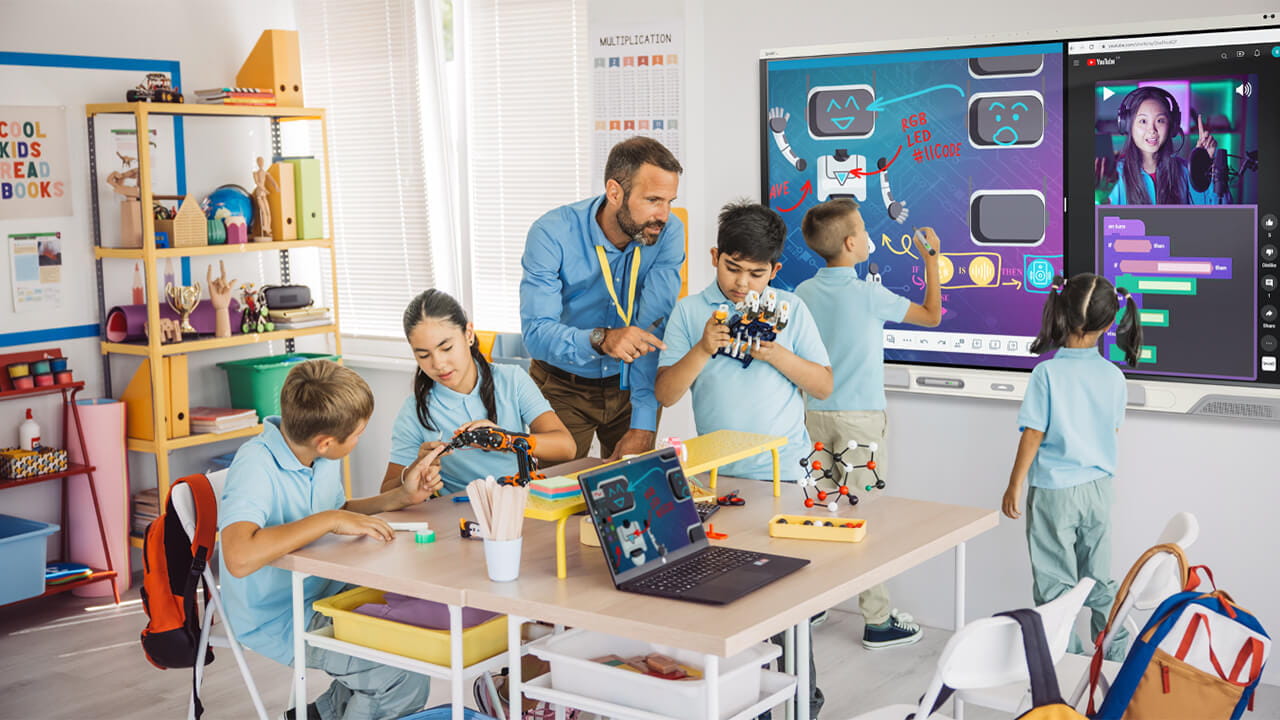
STEM lab
-
Study and collaboration

Classroom
Create an enriching classroom environment with tools that encourage collaboration and engagement. Teachers and students can walk up and ink on a wide variety of file types without freezing the screen for a more dynamic and fluid lesson environment.
- Easy workflows for teachers
- Dynamic collaboration
- Student device integration
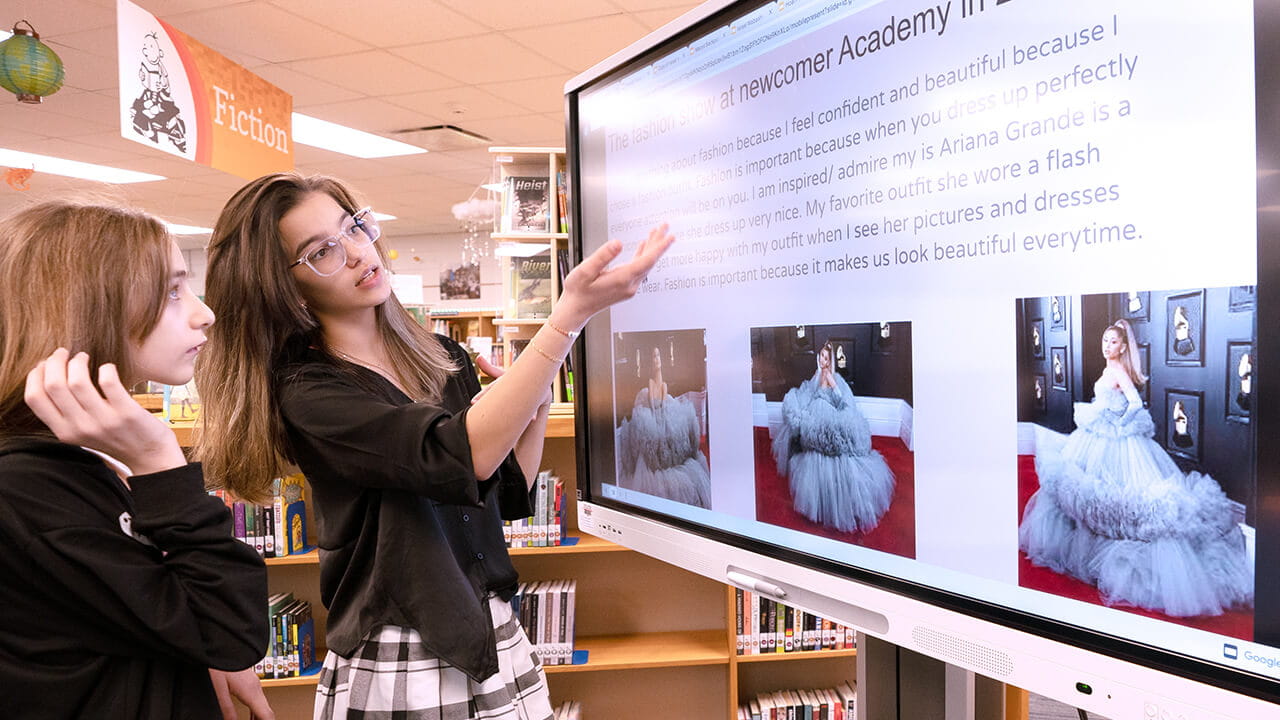
Library
Encourage access and collaboration for every learner. Simple walk-up-and-use tools increase student engagement and facilitate study groups.
- Signage
- Catalogue/directory
- Study areas

STEM lab
Give students hands-on access to dynamic STEM learning tools and programs. Easy collaboration and interactivity bring complicated concepts to life on the board or on student devices.
- Easy collaboration
- Instant access to dynamic content
- Simulations and modeling
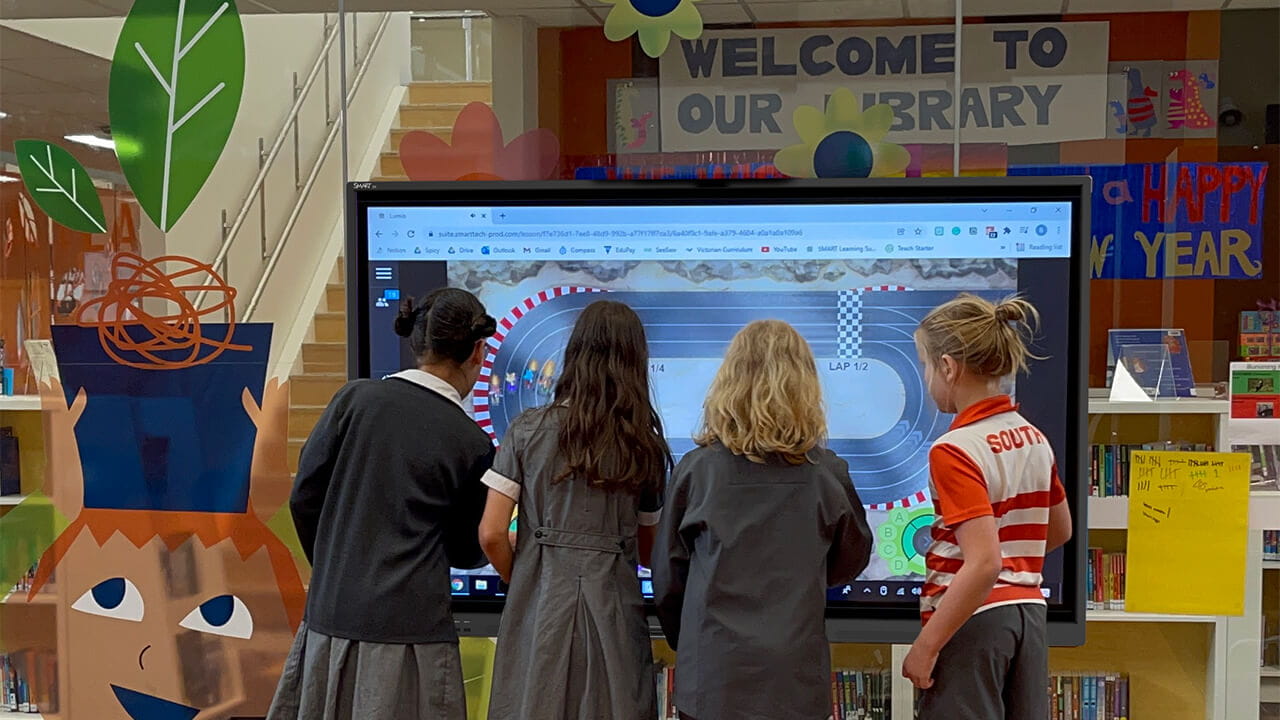
Study and collaboration areas
Create learning hubs for your students to collaborate and grow. Enriching games, interactive lessons, and free-form brainstorming options make collaboration a natural part of the learning experience.
- Simple to use inking
- Collaborative programs included
- Exciting lesson formats students love
Less training, more teaching.
iQ 4's built-in apps are so intuitive that even your least tech-savvy teachers can jump right in to supercharge engagement and maximize student devices.


-
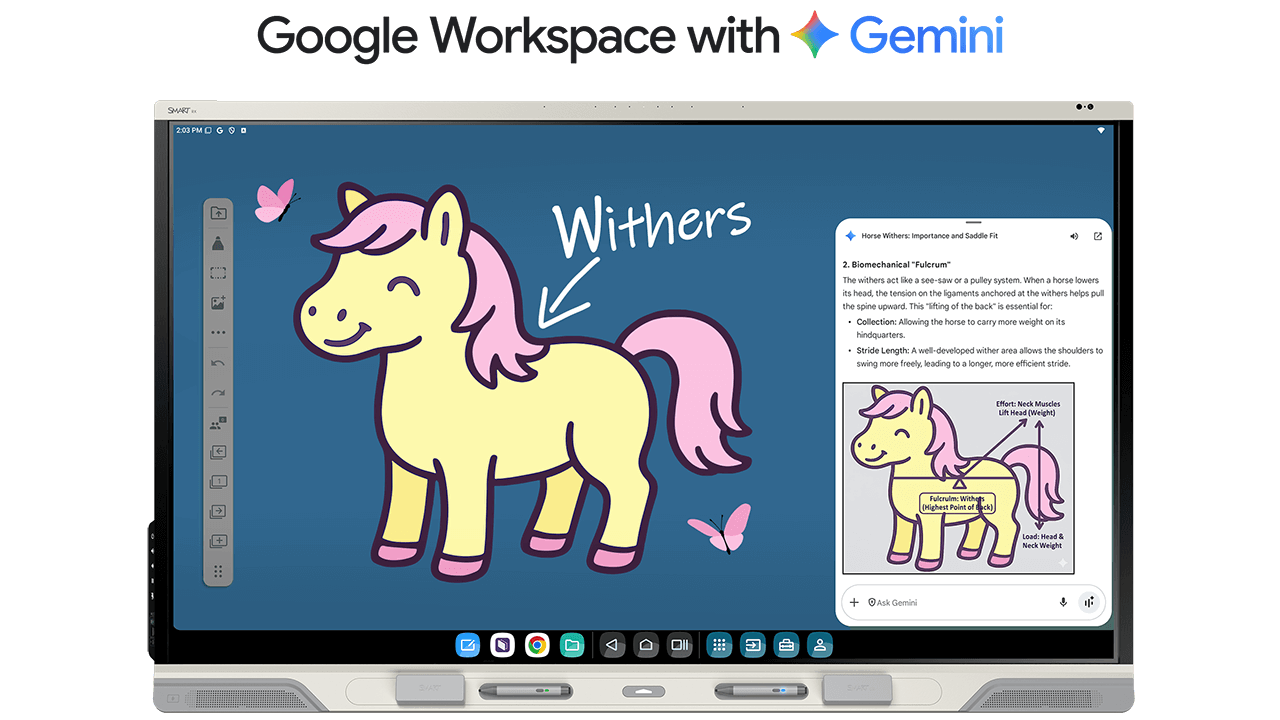
Gemini
Talk, Touch, Teach.
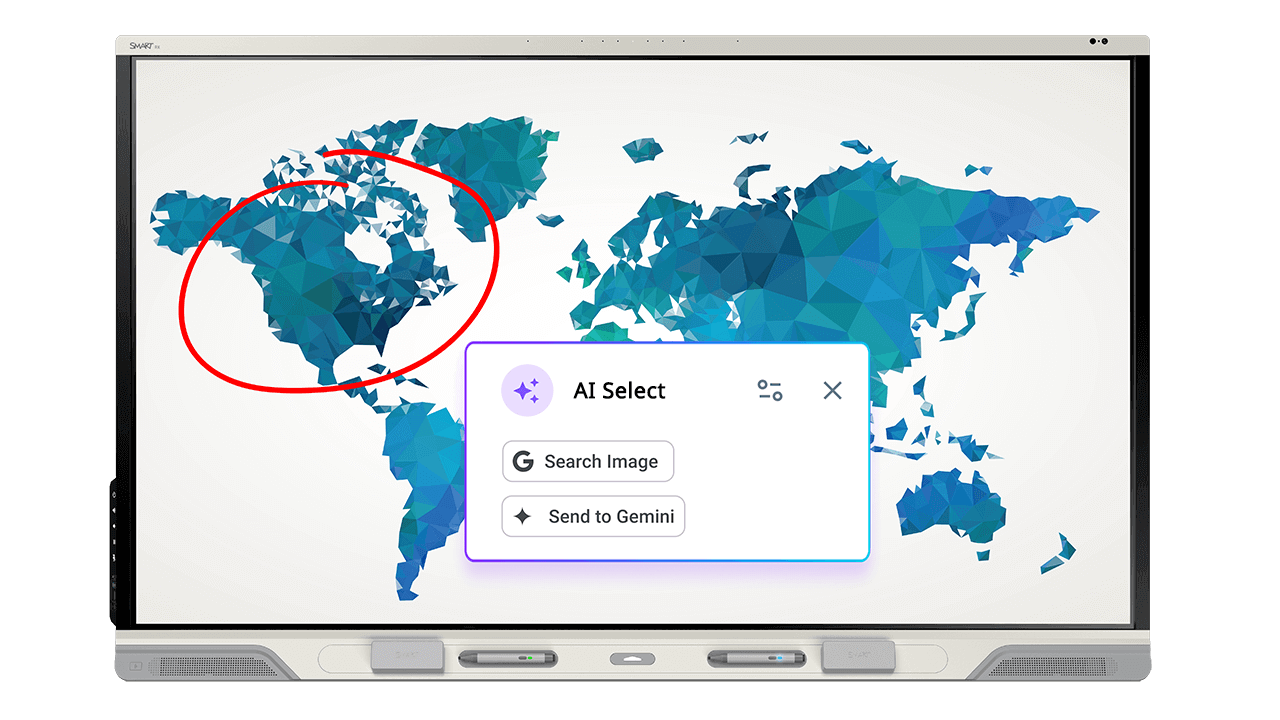
Use Gemini AI on your SMART Board to blend voice-generated commands and content with multi-touch interaction—so teachers can create, adapt, and teach on the fly. No typing. No toggling. Just teaching.
Now even more powerful in Android 15.
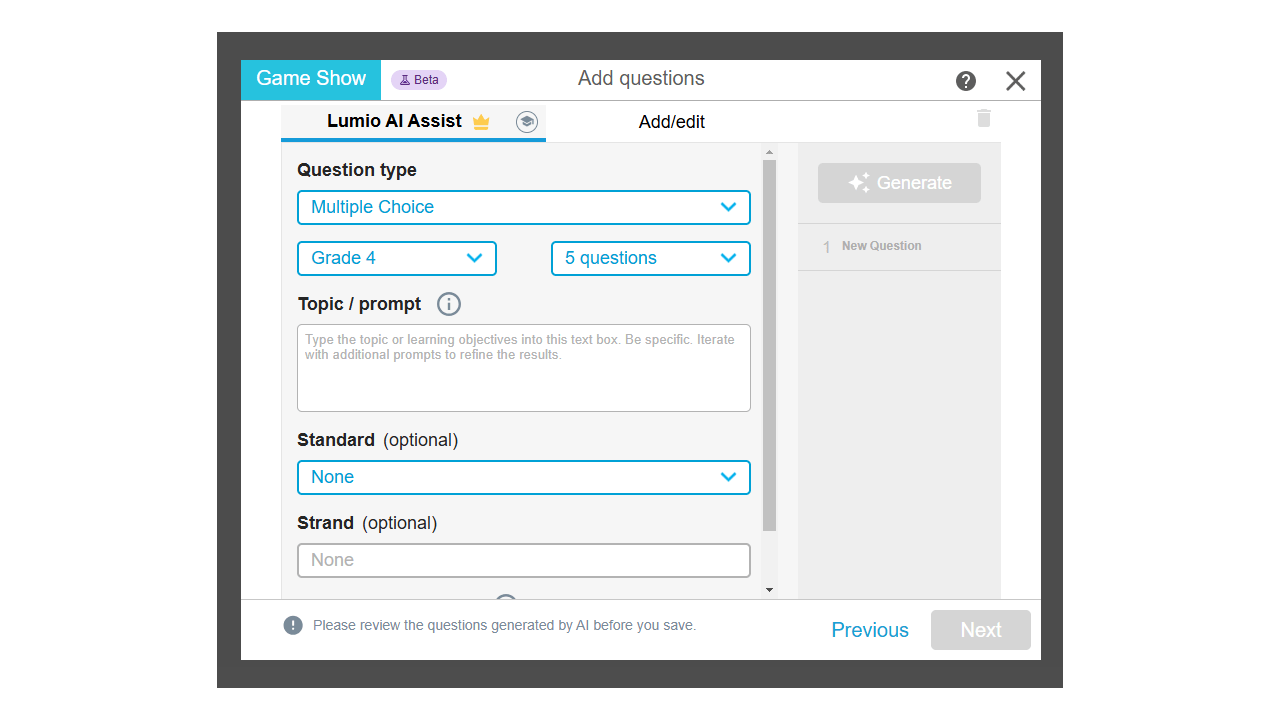
Get started with iQ 4 today
Experience iQ 4: included with these SMART displays and more.