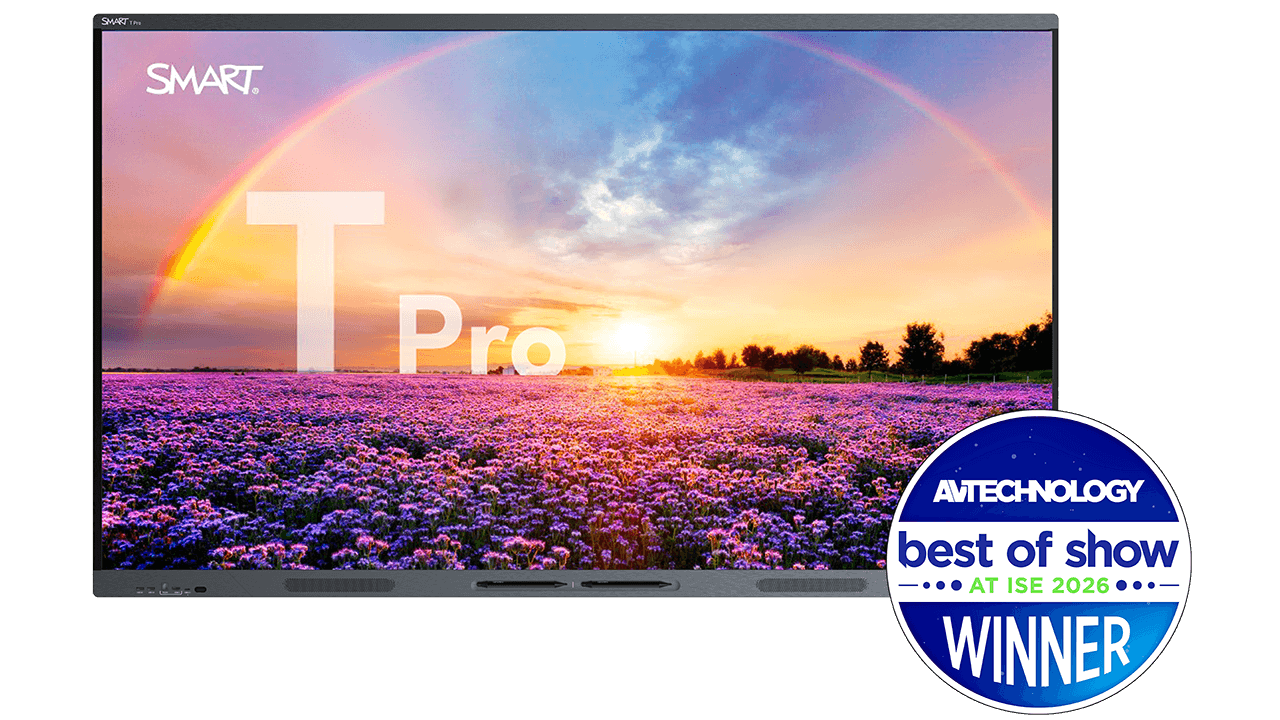
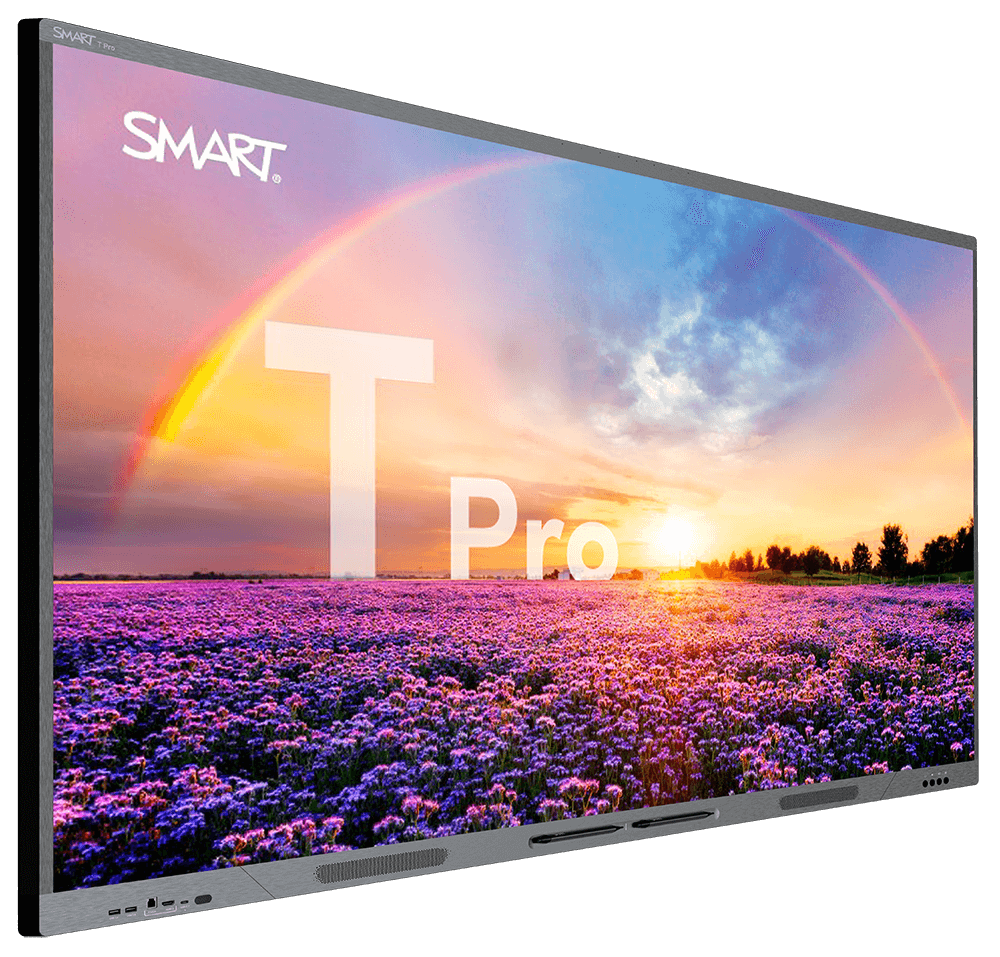
SMART Board T Pro series QLED interactive display for classrooms
The SMART Board T Pro series brings QLED 4K visuals and Dolby Vision to the classroom. The only QLED interactive display on the market that enables users to write in multiple programs and switch between them without their ink disappearing.
Speak to an expertBuilt for the modern teacher
The T Pro series is an interactive display for schools that’s purpose-built for any presentation or lesson offering flexible computing, an integrated mic-array, and 60W of audio output.






See the brilliance of your vision
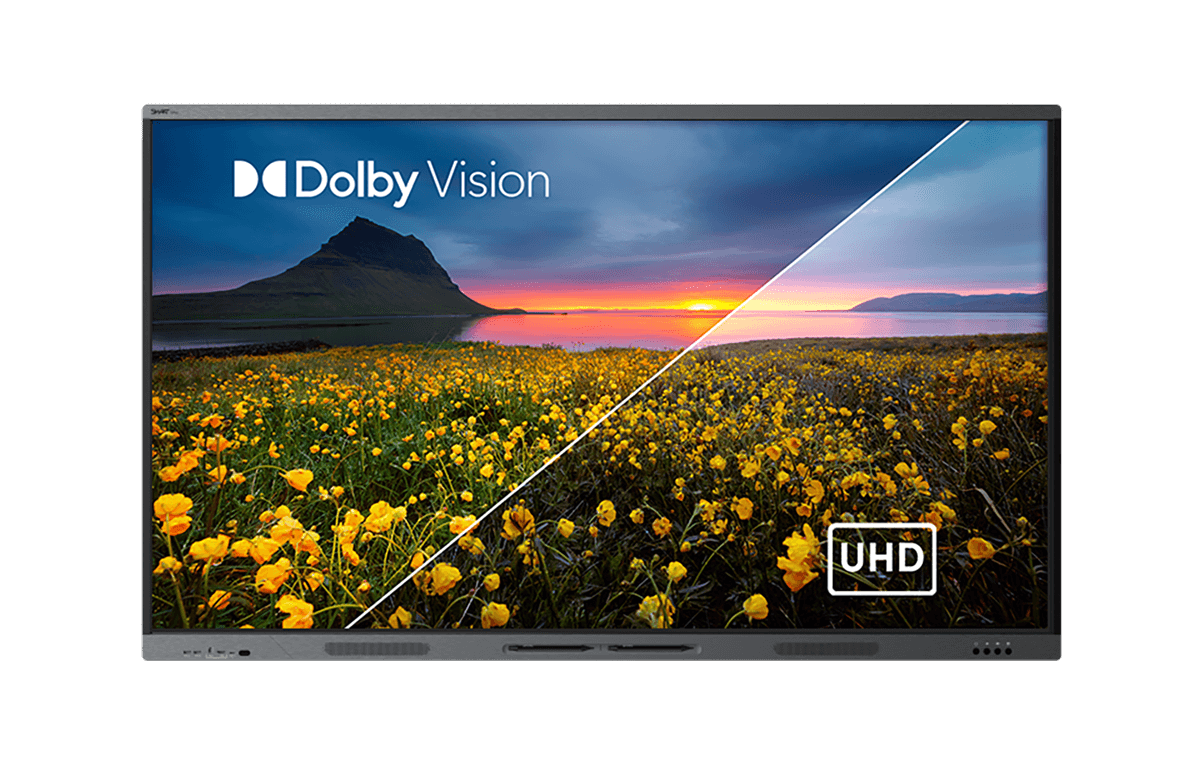
No matter whether your students are at the front or back of the classroom, the T Pro series is guaranteed to make your vision clear thanks to incredible QLED display technology.
Deploying Dolby Vision in videos? The T Pro series supports your Dolby Vision coded content for dynamic frame-by-frame adjustments and an even richer color experience.

Teach in the way you know best
Walk up to the display and either connect a single USB-C cable to your laptop or use a SMART OPS PC module to work with the OS/IT system of your choice – SMART iQ, Windows, ChromeOS, or Android.
The best digital ink
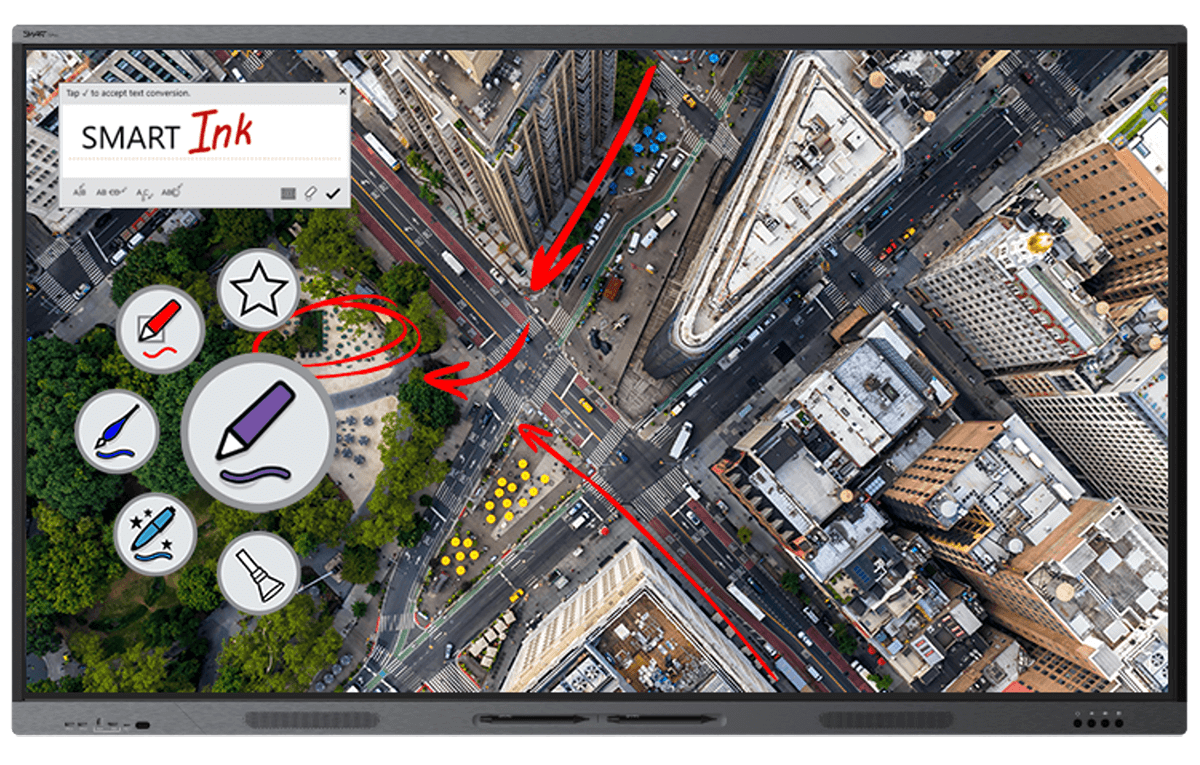
SMART Board displays enable users to pick up a pen, add their notes, then save their annotations in the native file format (Microsoft Office files and PDFs).
Multiple students collaborating at the same time? SMART is also the only interactive display provider that truly allows multiple users to write, erase, and interact with objects at the same time without interference.
Complete your solution



Supporting your implementation
We are committed to supporting our customers in every step of their SMART journey:
- SMART’s equipment warranty gives you ultimate peace of mind, with warranty extension options for up to 7 years (region dependent)
- 24/7 technical support with teams around the globe
- Advanced replacement and two-way shipping services
- In-depth Support Site and professional training for FREE
Find the perfect fit for your modern classroom.

Which display is right for your classroom?
Check out the SMART Board Selector and get a personalized recommendation for your ideal display.
Find your display
Make the most informed decision.
Download our Interactive Displays Buyer’s Guide for a comprehensive guide to choosing the right display.
Get the Buyer's Guide
See our displays in action.
Experience the ease of use and industry-leading interactivity with a personalized demo by one of our experts.
Book a demo