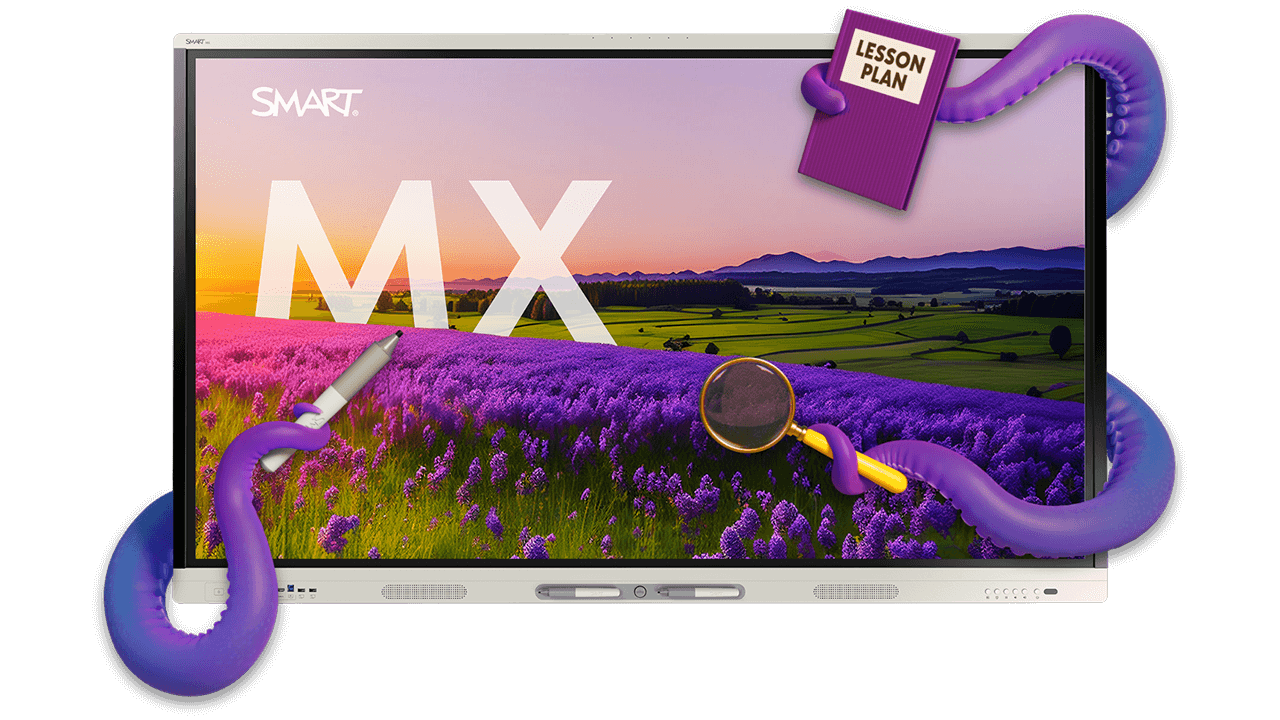
SMART Board MX series interactive display
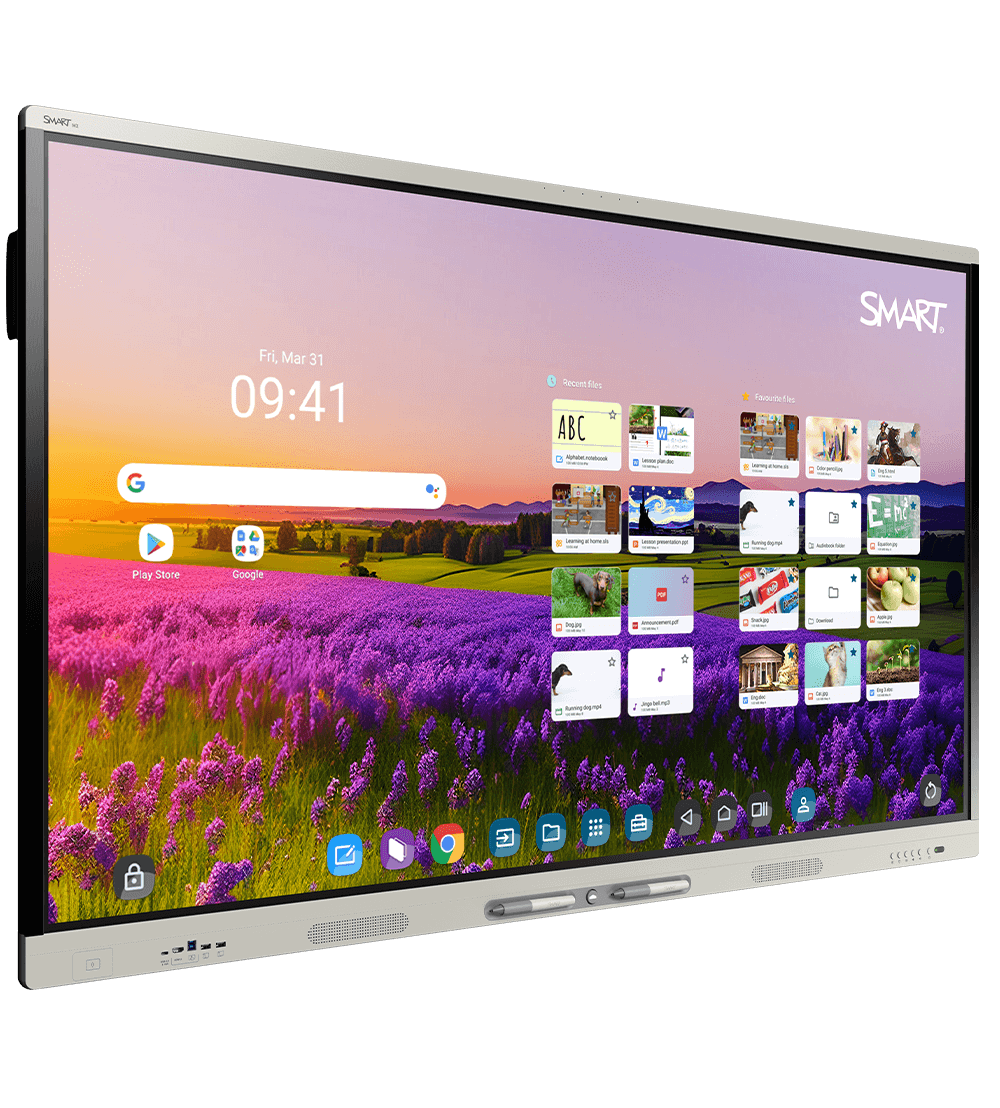
Powered by SMART's iQ 4 classroom OS, the MX series brings full interactivity, built-in apps, and seamless device connectivity to every K–12 classroom.
Available in 55", 65", 75", 86"
Book a demo See the MX in action








Experience true multi-user interactivity

Make room for more
More ideas. More collaboration. More people. More brilliance. The SMART MX series offers true multi-user interactivity with a touch experience that our competitors don't even come close to.
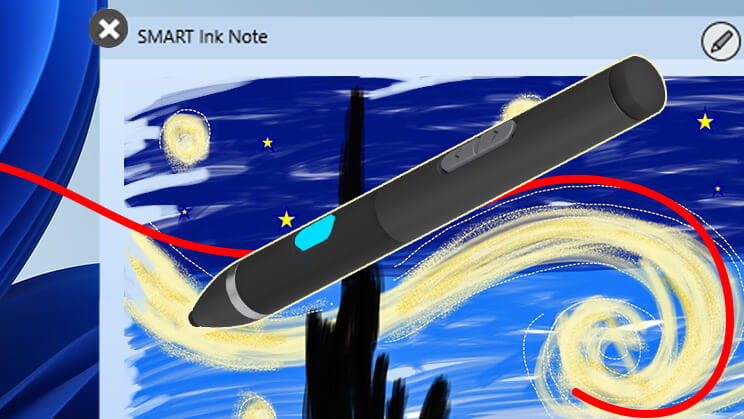
ONLY SMART gives everyone a chance to contribute effortlessly. Multiple users can write, erase, and touch simultaneously without interfering with each other's work.
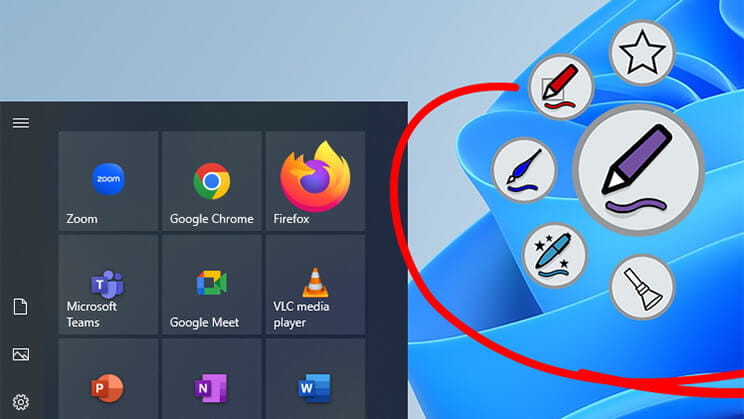
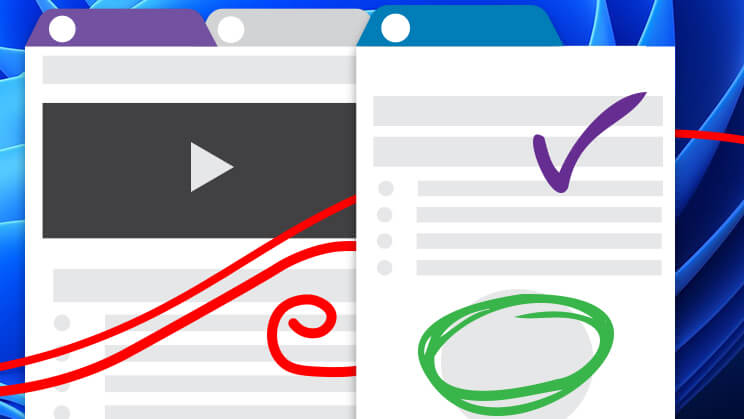
Effortless inking
Powered by iQ 4
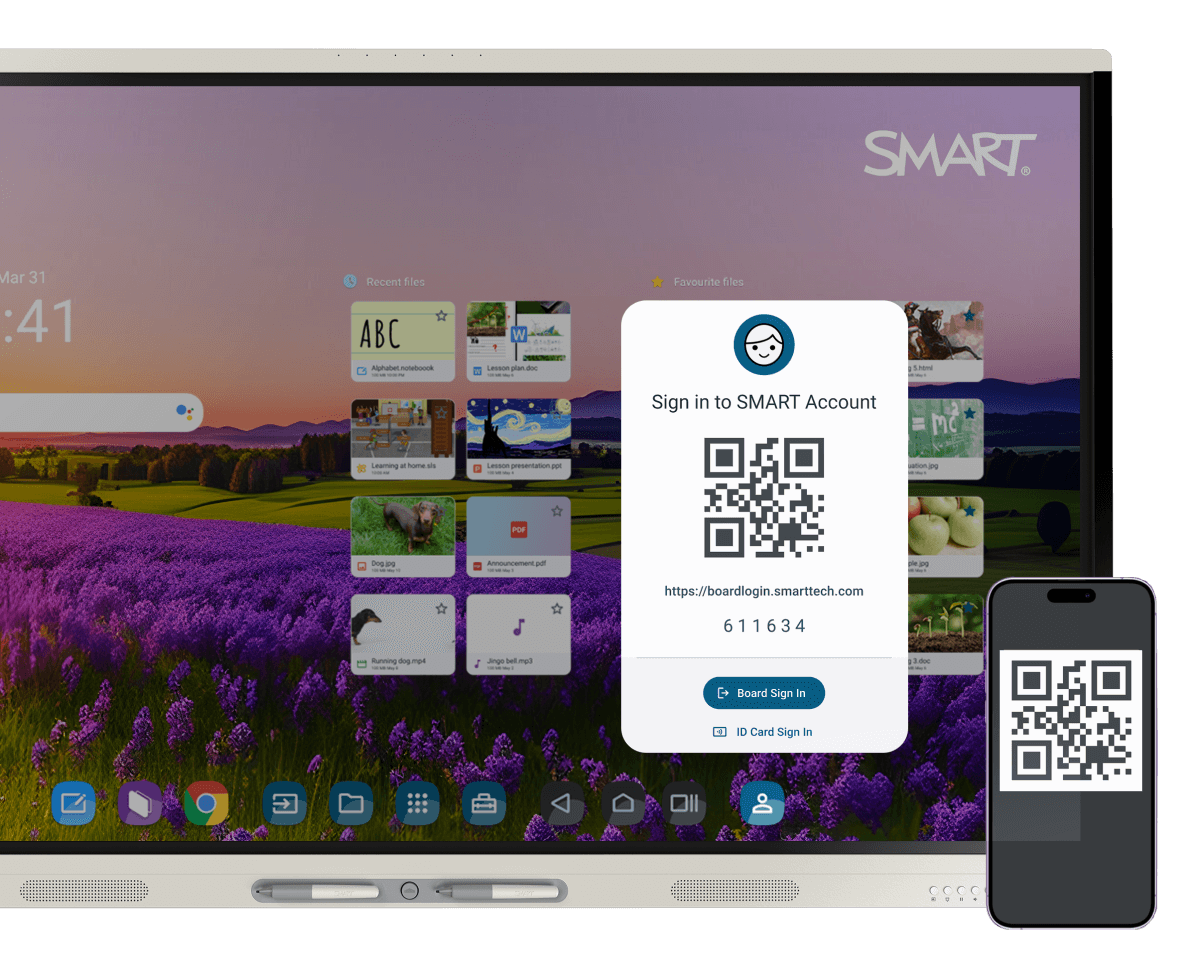
The purpose-built OS by the most preferred interactive display brand.* Make the most of your tech budget with future-proofed hardware and upgradeability that keeps things fresh and running smoothly for years to come. Designed for district-wide consistency, simplified management, and ease of use, iQ 4 lets teachers teach, students learn, and admins manage—without unnecessary tech complexity.
* Explore our OS advantageiQ works with you to maximize planning and class time
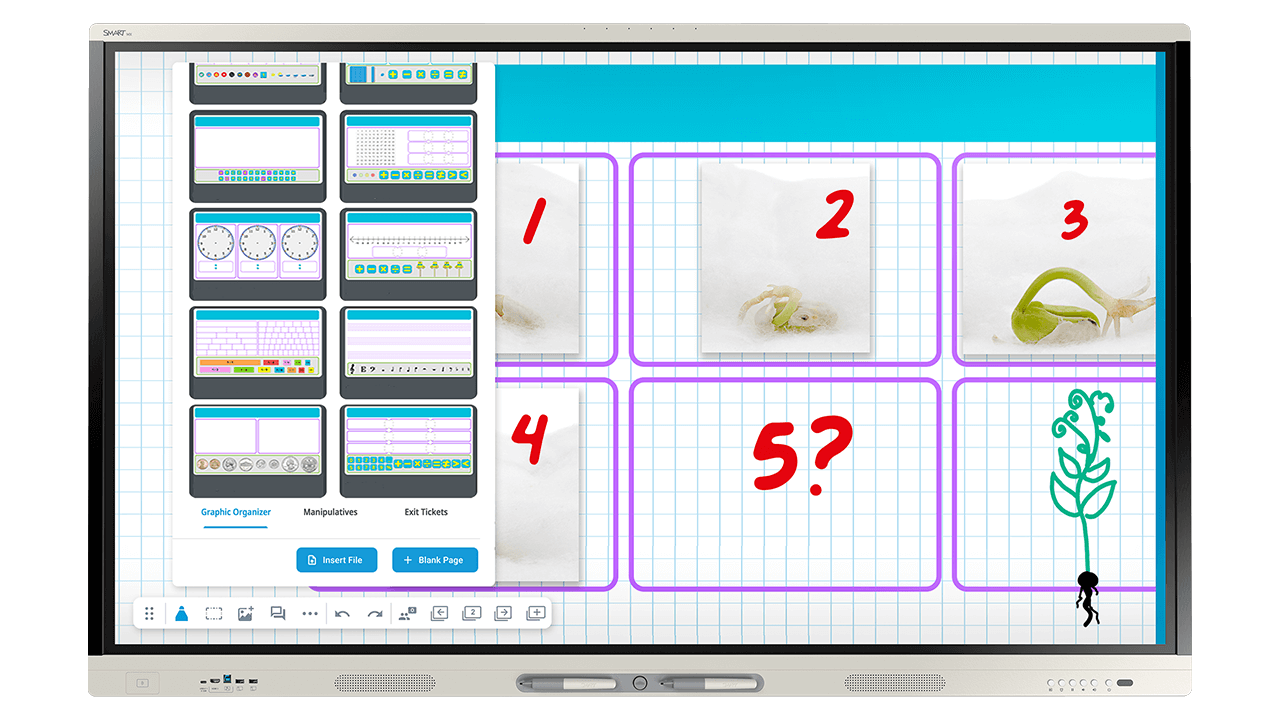
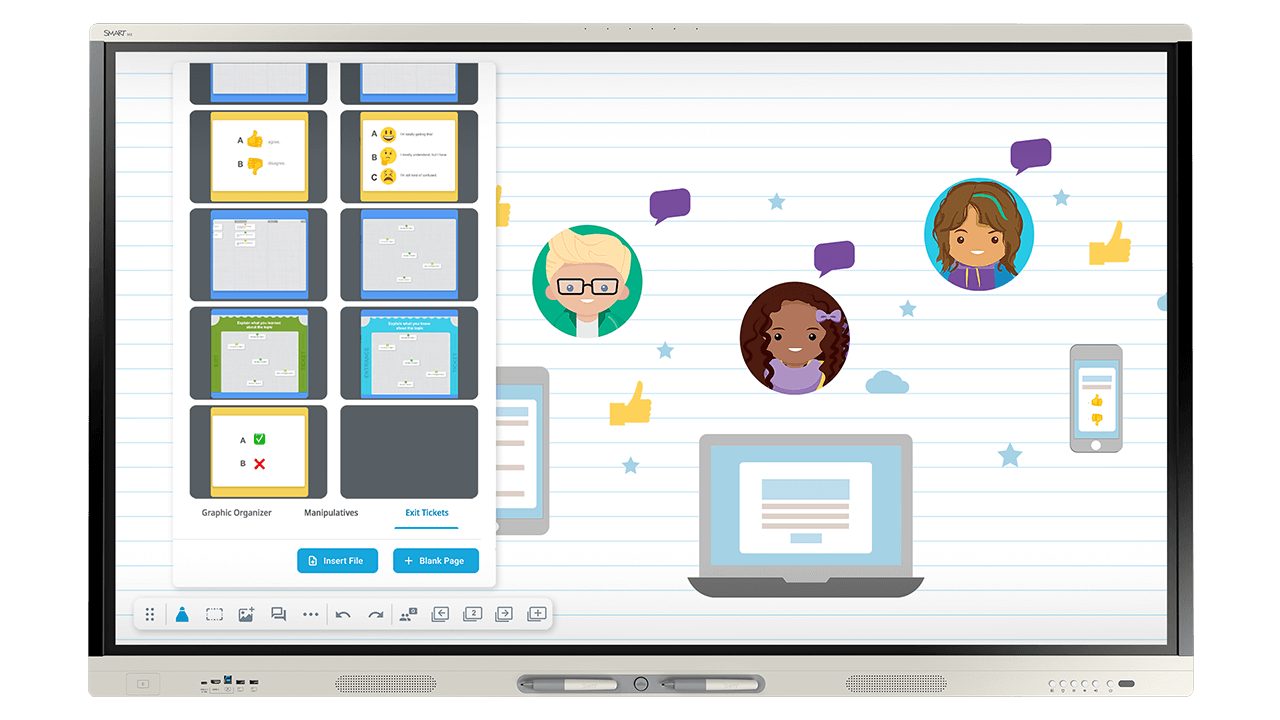
With built-in activities and teaching tools, teachers can count on the MX to help them plan and deliver engaging lessons.
Automatic updates mean IT teams don't waste precious time with small fixes or enhancements. It's an interactive display designed to make your life easier, not more complicated.
Walk-up-and-teach engagement tools
-
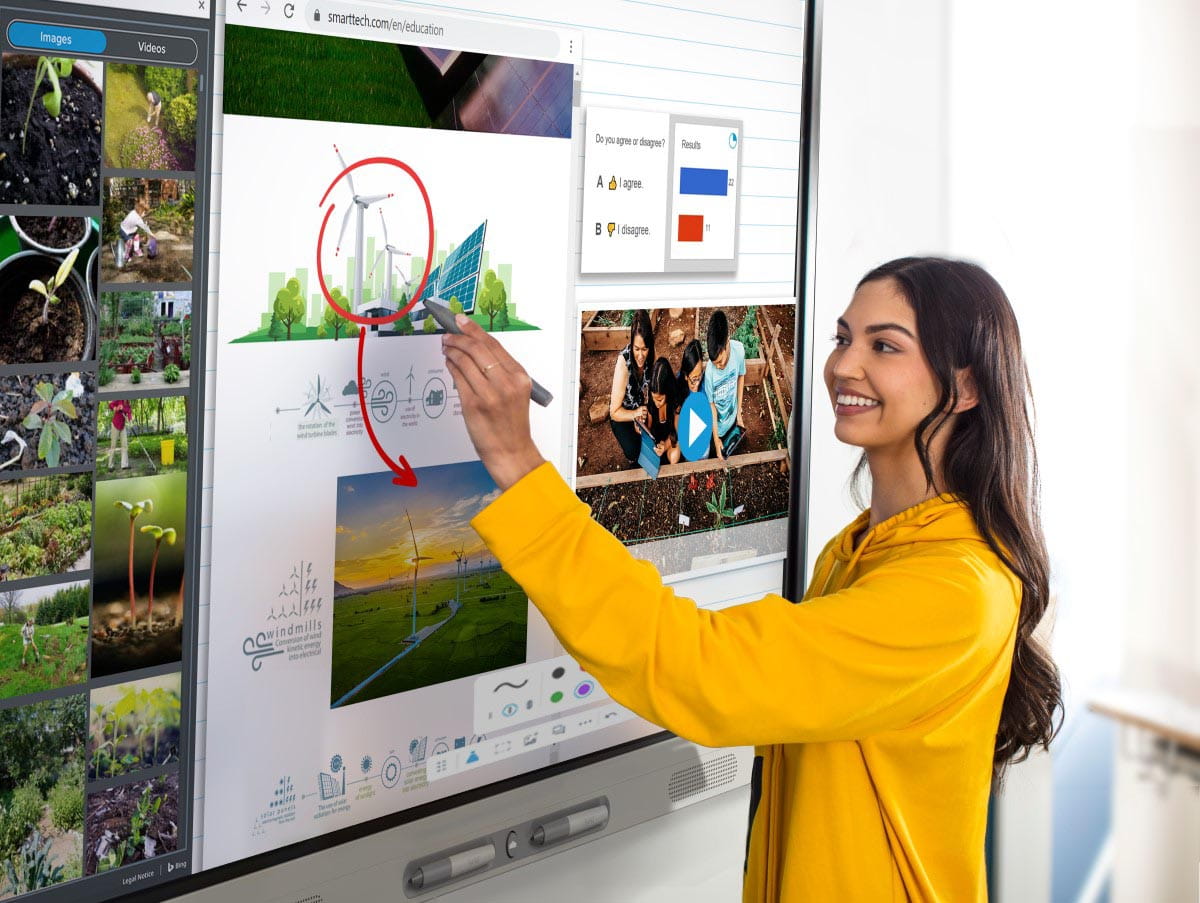
Easily teach any topic
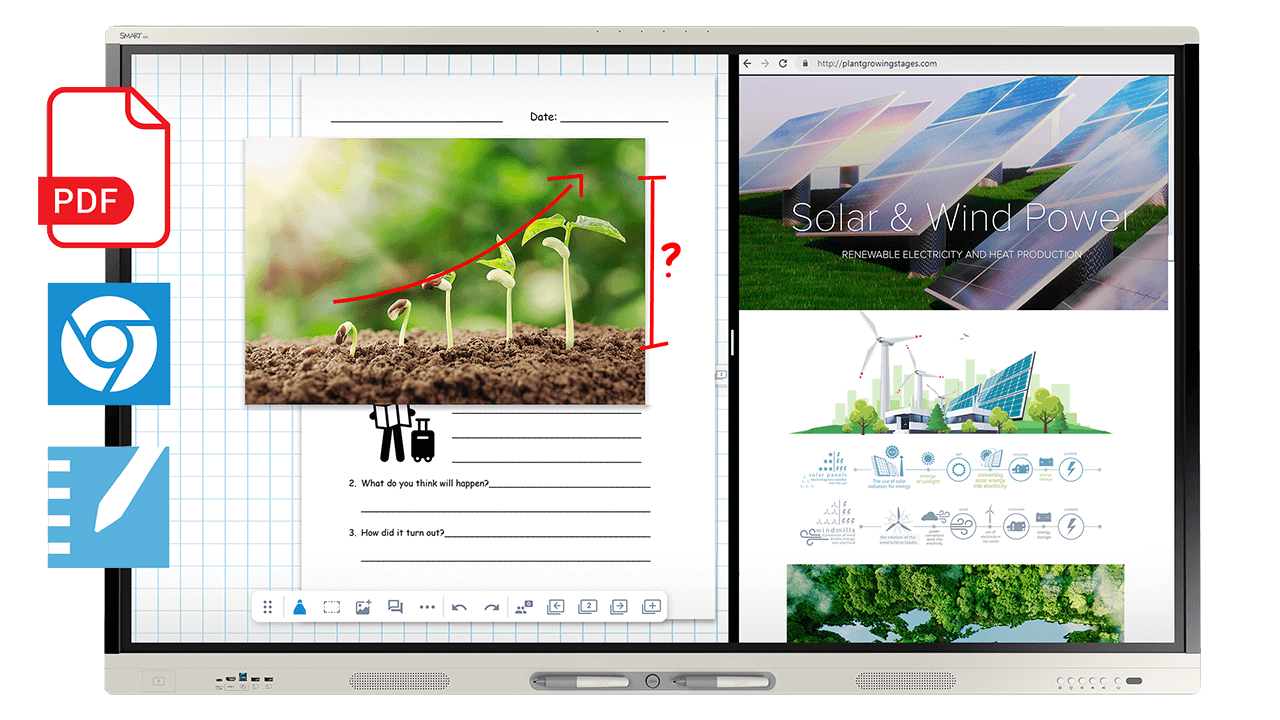
The MX series with iQ helps teachers:
- Import multi-page PDFs effortlessly
- Easily use split screen or picture-in-picture to deliver lessons from more than one input
- Save any annotation as an editable file. Add it to your lesson and keep annotating!
- Use integrated video and image search with persistent search results that save time

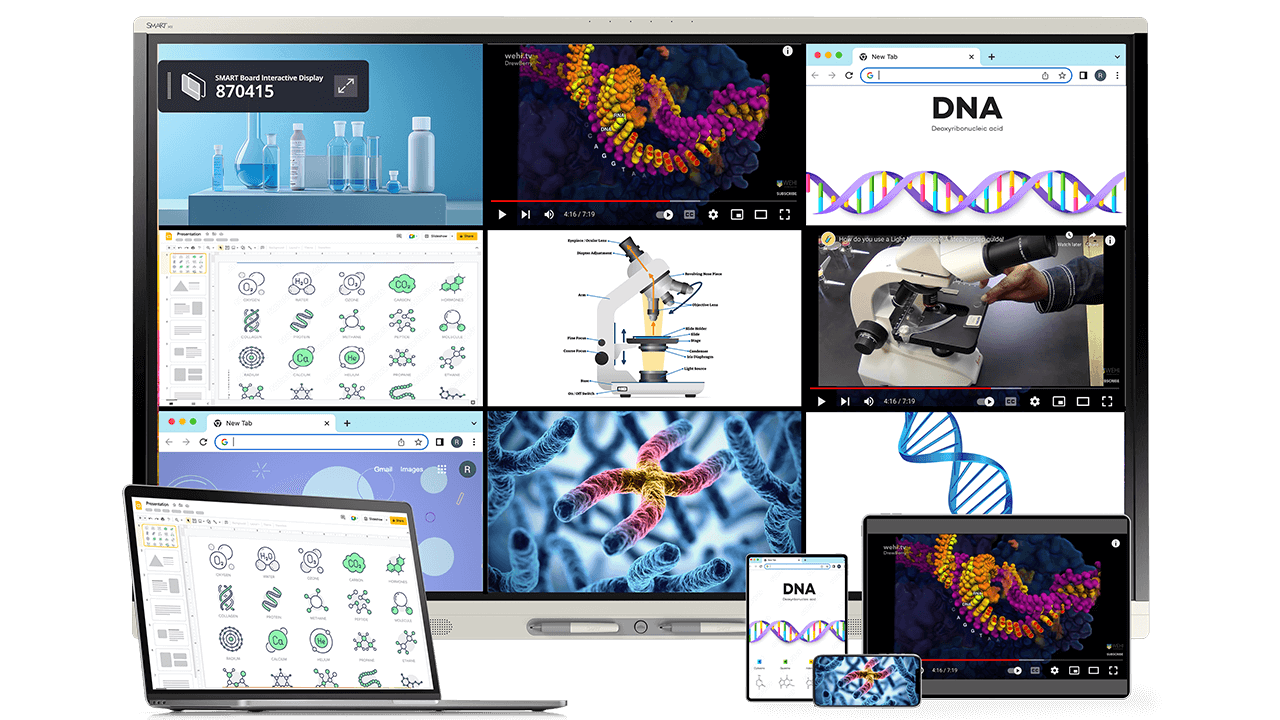
Discover what your SMART Board can do
The SMART Board MX series can double as digital signage, emergency alert system endpoints, teacher audio amplification, and more, saving you money and maximizing your tech investment.
Extend your classroom interactive display with purpose‑built options that adapt to how and where teaching happens.


An excellent lifespan for an excellent display

Designed for longevity
This is a display that ages gracefully. With one of the longest lifespans on the market and quality that maintains over time, the MX series is an investment you'll be satisfied with for years to come.
Here’s what you get when you invest in the MX:
- Quarterly OTA Android updates, including new versions of Android as applicable
- Regular OTA feature and security updates to keep your display at peak performance
- Appliance based upgrade paths
Our accelerated life testing program, combined with our upgrade options, ensures that your device lasts longer and continually evolves to meet the demands of the modern classroom.
Connect with SMARTSMART keeps it simple for you and your teachers
Easy to adopt
We put in the effort so you don’t have to.
When you buy SMART, you buy peace of mind, easy setup and easy implementation.
- Technology designed for out-of-the-box use – no setup or training required.
- Self-serve iQ user profiles and NFC setup through familiar Google and Microsoft workflows.
- Professional Learning - Extend capability with complimentary professional learning plans, online courses, and webinars that cover both functional and pedagogical topics.
The peace of mind you need
Partner with a best-in-class company
We’re committed to providing you technology that is as effortless as it is ethical. Learn more about:


Accessories
From computing modules to mounting solutions, SMART has all the options you need.
Discover accessoriesFind the perfect fit for your modern classroom.

Which display is right for your classroom?
Check out the SMART Board Selector and get a personalized recommendation for your ideal display.
Find your display
Make the most informed decision.
Download our Interactive Displays Buyer’s Guide for a comprehensive guide to choosing the right display.
Get the Buyer's Guide
See our displays in action.
Experience the ease of use and industry-leading interactivity with a personalized demo by one of our experts.
Book a demoFrequently Asked Questions
-
Does SMART Ink on the MX series save directly into Microsoft Office files?Yes. SMART Ink on the SMART Board MX series writes directly into the native Microsoft Office or PDF file, keeping annotations intact as you move between programs. No overlays, no separate file format, no lost notes.
-
Can multiple students write on the SMART Board MX series at the same time?Yes. The SMART Board, including MX series, is the only interactive displays with true Simultaneous Tool Differentiation, allowing students to write, erase, and touch at the same time without interfering with each other's work, a capability that competing displays don't offer.
-
Does the SMART Board MX series run SMART's iQ operating system?Yes. The SMART Board MX series runs iQ 4, giving teachers built-in classroom tools, multi-device collaboration, and Google and Microsoft integrations purpose-built for teaching rather than general computing.
-
What accessories can I get for my SMART Board MX series?The SMART Board MX series supports SMART SoundLift for classroom voice amplification, the SMART MultiStylus all-in-one teaching tool, SMART OPS computing modules, and mounting solutions. Every purchase also includes free software like SMART Ink, SMART Notebook, and SMART Mirror screen sharing, a complete classroom solution rather than a standalone display.
-
How long does the SMART Board MX series last before needing replacement?The SMART Board MX series receives quarterly OTA Android updates, including new Android versions as they become available, plus appliance-based upgrade paths, extending its usable life well beyond a typical classroom display.
-
How long has SMART been building interactive displays?SMART Technologies invented the interactive whiteboard nearly 40 years ago and remains the category leader today, with the SMART Board MX series reflecting four decades of pedagogy-focused refinement.
-
Is the SMART Board MX series EDLA-licensed?Yes. The SMART Board MX series is EDLA-licensed by Google and EPEAT certified, giving schools verified Google Workspace integrations on a sustainable, education-ready platform.
-
What teaching tools and AI capabilities does the SMART Board MX series include?The SMART Board MX series runs iQ 4, SMART's pedagogy-focused operating system, which gives teachers access to built-in classroom tools including lesson templates, graphic organizers, manipulatives, and interactive activity builders. AI-powered features including handwriting recognition and auto-shape correction are also included, so teachers can deliver more engaging lessons without relying on additional software.
-
What comes included with the SMART Board MX series?The SMART Board MX series comes with a full set of classroom tools built in. Included with every purchase: iQ 4, SMART Mirror, SMART Control Alerts for emergency notifications, instant messaging, and SMART Ink for native file annotation. Optional accessories and computing modules let schools expand the solution further as needs and budgets grow.