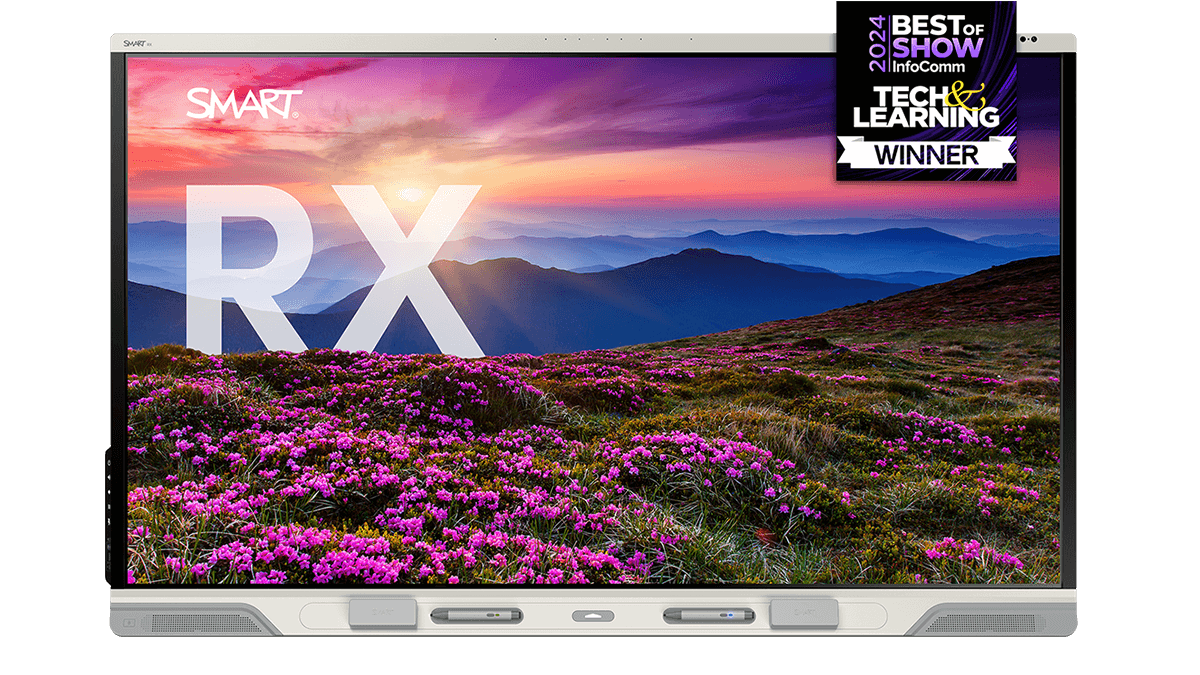
Interaktives Display der SMART Board RX-Serie
Das leistungsstärkste Klassenraum-Display von SMART, das auf dem firmeneigenen iQ OS basiert und über vom Benutzer programmierbare Tools zur Unterstützung inklusiver Klassenräume verfügt.
Erhältlich in 65”, 75” und 86”
Vorführung buchen Erleben Sie das RX in Aktion







Speichern und teilen Sie Produktinformationen über die RX-Serie.

Verschmelzung der physischen und digitalen Welt
Die patentierte Technologie unseres Tool Explorers definiert Interaktivität und Barrierefreiheit neu: Sie erkennt reale Objekte wie programmierbare SMART-Werkzeuge, um Schüler und Schülerinnen, auch solche, die sich nicht verbal ausdrücken können, auf eine ganz neue Art und Weise zu motivieren.
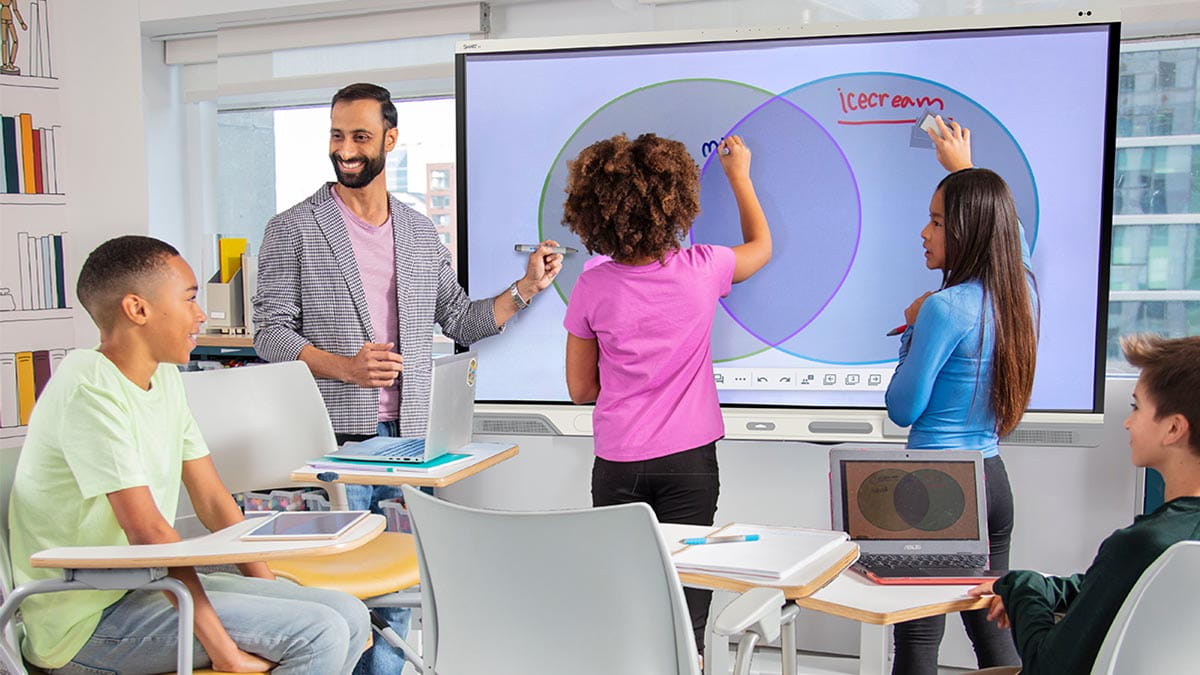
Motivieren Sie Ihre Schüler zur Zusammenarbeit
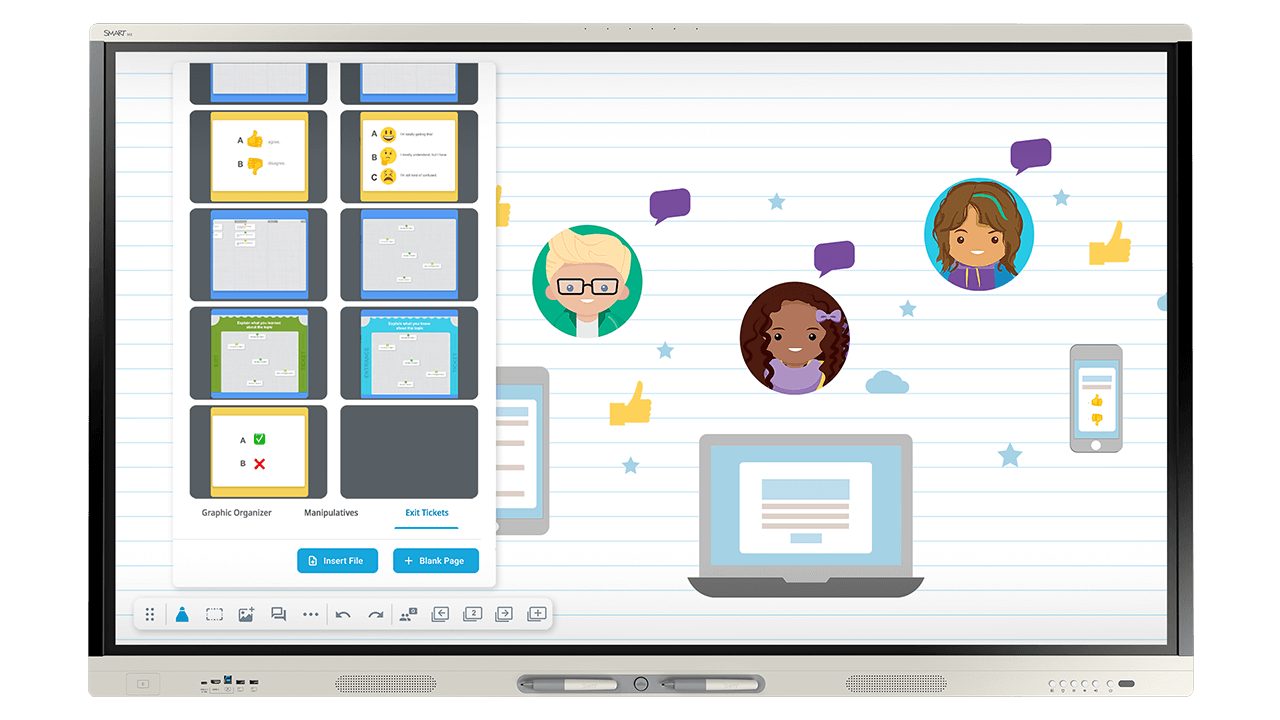
Mit der RX-Serie können Ihre Schüler direkt auf dem Display mit den Inhalten arbeiten und sich miteinander austauschen.
Wecken Sie das Potenzial Ihrer Schüler - nur mit SMART können sie gleichzeitig schreiben, berühren, löschen und eine wirklich kollaborative, fesselnde Erfahrung machen.
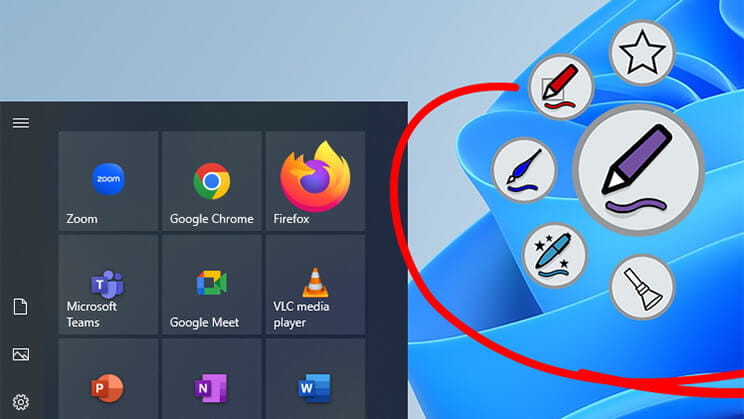
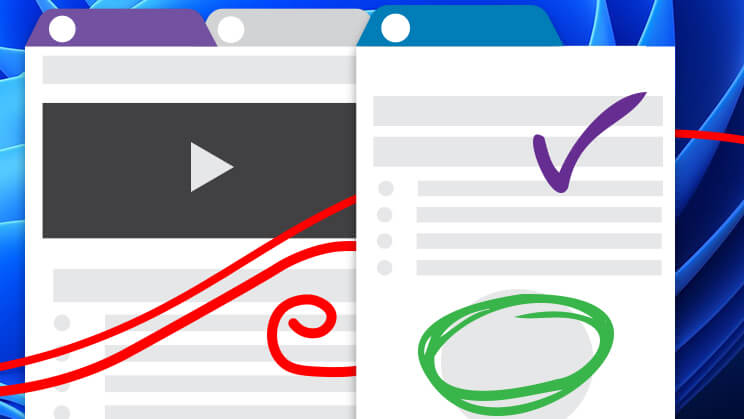
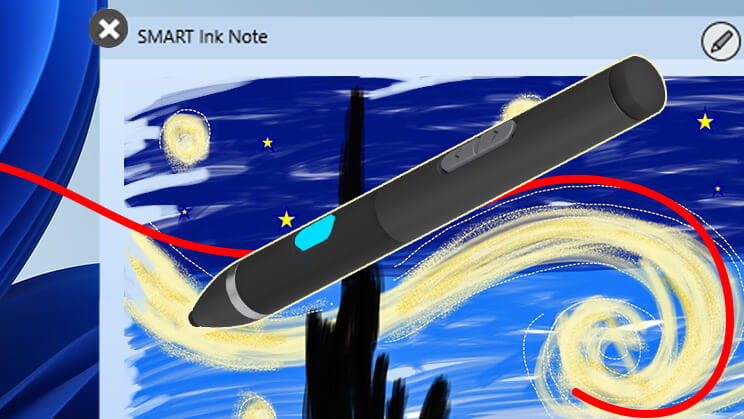
Angebot anfordernIntuitives Arbeiten mit digitaler Tinte
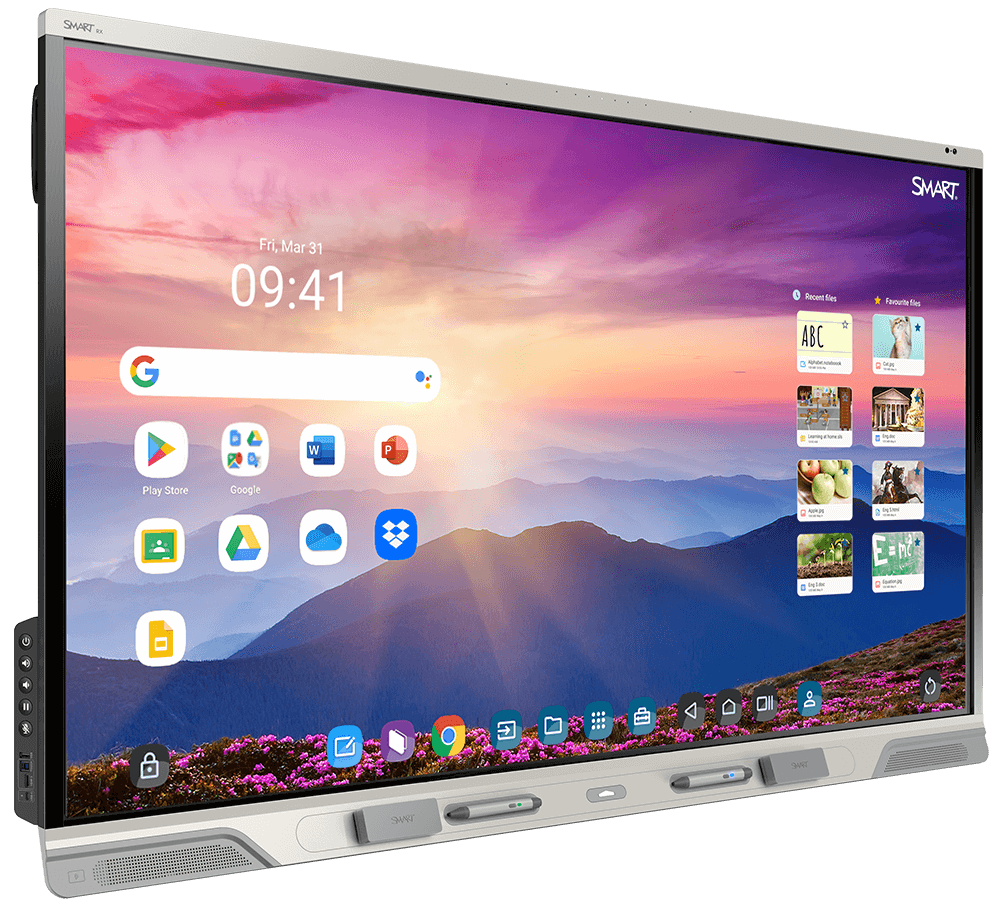
Das ganze Google-Erlebnis. Und mehr
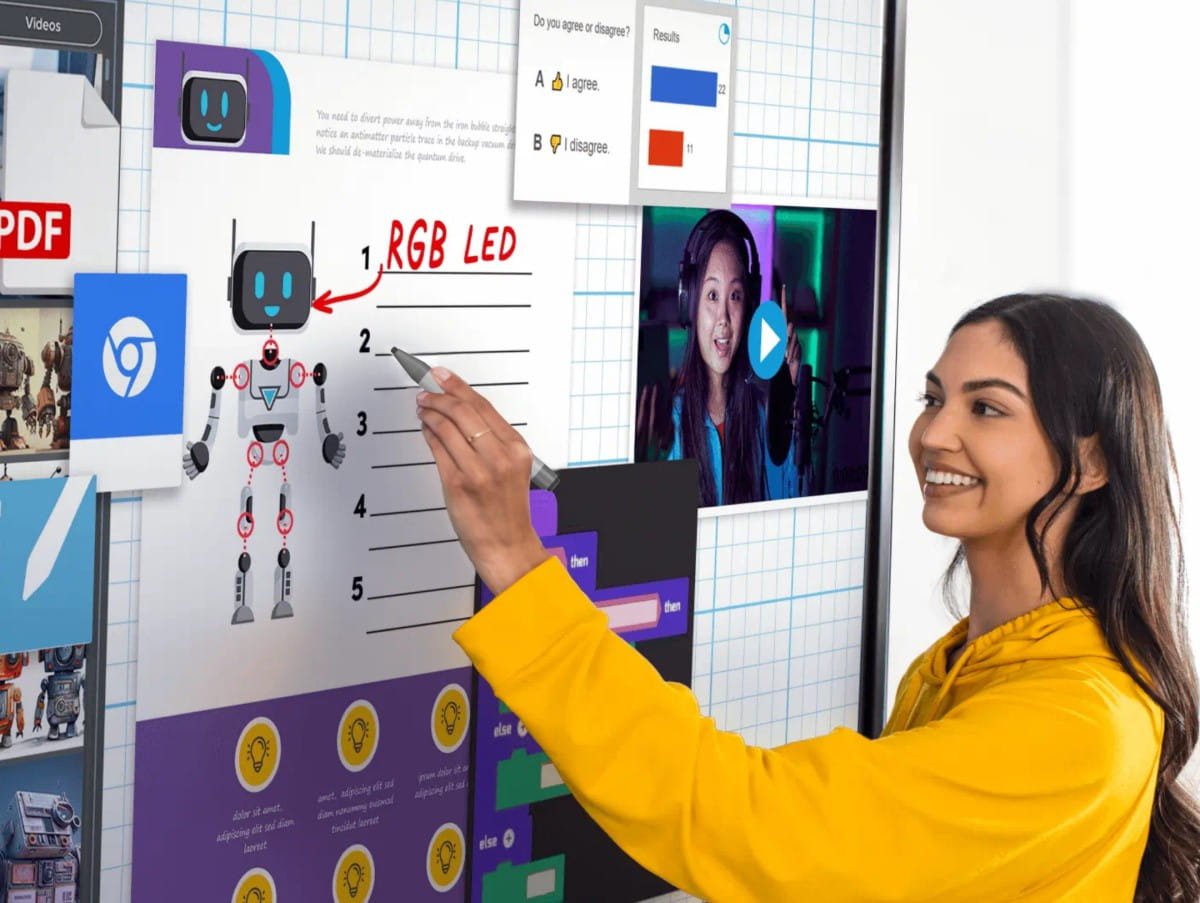
Sie haben ganz einfach Zugriff auf Google Play, Google Chrome und andere Anwendungen der Google-Plattform, die Lehrkräfte kennen und schätzen.
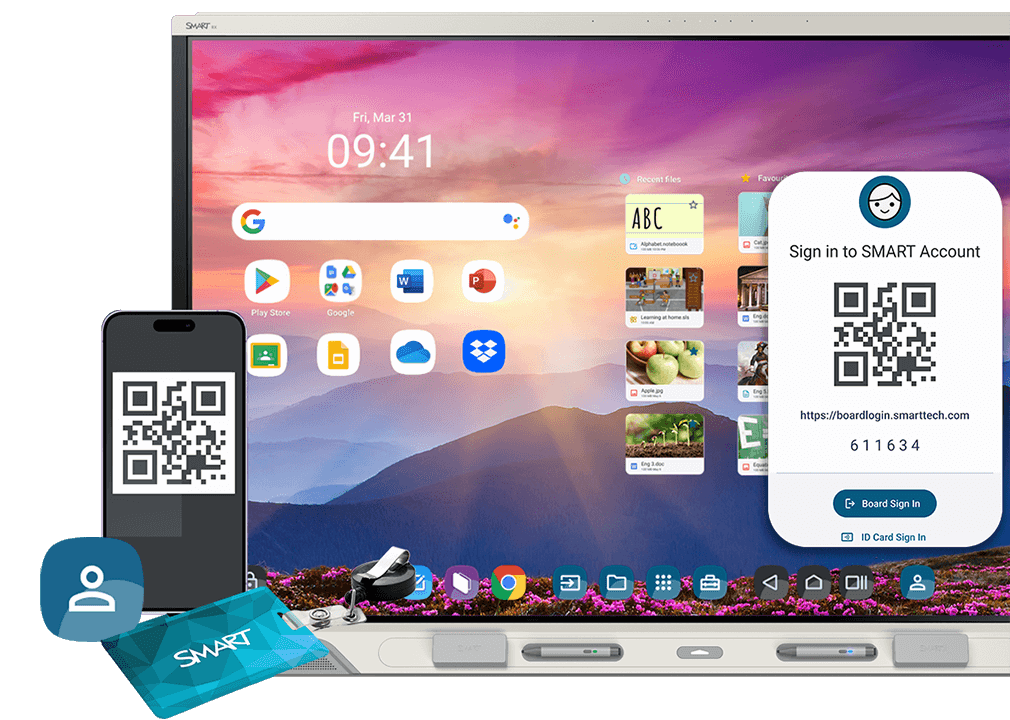
Nehmen Sie Ihre Favoriten und Vorlieben mit. Melden Sie sich mit Ihrem SMART-Konto über Ihr eigenes Endgerät oder den integrierten NFC-Kartenleser an. Robuste Sicherheit ist gewährleistet.
Greifen Sie direkt von der Dateien-Bibliothek auf Google Drive, OneDrive und den Lumio®-Cloud-Speicher zu.
Sparen Sie Zeit für Wichtiges
Das interaktive Display, auf das sich Lehrer verlassen können, wenn sie ansprechenden Unterricht mit einfachen Arbeitsabläufen gestalten, um Stunden kostbarer Unterrichtszeit zu sparen. Und für IT-Teams bedeutet die einfache Wartung ohne zeitaufwändige Reparaturen oder Ausfallzeiten mehr Zeit und Geld für wichtigere Themen.
Sinnvolle Beteiligung der ganzen Klasse
-
Einfaches Unterrichten aller Themen
Mit der RX-Serie mit iQ können Lehrkräfte:
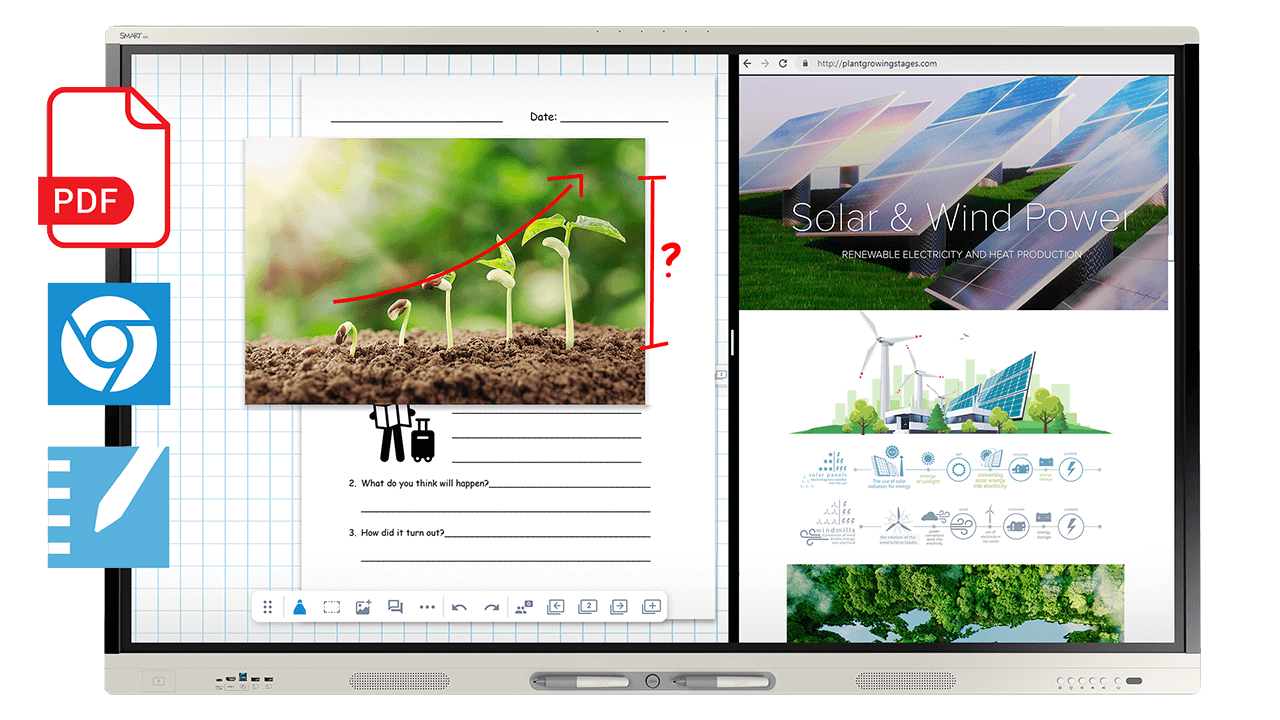
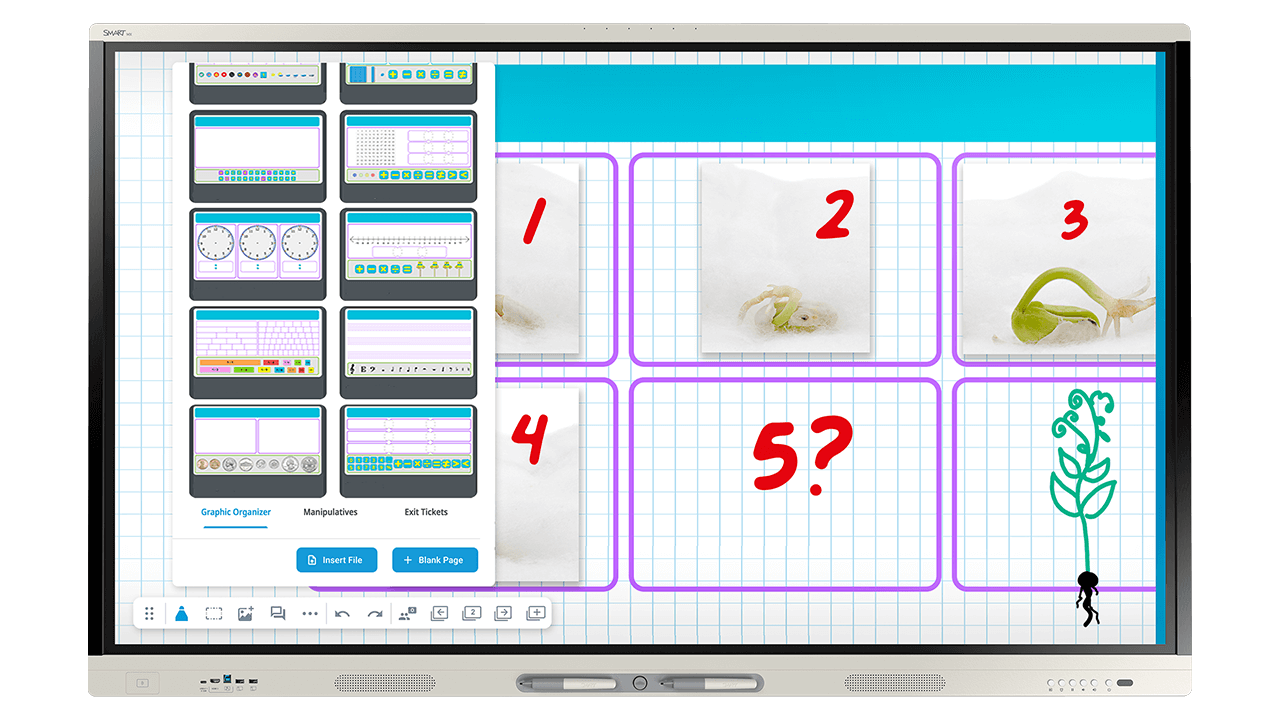
- mühelos mehrseitige PDFs importieren
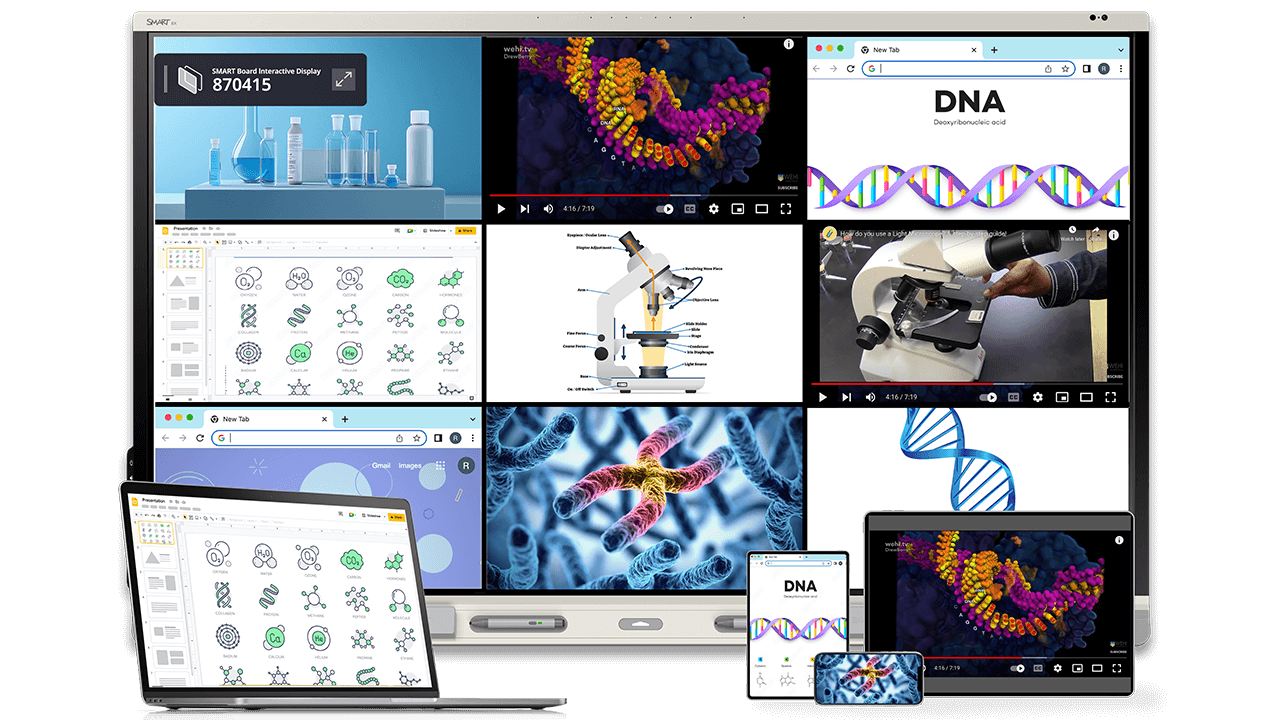
- den Bildschirm einfach teilen oder die Bild-in-Bild-Funktion nutzen und ihre Unterrichtseinheiten mit mehr als einer Quelle vermitteln
- Anmerkungen in einer Datei speichern, die Sie in der nächsten Stunde einfach weiter bearbeiten und ergänzen können!
- die integrierte Video- und Bildsuche nutzen und dank gespeicherter Suchergebnisse Zeit sparen

Auf Langlebigkeit ausgelegt
Dynamisches Display, auch in Zukunft
Stellen Sie sich vor, Sie müssten sich nicht alle paar Jahre mit einer Kaufentscheidung herumschlagen.
Die RX-Serie ist mehr als eine Anschaffung, sie ist eine Investition in die Zukunft. Das bekommen Sie:
- ein zukünftiges Android-Update
- regelmäßige OTA-Updates, damit Ihr Display sicher und aktuell bleibt
- Appliance-basierte Upgrades
Unsere beschleunigten Lebensdauertests in Kombination mit unseren Upgrade-Optionen stellen sicher, dass Ihr Gerät länger hält und kontinuierlich weiterentwickelt wird, um auch in Zukunft den Anforderungen an moderne Klassenräume gerecht zu werden.
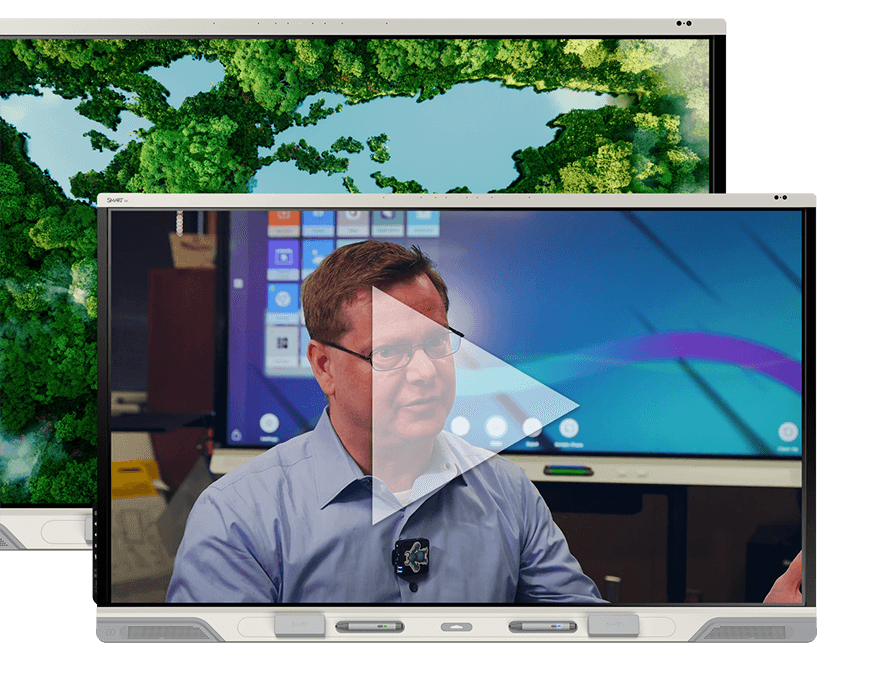
Kundengeschichte: Fort Bend ISD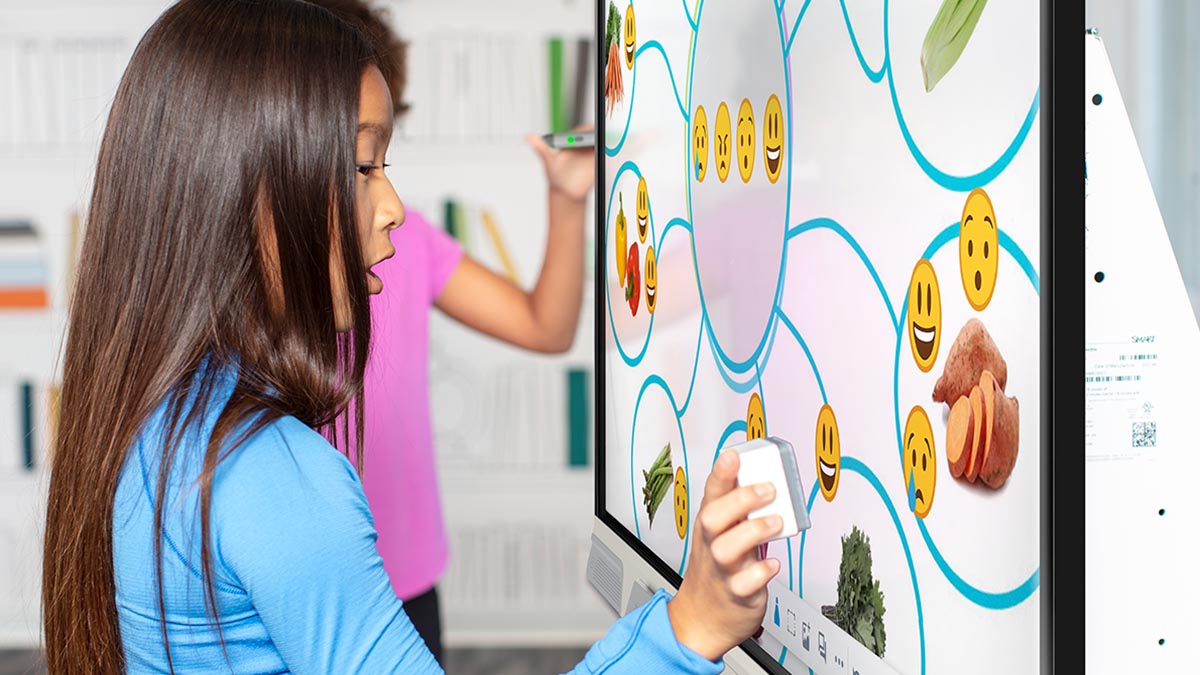
Die richtige Wahl für Vor- und Förderschulen
Mit dem Tool Explorer können die Schülerinnen und Schüler mit physischen Objekten wie Würfeln und Stempeln experimentieren, die das Display automatisch erkennt. Dieses spannende kinästhetische Lernen mit realen Gegenständen macht die RX-Serie zur ersten Wahl für Vor- und Förderschulen.
Entdecken Sie die verfügbaren ToolsEntdecken Sie, was Ihr SMART Board kann
Die SMART Board RX-Serie kann unter anderem als Digital Signage, als Endgerät für Notfallwarnsysteme sowie zur Tonverstärkung für Lehrkräfte genutzt werden, wodurch Sie Kosten sparen und Ihre Investitionen in Technologie optimal nutzen können.
Erweitern Sie Ihr Interactive Display für den Klassenraum mit speziell entwickelten Optionen, die sich anpassen, wie und wo der Unterricht stattfindet.


SMART macht es Ihnen und Ihren Lehrkräften leicht
Einfach anzupassen
Wir kümmern uns, damit Sie sich nicht kümmern müssen: Wenn Sie ein SMART Display kaufen, können Sie sich entspannt zurücklehnen. Denn Einrichtung und Implementierung sind kinderleicht.
- Direkt einsatzbereite Technologie – ganz ohne Einrichtung oder Schulung.
- Eigenständiges Einrichten von iQ-Benutzerprofilen und NFC dank vertrauter Google- und Microsoft-Workflows.
- Professionelles Lernen: Machen Sie sich noch fitter – durch zusätzliche professionelle Lernpläne, Online-Kurse und Webinare zu technischen und pädadogischen Themen.
Immer auf der sicheren Seite
Schließen Sie sich mit einem erstklassigen Partner zusammen
Wir möchten Ihnen Technologie bieten, die genauso benutzerfreundlich wie ethisch ist. Erfahren Sie mehr:

Finden Sie die beste Lösung für Ihren Klassenraum.


Häufig gestellte Fragen
-
Können mehrere Schülerinnen und Schüler die SMART Board Serie RX gleichzeitig nutzen?Ja. Die SMART Boards, einschließlich der Serie RX, sind die einzigen interaktiven Displays mit echter gleichzeitiger Toolunterscheidung, wodurch Schülerinnen und Schüler gleichzeitig schreiben, berühren und löschen können, ohne dass das Display die Eingaben verwechselt. Bei den meisten konkurrierenden Displays beeinträchtigt ein Tool das andere mitten in der Nutzung.
-
Läuft auf der SMART Board Serie RX das iQ-Betriebssystem von SMART?Ja. Die SMART Board RX-Serie läuft mit iQ 4 – dem pädagogisch ausgerichteten, integrierten Betriebssystem von SMART, das Lehrkräften integrierte Tools für den Klassenraum, Zusammenarbeit über mehrere Endgeräte hinweg und speziell für den Unterricht entwickelte, EDLA-lizenzierte Google- und Microsoft-Integrationen bietet.
-
Kann SMART Ink auf der Serie RX direkt in Office-Dateien und PDFs speichern?Ja. SMART Ink auf der SMART Board Serie RX schreibt direkt in die native Microsoft Office- oder PDF-Datei, im Gegensatz zu Overlay-basierten Notizen-Tools, die nicht wieder im ursprünglichen Format speichern können.
-
Welches Zubehör ist mit der SMART Board RX-Serie kompatibel?Die SMART Board Serie RX unterstützt SMART OPS-Computermodule, Tool Explorer-Würfel und -Stempel, Dokumentenkameras, Montagezubehör und Unterrichtszubehör wie SMART SoundLift und SMART MultiStylus – ein komplettes Ökosystem für den Klassenraum statt eines eigenständigen Displays.
-
Wie lange hält die SMART Board Serie RX, bevor sie ausgetauscht werden muss?Die SMART Board Serie RX basiert auf beschleunigten Lebensdauertests, regelmäßigen OTA-Android-Updates und gerätebasierten Upgrade-Pfaden, was ihre Nutzungsdauer weit über die eines typischen Displays für den Klassenraum hinaus verlängert. Das SMART Board RX läuft derzeit auf der Android 15-Basisschicht, auf der das iQ-Betriebssystem entwickelt wird, und wird in Zukunft Android 17 unterstützen.
-
Was macht die SMART Board Serie RX geeignet für inklusive Klassenräume?Die SMART Board RX-Serie enthält die patentierte Tool Explorer-Technologie, die physische Objekte wie programmierbare Würfel und Stempel erkennt und Schülerinnen und Schülern, die sich nonverbal ausdrücken, dabei hilft, direkt mit den Unterrichtsinhalten zu interagieren.
-
Was ist der Unterschied zwischen der SMART Board Serie RX und der SMART Board Serie MX?Die SMART Board Serie RX ist das All-in-One-Flaggschiff-Display für das Bildungswesen von SMART. Alles, was Lehrkräfte brauchen, ist von Anfang an integriert, einschließlich Tool Explorer-Technologie für inklusives und frühkindliches Lernen, verbessertem Audio und mehr. Die SMART Board Serie MX ist das modulare Display für das Bildungswesen von SMART. Es wurde entwickelt, um mit Ihrer Schule mitzuwachsen, beginnt mit einer starken Basis aus iQ 4 und SMART Ink und lässt sich mit Zubehör und Computermodulen erweitern, wie es Budget und Bedarf zulassen. Wenn Sie direkt nach dem Auspacken das komplette Erlebnis suchen, ist die Serie RX die Antwort. Wenn Sie Flexibilität und Raum zum Wachsen suchen, ist die Serie MX genau dafür gemacht.
-
Welche Unterrichtswerkzeuge und KI-Funktionen umfasst die SMART Board RX-Serie?Auf der SMART Board Serie RX läuft iQ 4, das pädagogisch ausgerichtete Betriebssystem von SMART, das Lehrkräften Zugriff auf ein umfassendes Paket integrierter Klassenraum-Tools bietet – einschließlich Hunderter von Unterrichtsvorlagen, Vorlagen, interaktiven Vorlagen und interaktiven Activity Buildern. KI-gestützte Funktionen wie Handschrifterkennung, automatische Formenkorrektur und intelligente Gruppierungstools sind ebenfalls integriert, sodass Lehrkräfte dynamischere Unterrichtseinheiten ganz ohne zusätzliche Software erstellen können.
-
Was ist im Lieferumfang der SMART Board RX-Serie enthalten?Die SMART Board RX-Serie bietet vom ersten Tag an alles, was Lehrkräfte brauchen. Bei jedem Kauf enthalten: iQ 4, Tool Explorer, SMART Mirror, SMART Control Alerts für Notfallbenachrichtigungen, Instant Messaging und verbessertes Audio. Alles ist integriert und ohne zusätzliche Lizenzen oder Abonnements sofort einsatzbereit.