
Interactive displays for government administration and legislative operations
From council chambers and public hearings to hybrid departmental meetings and interdepartmental planning, SMART Board interactive displays support transparent communication, efficient collaboration, and accessible public engagement across government administration and legislative environments.
Connect with a government expertEngineered for government administration and legislative environments

TAA compliant & NDAA compliant procurement
SMART interactive displays include TAA compliant and NDAA compliant models meeting defense and federal acquisition requirements. Available through GSA via authorized resellers, supporting streamlined procurement across defense agencies, commands, and high-security military environments.
View GSA purchasing information
Transparent public communication
Support council sessions, public hearings, and town halls with high-visibility displays that make information accessible and engaging for both participants and gallery audiences, improving the quality, clarity, and transparency of public discourse.
Get started with SMART resources
Hybrid governance & meetings
Enable seamless participation across in-room and remote attendees during legislative sessions, committee meetings, and departmental briefings, supporting the flexibility modern government operations require without sacrificing clarity, accountability, or engagement.
Discover SMART TeamWorks
Efficient departmental collaboration
Streamline day-to-day coordination across teams, departments, and facilities with intuitive annotation and collaboration tools that reduce meeting overhead, capture decisions accurately, and keep government workflows moving efficiently.
Discover SMART Ink for governmentInteractive display portfolio for government administration and legislative operations
-
TAA compliant displays
-
Additional government displays
TAA compliant displays
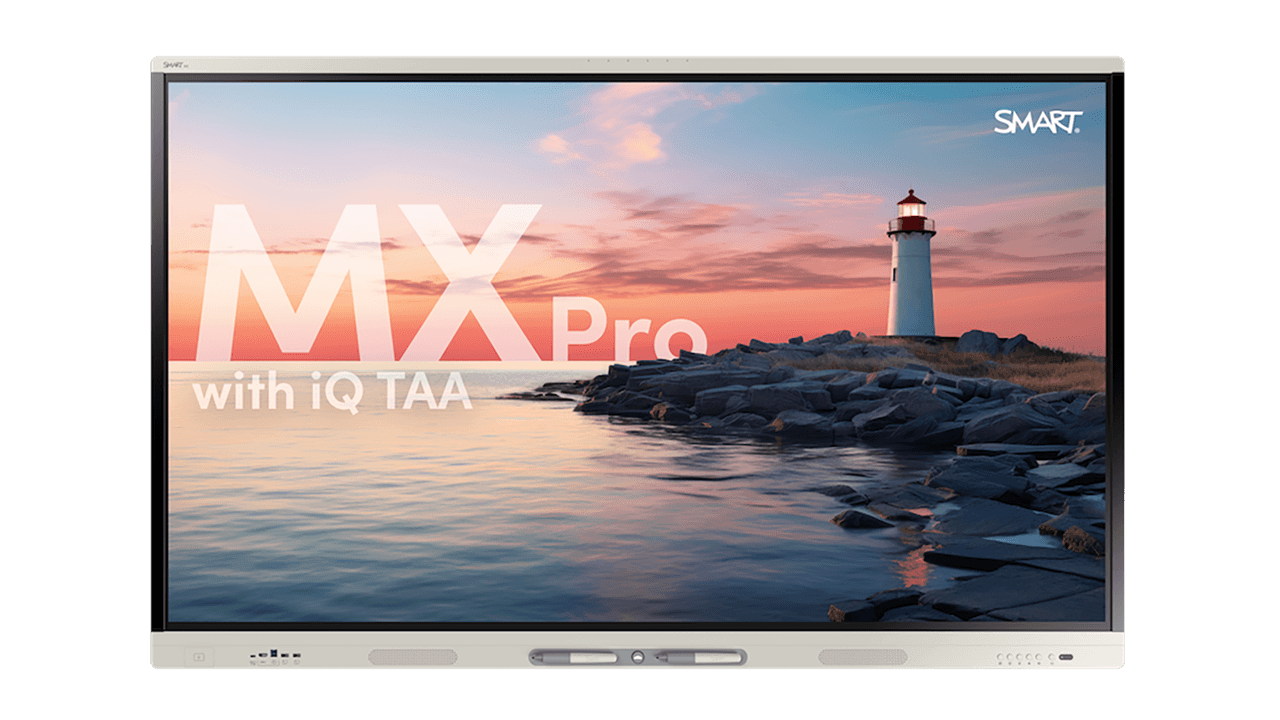
MX Pro series with iQ TAA
A TAA compliant interactive display with an embedded operating system, wireless connectivity, and microphone support, well suited for council chambers, hybrid legislative sessions, and departmental collaboration environments where connectivity, flexibility, and GSA procurement eligibility are priorities.
- TAA compliant & GSA eligible
- Embedded iQ operating system
- Built-in wireless connectivity
- Integrated microphone support
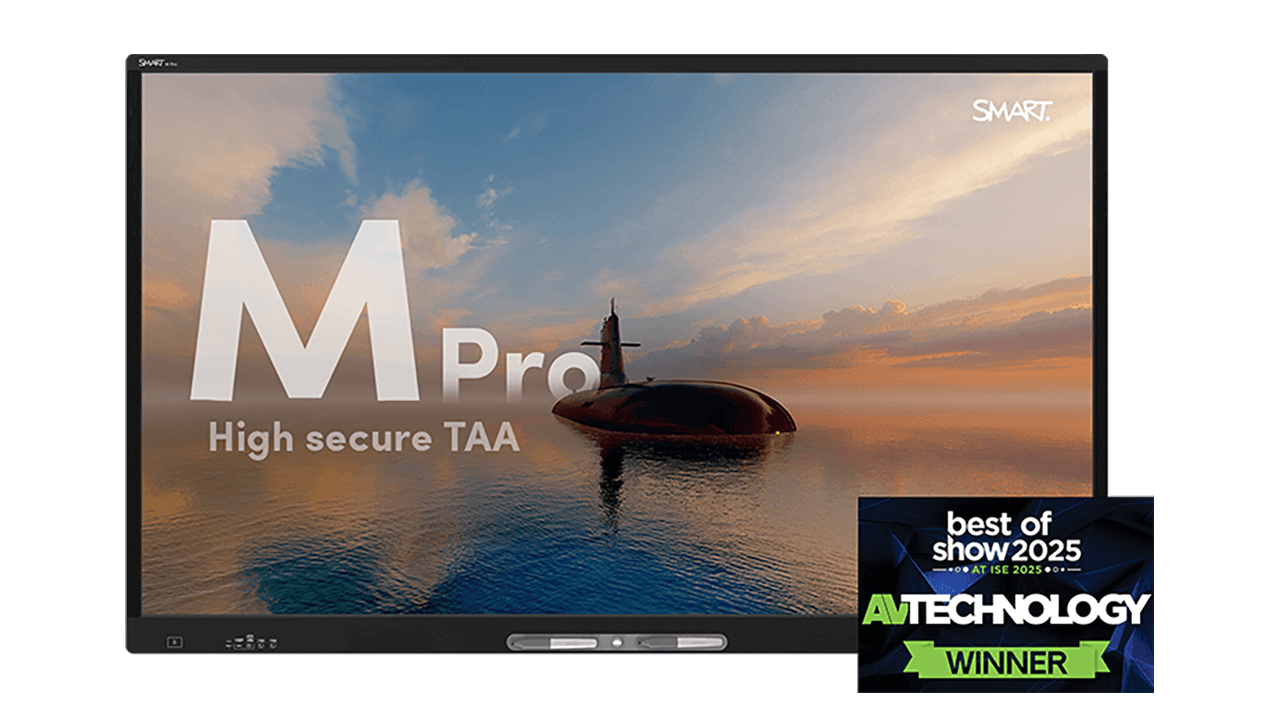
M Pro High Secure series TAA
A TAA compliant and NDAA compliant interactive display configured for high secure deployment, with removed wireless connectivity, Bluetooth, and microphones. Suited for government administration environments requiring strict data control and compliance across sensitive departmental operations and restricted facilities.
- TAA & NDAA compliant, GSA eligible
- Wireless, Bluetooth & microphone removed by design
- OS-free architecture
- Restricted USB access
Additional government displays

T Pro series
An OS-free, plug-and-play interactive display built around QLED technology with Dolby Vision support, delivering exceptional color accuracy and visual clarity for emergency operations centers, training facilities, and public safety command environments. Well suited for government administration environments where TAA compliance is not a procurement requirement but display quality and presentation clarity are priorities.
- OS-free & plug-and-play
- QLED display with Dolby Vision
- 100W USB-C power delivery
- Compatible with SMART OPS modules

SMART Board Mini Interactive Podium
A compact 27" interactive display designed for operators to present while facing their audience. Well suited for council sessions, public hearings, and departmental briefings where space is limited but clear communication and real-time interaction remain essential.
- Built-in 4K camera, 8-mic array & 12W audio
- OPS PC module slot; the only interactive podium with this capability
- 120° adjustable tilt
- Mirrors to any external display via HDMI or USB-C
Key capabilities for government administration and legislative operations


Clear presentation for public sessions
Support council chambers, public hearings, and town halls with high-visibility displays that make content legible and engaging for both participants and gallery audiences, improving the quality and transparency of public discourse without adding complexity for facilitators or administrators.

Intuitive annotation and documentation
Capture decisions, amendments, and action items directly on screen during live sessions with SMART Ink, with annotations saving into original file formats for accurate, transparent documentation of government proceedings without adding administrative burden after the fact.

TAA and NDAA compliant procurement
Supports federal acquisition requirements with TAA compliant and NDAA compliant interactive displays available through the GSA Schedule, enabling straightforward procurement across government administration and legislative agencies.

Unbound visualization for critical missions with Meeting Pro
Government administration demands more than a standard collaboration tool. Meeting Pro provides a flexible, unbound digital workspace designed for the day-to-day planning and coordination needs of government administration teams, enabling officials, administrators, and facilitators to organize, adapt, and move initiatives forward on a single shared canvas without the constraints of fixed layouts or slide-based formats.
Work across an infinite canvas where teams can map project timelines, coordinate across departments, layer budget data, and reorganize information as priorities evolve. Designed to operate without reliance on network connectivity, Meeting Pro supports government administration environments where traditional collaboration tools may be restricted or unavailable.
Whether supporting budget planning sessions, interdepartmental coordination, policy briefings, or structured committee work, Meeting Pro gives government administration teams the visual clarity and organizational flexibility to drive more effective, more accountable governance.
Discover SMART Meeting ProEquip your team with solutions for the moments that matter


Frequently Asked Questions
-
How can interactive displays improve council chamber and legislative session communication?SMART interactive displays give elected officials, administrators, and facilitators a shared visual workspace for presenting documents, referencing data, and capturing decisions during live sessions. Content is clearly visible to all participants including gallery audiences, improving transparency, accessibility, and the overall quality of public proceedings.
-
Can SMART interactive displays support hybrid government meetings and legislative sessions?Yes. SMART interactive displays support hybrid meeting environments, enabling seamless participation for both in-room and remote attendees across legislative sessions, committee meetings, and departmental briefings. SMART TeamWorks unifies Microsoft Teams, Google Meet, Zoom, and other conferencing platforms into a single consistent interface, ensuring all stakeholders can engage fully regardless of their location or which platform they are joining from.
-
How do SMART displays support public engagement and town halls?SMART interactive displays make public engagement sessions more accessible and inclusive by presenting information clearly to diverse audiences. Facilitators can annotate live content, respond to questions in real time, and capture input directly on screen, creating a more dynamic, transparent, and accountable public engagement experience.
-
How do SMART interactive displays support accurate documentation of government proceedings?SMART Ink enables facilitators and administrators to annotate directly on live documents, presentations, and reference materials during sessions. Annotations save into original file formats, supporting accurate and transparent documentation of motions, amendments, and decisions without adding administrative burden after the fact.
-
How can government administration teams use interactive displays for day-to-day operations?Beyond public-facing sessions, SMART interactive displays support internal government workflows including departmental planning, interdepartmental coordination, budget reviews, and policy briefings. Intuitive annotation and collaboration tools reduce meeting overhead and help teams organize information clearly and move initiatives forward more efficiently.
-
What makes SMART interactive displays suitable for legislative environments specifically?Legislative environments require displays that support clear public communication, accurate documentation, and reliable performance across extended sessions. SMART interactive displays meet these requirements with high-visibility screen options, real-time annotation for capturing proceedings, hybrid meeting support via SMART TeamWorks, and TAA compliant models available through GSA, making them well suited for council chambers, committee rooms, and public hearing environments.