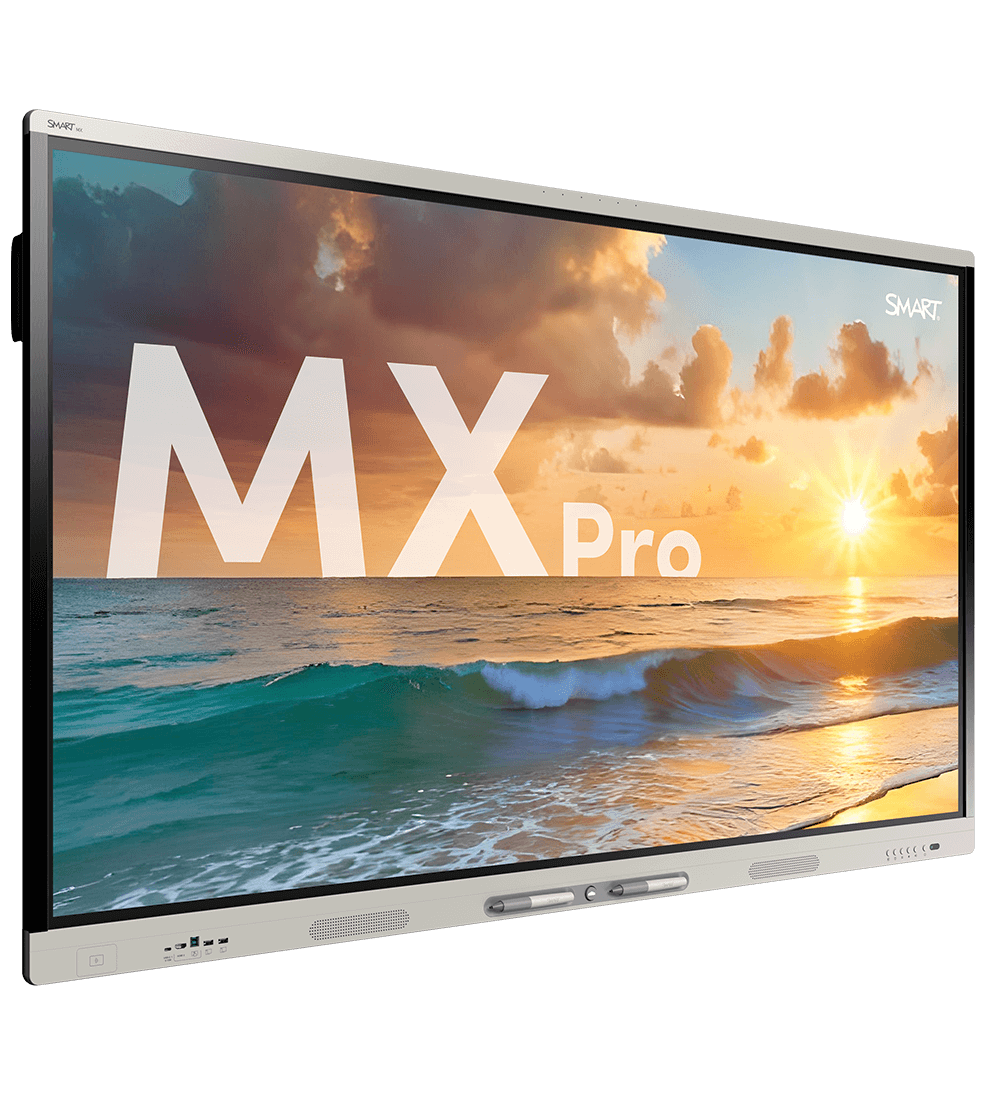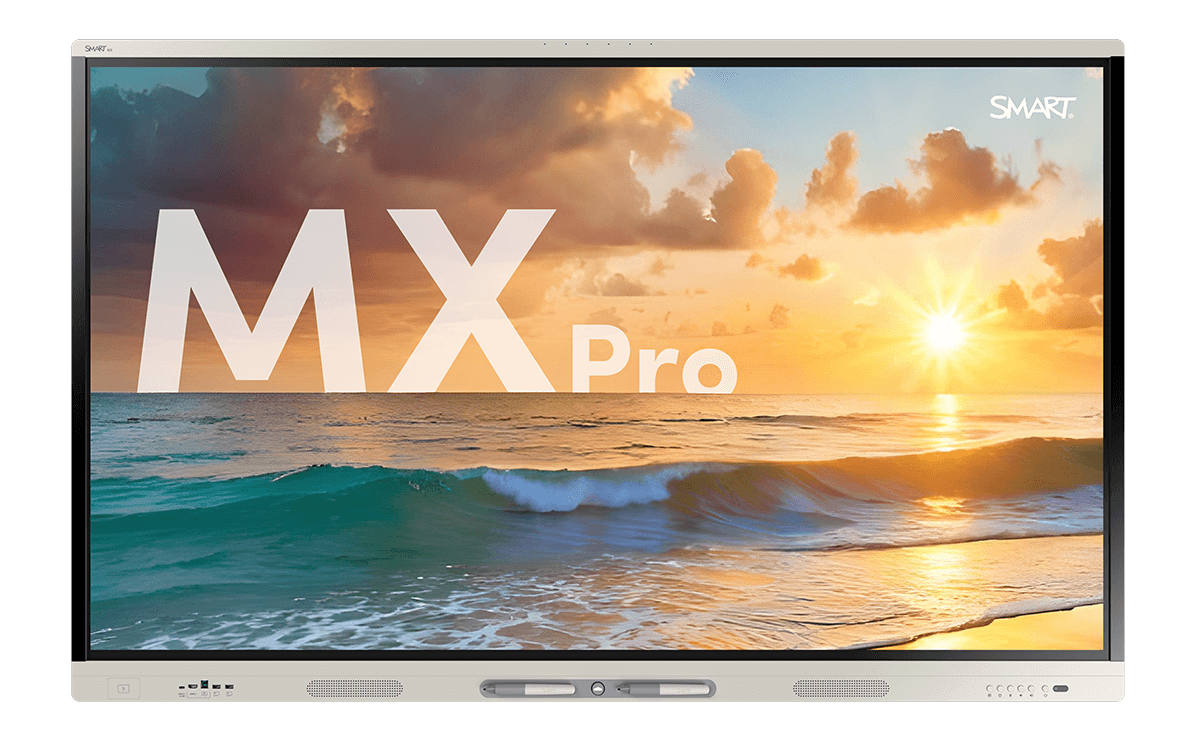
The SMART Board MX Pro V5 display, showing a serene beach sunset scene.
Make team collaboration simple

SMART Board MX Pro series interactive display that fits any meeting room and any tech setup

The SMART Board MX Pro series brings SMART Ink annotation and Microsoft Teams compatibility into a flexible interactive display that fits any workspace. Connect your laptop, use the built-in OS, or plug in a computing module. The MX Pro adapts to how your team works.

Book a demo See the MX Pro in action

It’s time to make meetings more effective

Make spot-on decisions and problem-solving seamless in any business, workspace, or conference room with the latest interactive technology.


Available in 55”, 65”, 75”, 86”
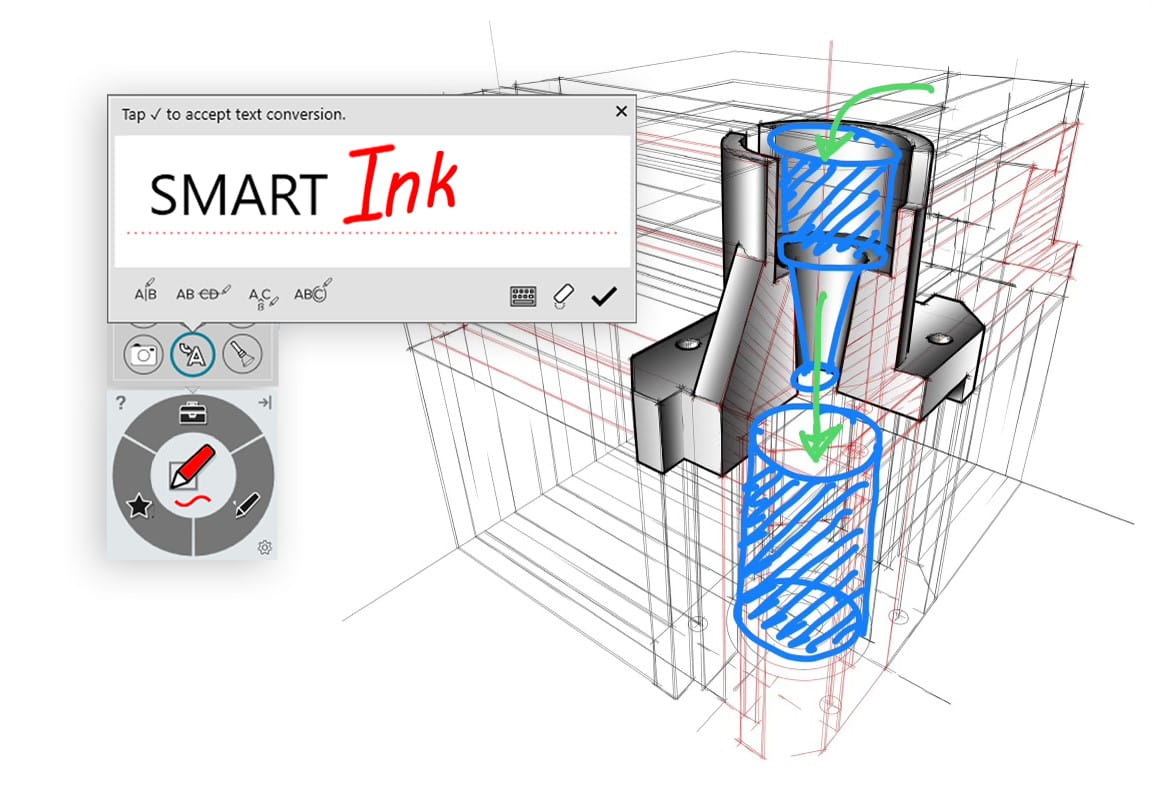
Interactive SMART Board screen displaying a machinery component sketch being annotated with SMART Ink technology.

The best digital ink on the market

Only SMART interactive displays allow multiple users to write, erase, draw, and interact simultaneously without interfering with one another.

Plus, with SMART Ink, you can directly write into PDFs and Microsoft Office files and save them with your notes intact. No window-switching. No clunky overlays. Just the writing experience you expect.

Request a quote
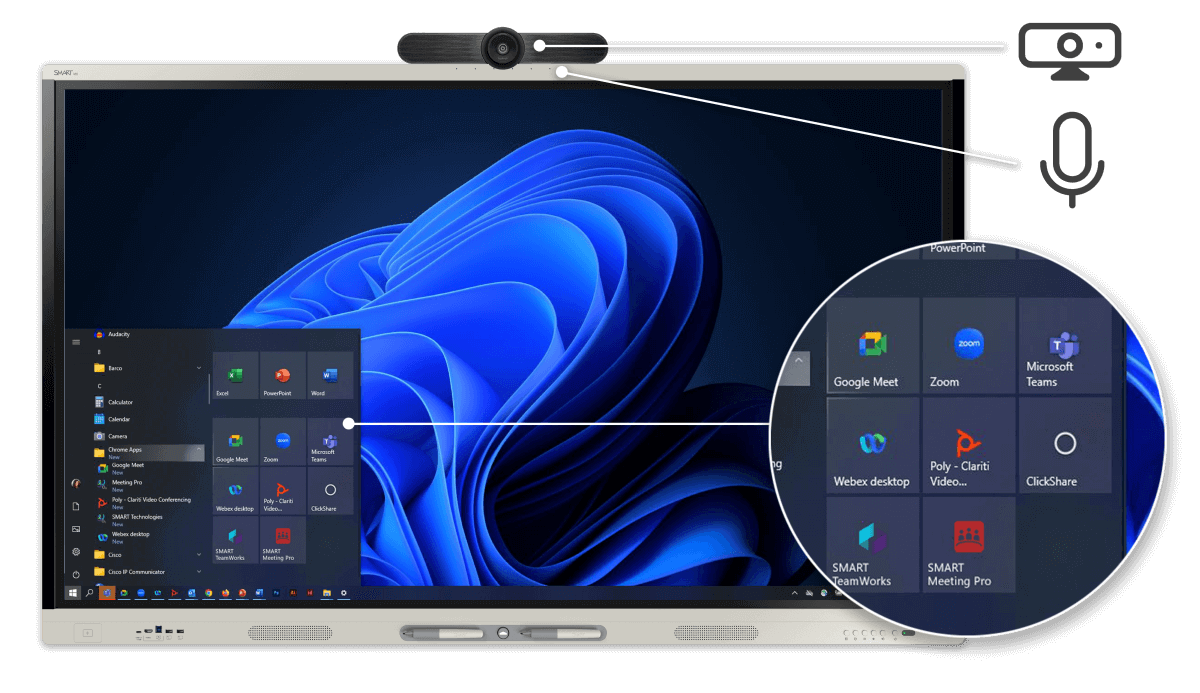
A close-up of a SMART Board's screen revealing a suite of communication tools, including Google Meet and Webex, complemented by an overhead conferencing camera for interactive remote discussions.

Meet your way

Host video meetings on your favorite platforms (Microsoft Teams, Zoom, Google Meet, Cisco Webex, and more) directly from the interactive display, and easily integrate with Microsoft Teams certified equipment.

Find out more about our Microsoft Teams integration here.
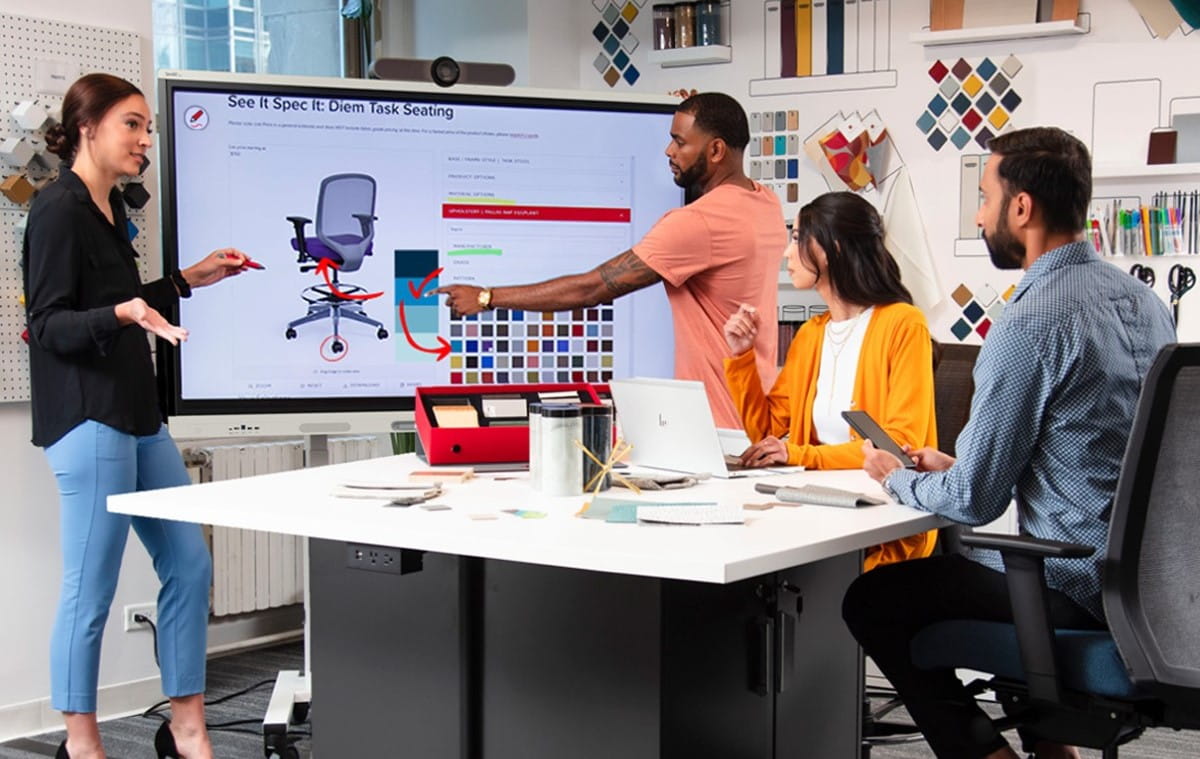
 team collaborates in a modern office space, with one member pointing at a SMART Interactive display showing product design specifications.

Brainstorm without barriers

Whether you're annotating a diagram, comparing data charts, or simply bouncing ideas, the MX Pro series comes with in-built whiteboarding and content-sharing capabilities to finally make team collaboration simple.

Or if you’d rather work with the tools you already know, then just access the Google Play Store and securely download your favorite apps. It’s that simple.

4 things a SMART interactive display does that a non-touch display can’t do:

Bring everyone together

Instead of forcing one person to write everyone’s notes, get the whole team up and working together on the same canvas – whether remote or in-person.

Bring energy to presentations

Stop ‘going through the motions’ with the same old slide deck. Truly captivate your stakeholders’ attention and make your points clear with live writing and interactive activities.

Bring interactivity to training

People learn by doing. Immerse your team in simulations, training programs, and orientations to make their learning memorable.

Bring data to life

Turn heavy data into light reading by making any chart, graph, or matrix not just readable, but easy to interact with.

Ready to start having engaging meetings?

We’ve designed the best software in the business to make your meetings more productive:

SMART Meeting Pro

This is collaboration like you’ve never seen it. Capture and organize ideas in a virtually unlimited interactive workspace, across multiple displays and meetings.

SMART Remote Management

SMART gives technical admins complete control over their devices. Secure, maintain, and manage both on-premise or over the cloud.

Included with any MX Pro series purchase

SMART OneLaunch

Join, participate, and manage meetings with just one tap on your SMART interactive display or laptop—no hubs, external computer, or complex IT setups required.

SMART TeamWorks

The modern meeting solution for hybrid collaboration. Schedule, conduct, and manage any type of video meeting. Utilize screen sharing, cloud storage, and effortless file sharing, anywhere, with anyone.

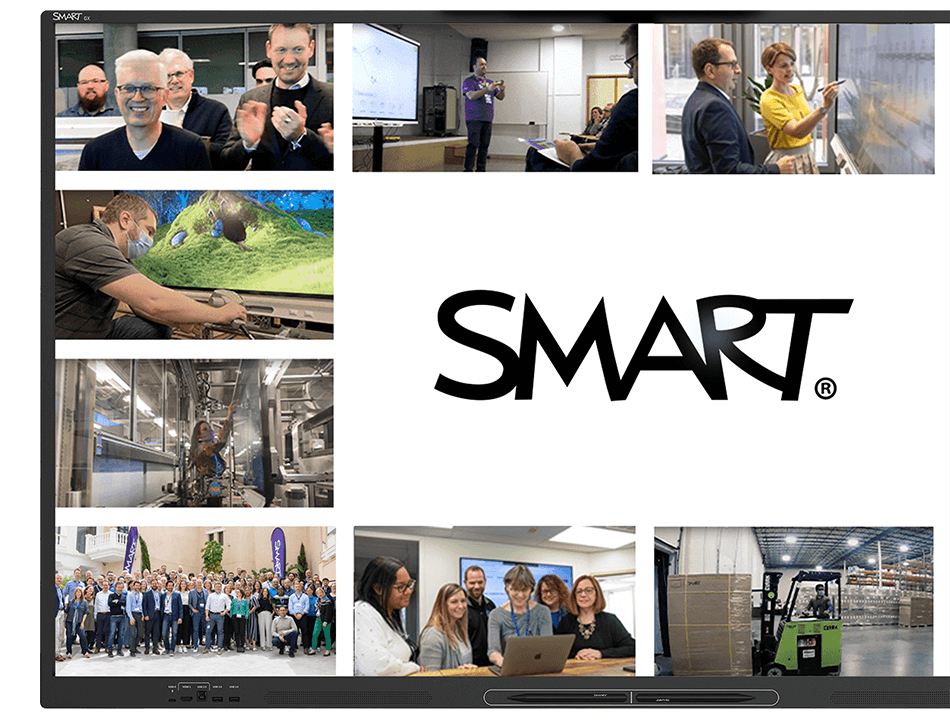
A SMART GX Zero series display showcasing a collage of images that depict diverse people engaging with SMART in different environments, centered around the bold SMART logo.

Complete professional support

We are committed to supporting our customers in every step of their SMART journey:

  • SMART’s equipment warranty gives you ultimate peace of mind, with options to extend for up to 7 years
  • 24/7 technical support with teams around the globe
  • Advanced replacement and two-way shipping services
  • In-depth Support Site and professional training for FREE

Build the right solution for your organization

SMART solutions for business

Our workplace technology encourages everyone to share ideas.

QX Pro series

Ultimate all-in-one interactive display.

SMART Board Mini

Interactivity that fits anywhere.

Reimagine your workspace with solutions that inspire.

A solution for every workplace.

Download our brochure to see how a SMART display can revitalize your workspace, meetings, and training.

Find your perfect fit.

Choose the SMART display that checks every box? Connect with an experienced SMART guide for a quote tailored to your needs.

See our displays in action.

Make meetings meaningful. Experience dynamic collaboration with a personalized demo led by a SMART expert.

Frequently asked questions

  • Can multiple people use SMART Ink and different tools on the SMART Board MX Pro at once?
    Yes, on both counts. SMART Ink on the SMART Board MX Pro writes directly into the native Microsoft Office or PDF file, not a screen overlay, so annotations stay intact wherever the file is opened next. The SMART Board MX Pro is also the only interactive display with true Simultaneous Tool Differentiation, one person can erase while another writes or moves an object at the same time, without the display confusing the inputs. Competing displays only recognize one action at a time, causing conflicts in fast-moving meetings.
  • What accessories can I get for my SMART Board MX Pro?
    The SMART Board MX Pro supports SMART SoundLift for voice amplification, the SMART MultiStylus all-in-one tool, SMART OPS computing modules, mobile stands, and video conferencing accessories. Every purchase also includes free software like SMART Ink and SMART Mirror screen sharing, letting IT teams build a complete meeting room solution around the display.
  • How long does the SMART Board MX Pro last before needing replacement?
    The SMART Board MX Pro is built for a long operational lifespan, backed by accelerated life testing, regular OTA software updates, and appliance-based upgrade paths that extend the display's usefulness without a full hardware replacement.
  • How long has SMART been building interactive displays?
    SMART Technologies invented the interactive whiteboard nearly 40 years ago and remains the category leader today, with the SMART Board MX Pro reflecting four decades of refinement in collaboration hardware.
  • What use cases is the SMART Board MX Pro best suited for?
    The SMART Board MX Pro is ideal for meeting rooms, huddle spaces, and collaborative workspaces where teams need a versatile display that adapts to any tech setup. Its compatibility with Microsoft Teams, Zoom, Google Meet, and Webex, combined with flexible OS options, makes it well-suited for hybrid meetings, presentations, and team collaboration.
  • Does the SMART Board MX Pro support hybrid and remote meetings?
    Yes. The SMART Board MX Pro is compatible with Microsoft Teams, Zoom, Google Meet, Webex, and other major video conferencing platforms, supporting both in-person and hybrid meetings.