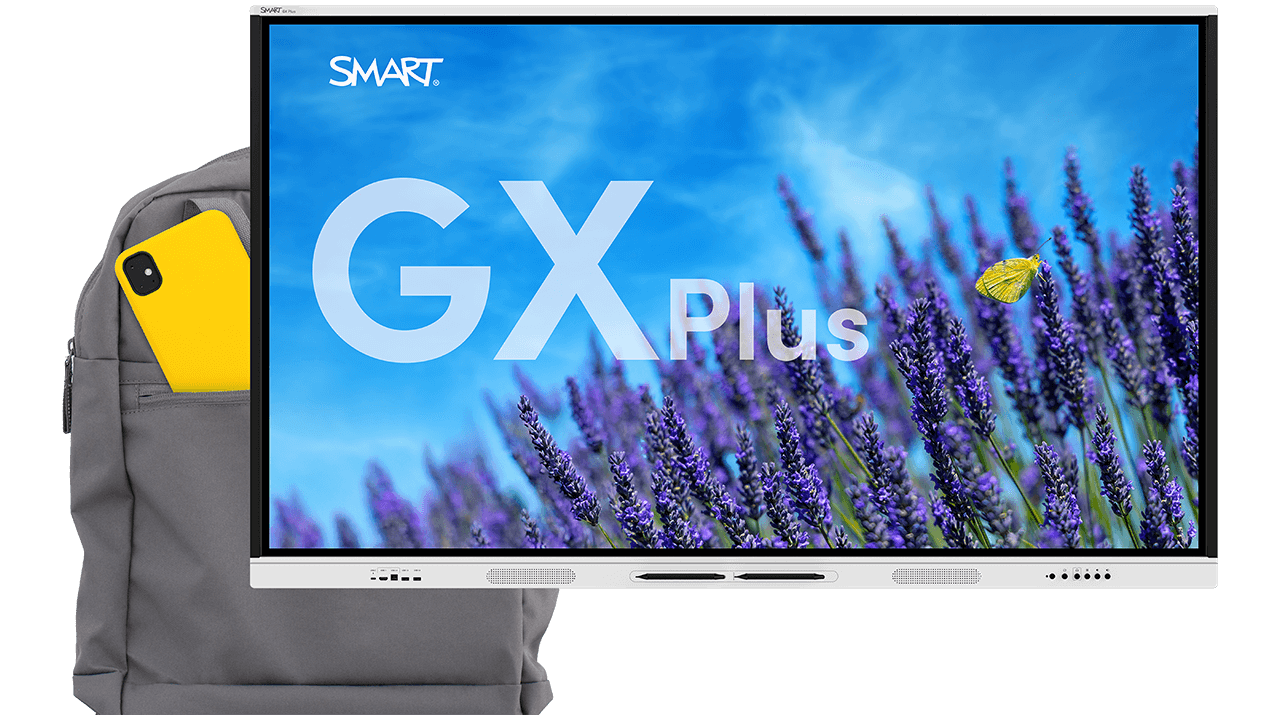
SMART Board GX Plus series front view with a vibrant lavender field and a butterfly background and a backpack

SMART Board GX Plus

Powerful interactivity at a price you’ll love

All the essential teaching tools, plus quality you can trust, at a price that will surprise you. Now EDLA licensed for powerful Google and Microsoft integrations on Android 14.

Unlock the power of SMART in your classroom

SMART GX Plus is the well-equipped, affordable option from the makers of the original SMART Board® interactive display. Backed by SMART quality, get the essential teaching tools you need and the peace of mind you deserve.
The SMART Board GX Plus series provides all the features you’re looking for in an affordable interactive display and more, plus the added value, security, and reliability of an established technology partner in SMART Technologies.
Technical specifications and physical appearance may vary by region; see full specs for details.
Students collaborating on a SMART Board in a decorated classroom with teacher supervision.

Bring reliable interactivity to your classroom

Touch designed for learning

With up to 50 points of interaction, teachers and students can interact and collaborate with ease. Object awareness means pens write, fingers move, and palms erase, so teachers can focus on teachable moments with no technology distractions.

See how SMART compares
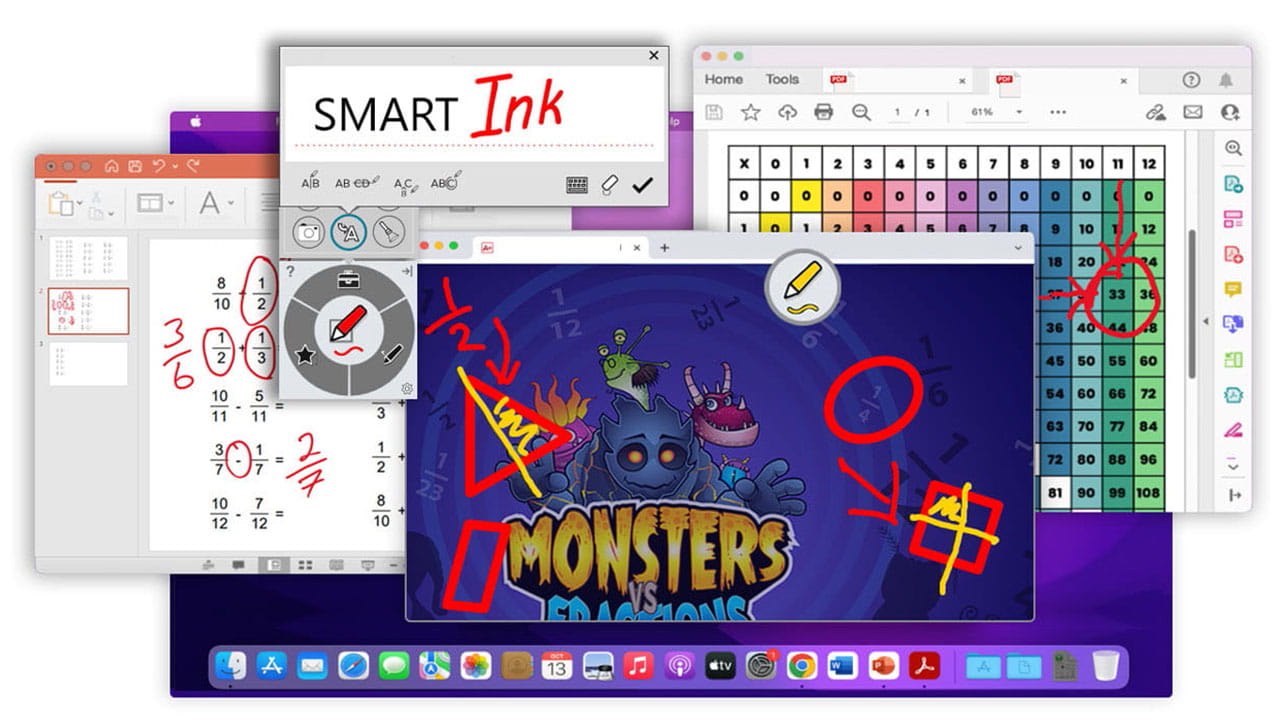
SMART Ink annotations over multiple applications, showcasing digital inking on macOS.

SMART Ink

Flexibly annotate over everything

SMART’s best-in-class persistent ink tools for Windows and Mac easily add digital ink and presentation tools to the files and applications your teachers already know and use. Only SMART Ink provides multi-window support, so your annotations stay where you want them.

Compare SMART Ink vs the competition
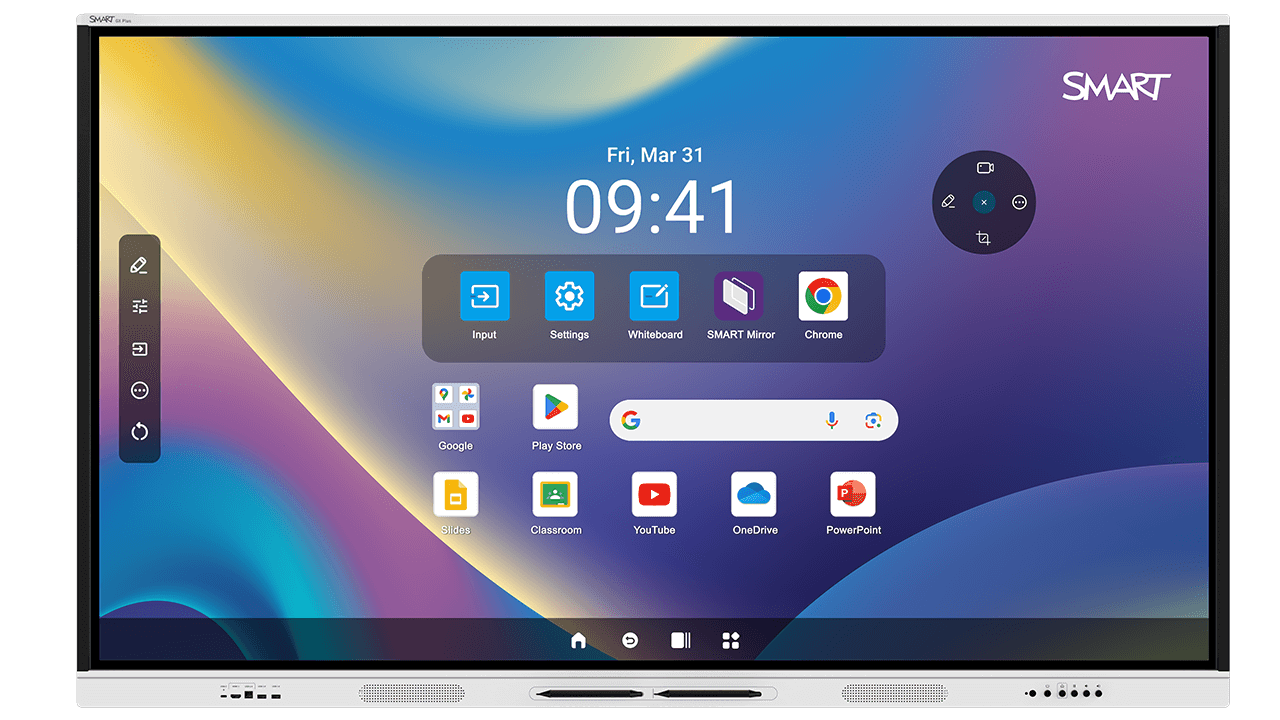
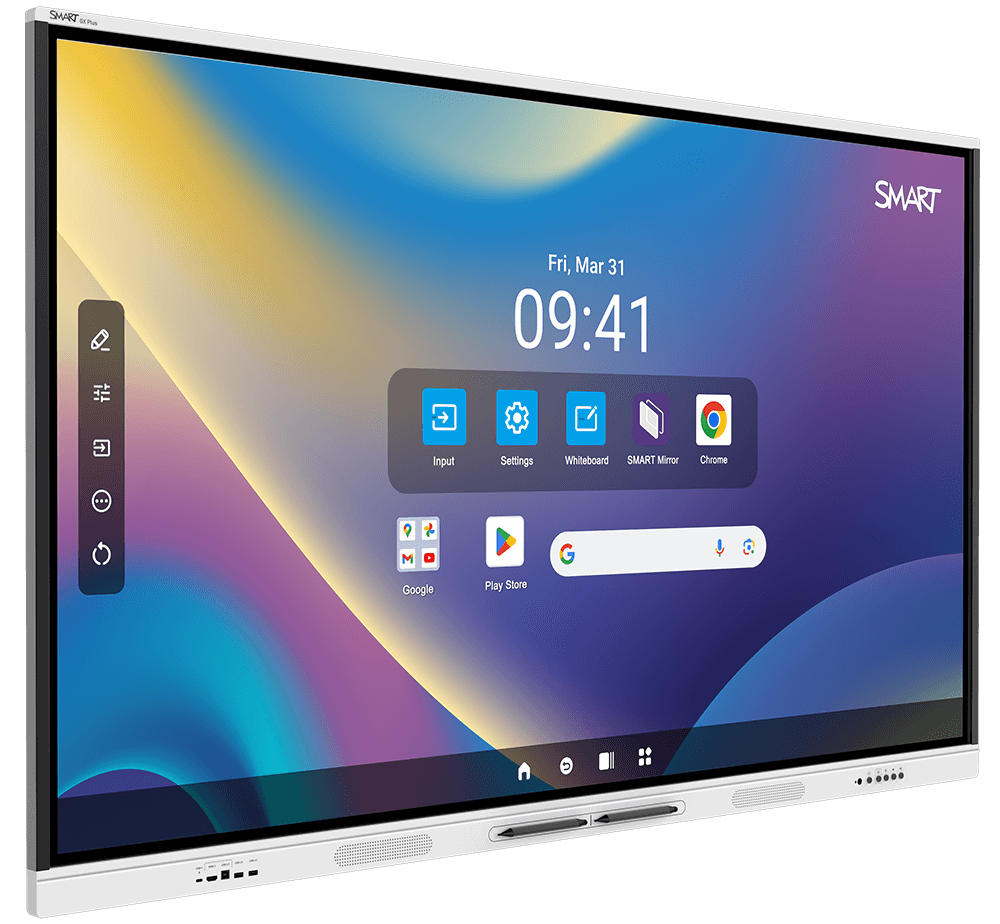
Front view of the SMART Board GX Plus, showing the main interface with quick-access apps and settings.

Embedded Android computing, EDLA licensed

No computer needed

Walk up and teach. Browse the web and use the whiteboard, apps, and widgets to increase student engagement. Enjoy powerful interoperability for Google for Education, Microsoft Office 365 apps, and all the other Android apps and education resources teachers know and love. All on an embedded platform with the power and security of Android.

Looking for a modular solution?
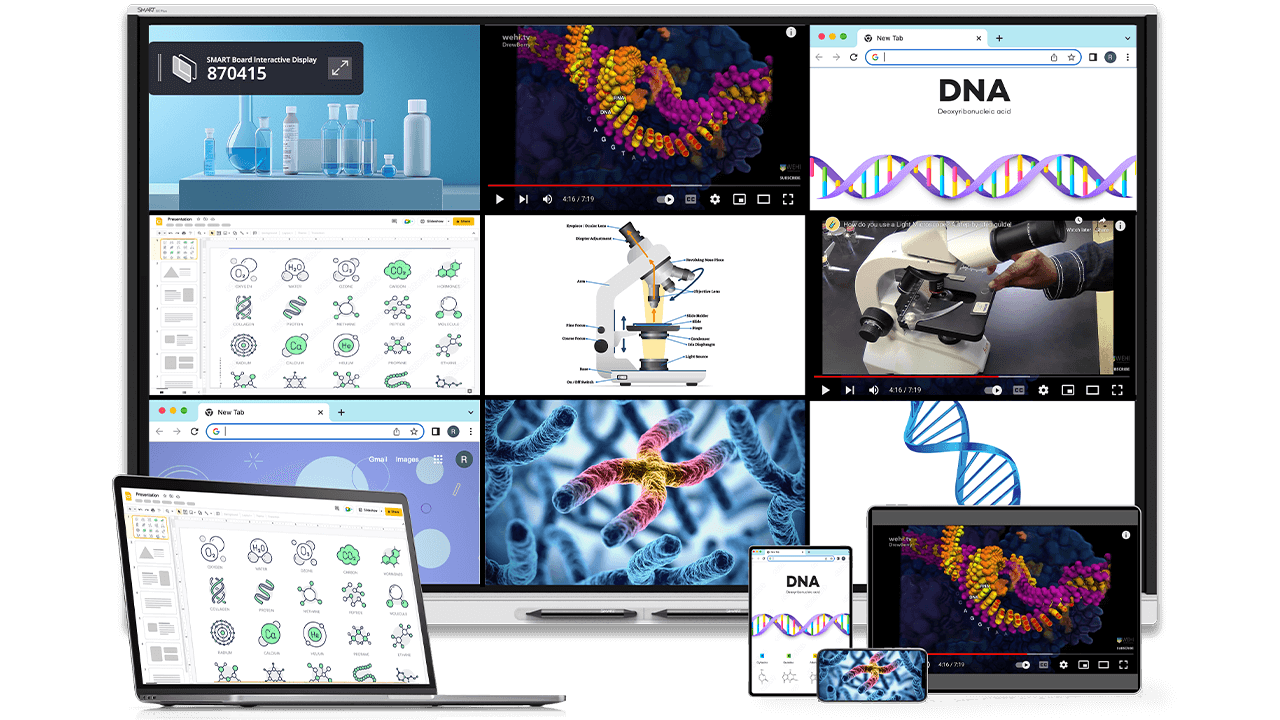
SMART Mirror screen sharing multiple devices on the SMART Board GX Plus, displaying scientific diagrams and videos.

SMART Mirror screen share

Integrate student devices with ease

Let students share ideas and classwork from connected student devices. Teachers can guide learning with touchback to Windows and Mac computers.

Learn about SMART Mirror
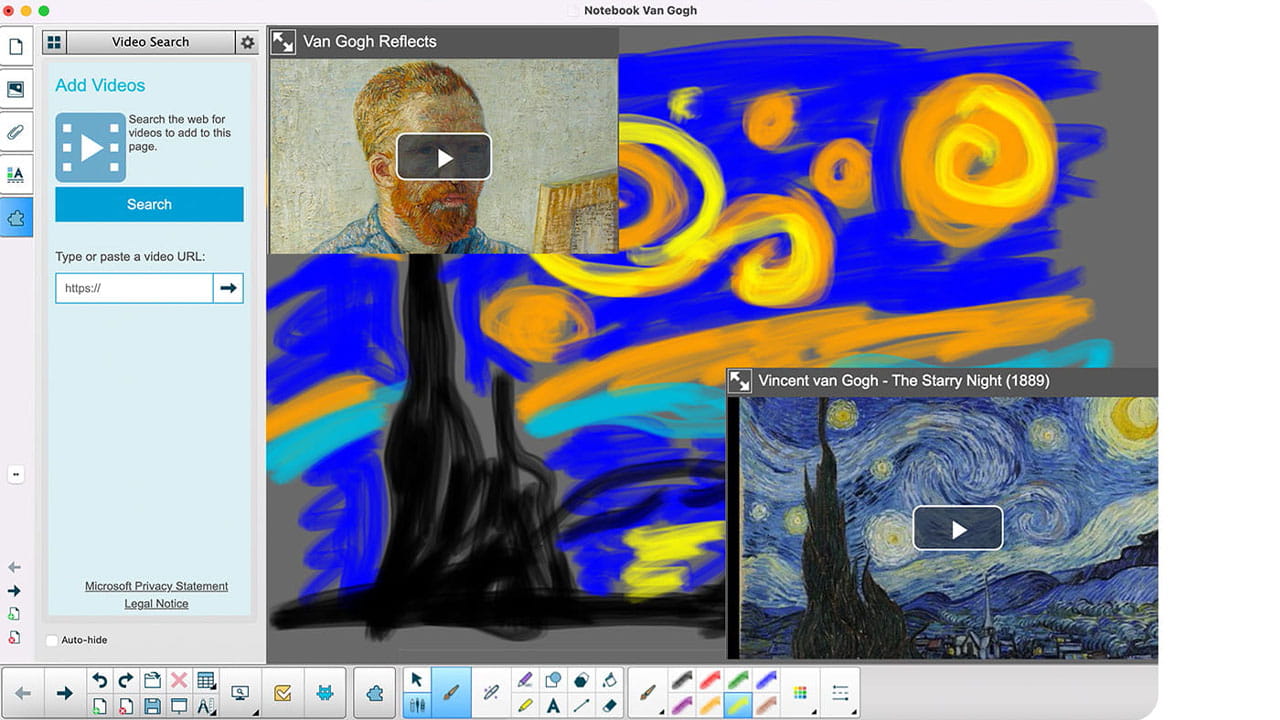
A SMART Notebook lesson featuring Van Gogh’s artwork and a digitally recreated version of 'The Starry Night'.

Free with your SMART Board

SMART Notebook

Award-winning desktop software for creating engaging learning experiences with your SMART Board – no subscription required. With SMART Notebook®, delivering exciting, engaging lessons has never been easier.

Discover SMART Notebook
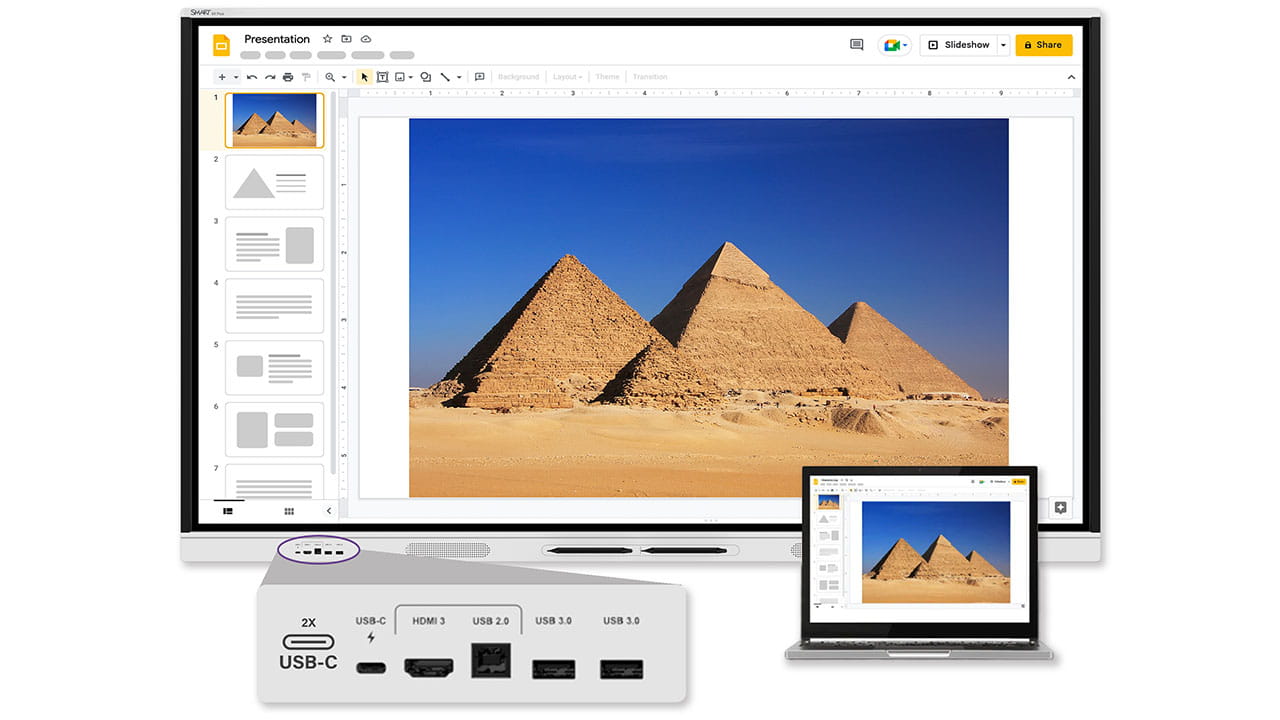
A SMART Board connected to a laptop via USB-C, displaying a lesson on the Pyramids of Egypt.

BYOD device support with USB-C

Works with your preferred platform

Windows, Mac, Chrome, and more: interoperability with leading operating systems and front-facing connection ports make it easy for students and teachers to connect, interact, and share.

USB-C supports easy video, touch, and audio connectivity with only one cord.

Use SMART Ink with Windows & Mac, or write over any other input and capture your work with the built-in Android ink overlay app.

Essential teaching tools
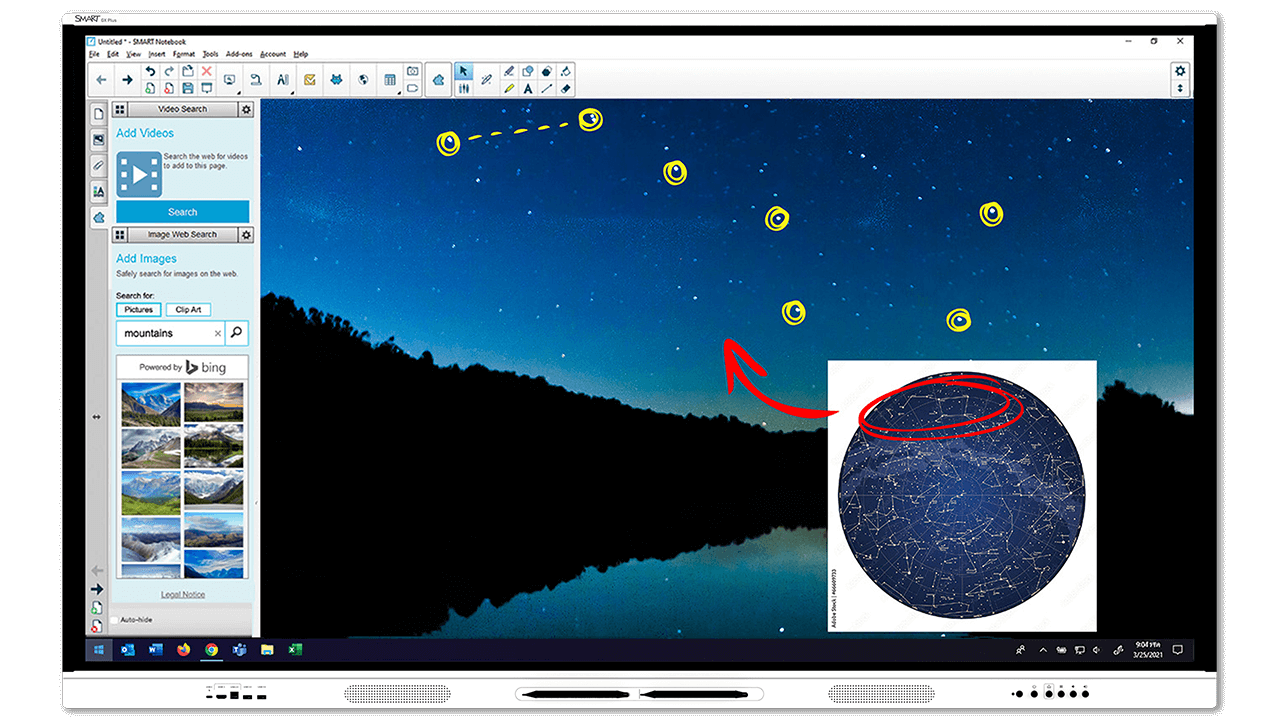
The SMART Board GX Plus includes award-winning software at no additional cost and with no subscription required, enabling teachers to create, edit, and deliver lessons optimised for SMART Board interactive displays.

SMART Ink annotation software

SMART Mirror screen share

Built-in whiteboard

SMART Notebook

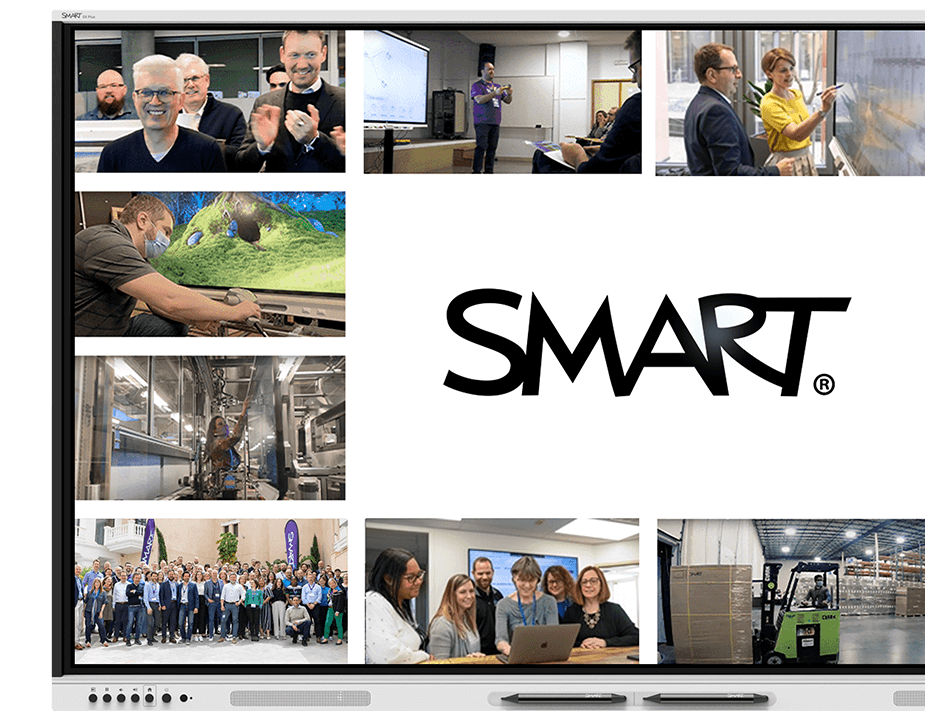
Various images of SMART Technologies team members, manufacturing facilities, and outreach events shown on an GX Plus interactive display.

Your established technology partner

Supporting your implementation

Minimise downtime and avoid additional costs. SMART GX Plus includes SMART's standard warranty, providing reliable warranty and support benefits. Includes:

  • Real-time technical support
  • Customer support teams around the globe
  • Advanced replacement with 2-way shipping

SMART Remote Management software, SMART Assure, and extended warranty also available – up to 7 years – for the ultimate warranty coverage.

Book a demo

Adopt the GX Plus faster

Professional learning

Instructional resources for teachers, schools, and districts

Implementation support

Get started with our FREE EdTech Assessment Tool

Technical support

Maximise uptime with expert support, tons of resources and access to a community with tips and ideas.

Frequently asked questions

  • Can multiple students use different tools on the SMART Board GX Plus at the same time?
    Yes. The SMART Boards, including GX Plus, are the only interactive displays with true Simultaneous Tool Differentiation; one student can erase whilst another writes or moves an object simultaneously, and the display correctly recognises each input. Most interactive displays only register one tool at a time, causing an eraser and a pen to conflict.
  • Does the SMART Board GX Plus need a separate computer?
    No. The SMART Board GX Plus has embedded Android computing built in, so teachers can start teaching immediately without connecting a laptop or external device. Connecting an external device is still possible via cable or wireless options such as SMART Mirror. The GX Plus is EDLA licensed, meaning that FE/HE tutors can pull content from their Google ecosystem for instruction on the GX Plus. The GX Plus also features a powerful whiteboard for collaboration, SMART Mirror for teacher-student engagement and SMART Ink for interactivity and annotations.
  • Is the SMART Board GX Plus EDLA-licenced?
    Yes. The SMART Board GX Plus is EDLA-licensed by Google, giving schools verified Google Workspace and Microsoft integrations on a secure, education-ready Android platform built specifically for classroom use.
  • How long has SMART been building interactive displays?
    SMART Technologies invented the interactive whiteboard nearly 40 years ago and remains the category leader today. The SMART Board GX Plus is built on four decades of pedagogy-focused design, not just display hardware.
  • Can SMART Ink on the GX Plus save directly into Word and PDF files?
    Yes. SMART Ink on the SMART Board GX Plus writes directly into the original Microsoft Office or PDF file, not a separate overlay or proprietary format, so notes stay intact no matter where the file is opened next.
  • What support is included with the SMART Board GX Plus?
    Every SMART Board GX Plus purchase includes warranty options up to 7 years, 24/7 global technical support and advanced replacement shipping.
  • Is the SMART Board GX Plus energy-efficient?
    Yes. The SMART Board GX Plus is more energy efficient than 93% of competing 75" ENERGY STAR-certified interactive displays globally, making it one of the most environmentally responsible interactive displays available for classrooms today.