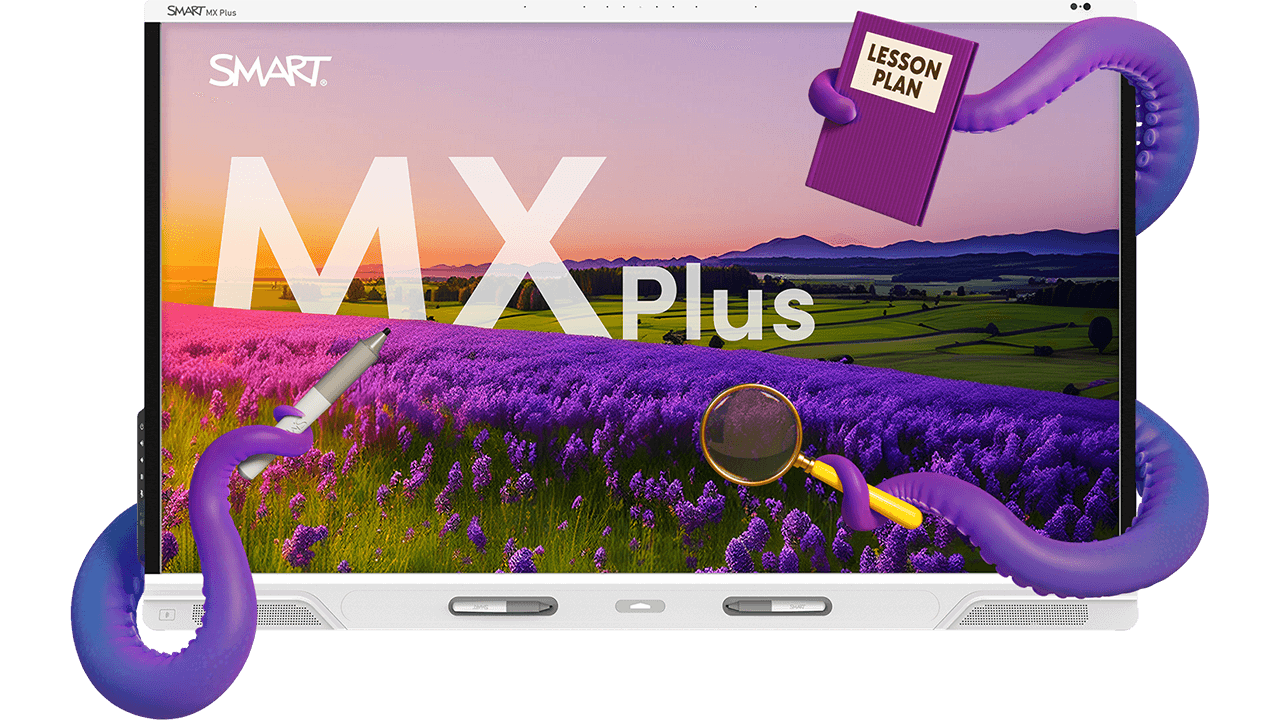
SMART Board MX Plus
Made for multitaskers
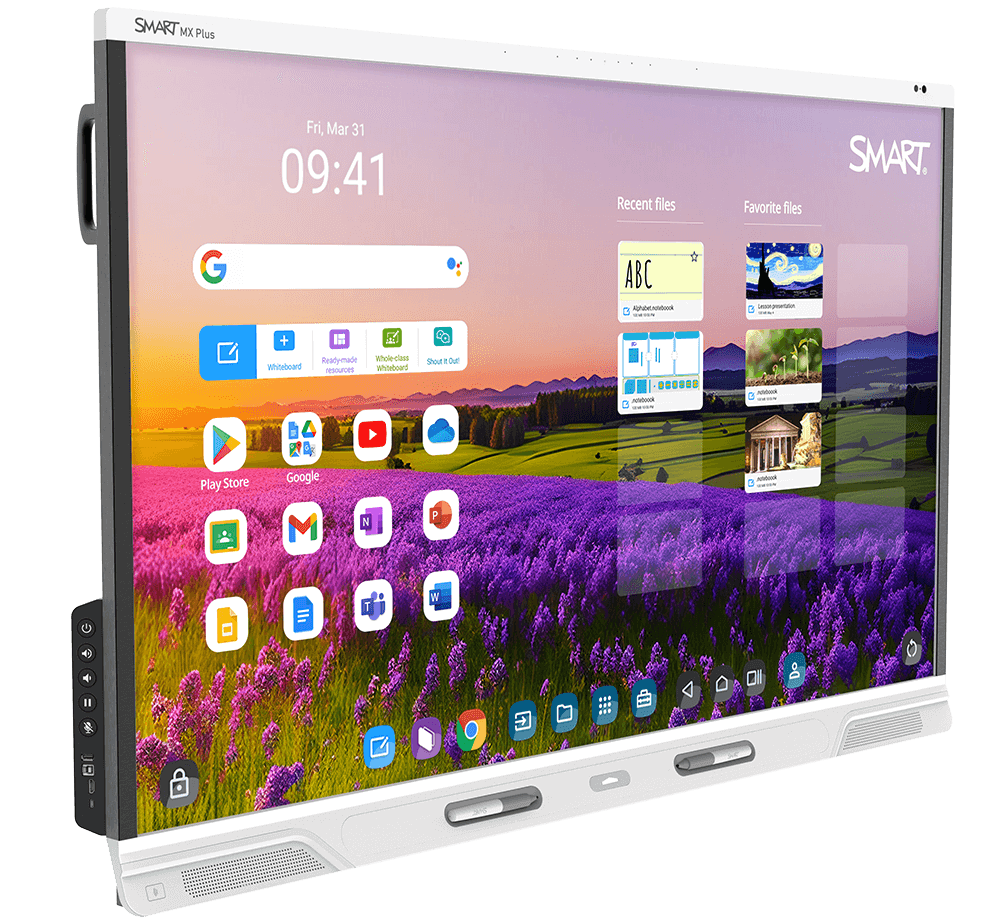
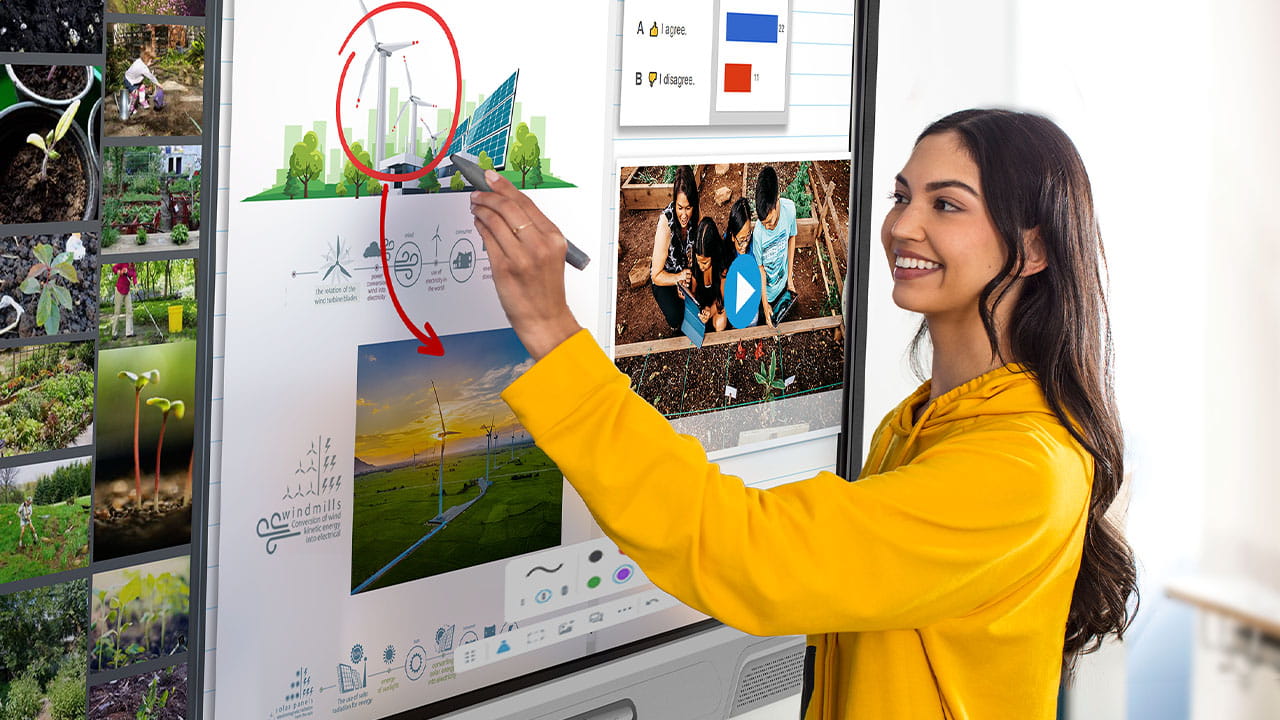
Designed to make your life easier and student engagement soar, the SMART Board® MX Plus series keeps students engaged and saves teachers' time while keeping it simple for IT management. It's like having an extra set of hands... or eight.








 Palm rejection
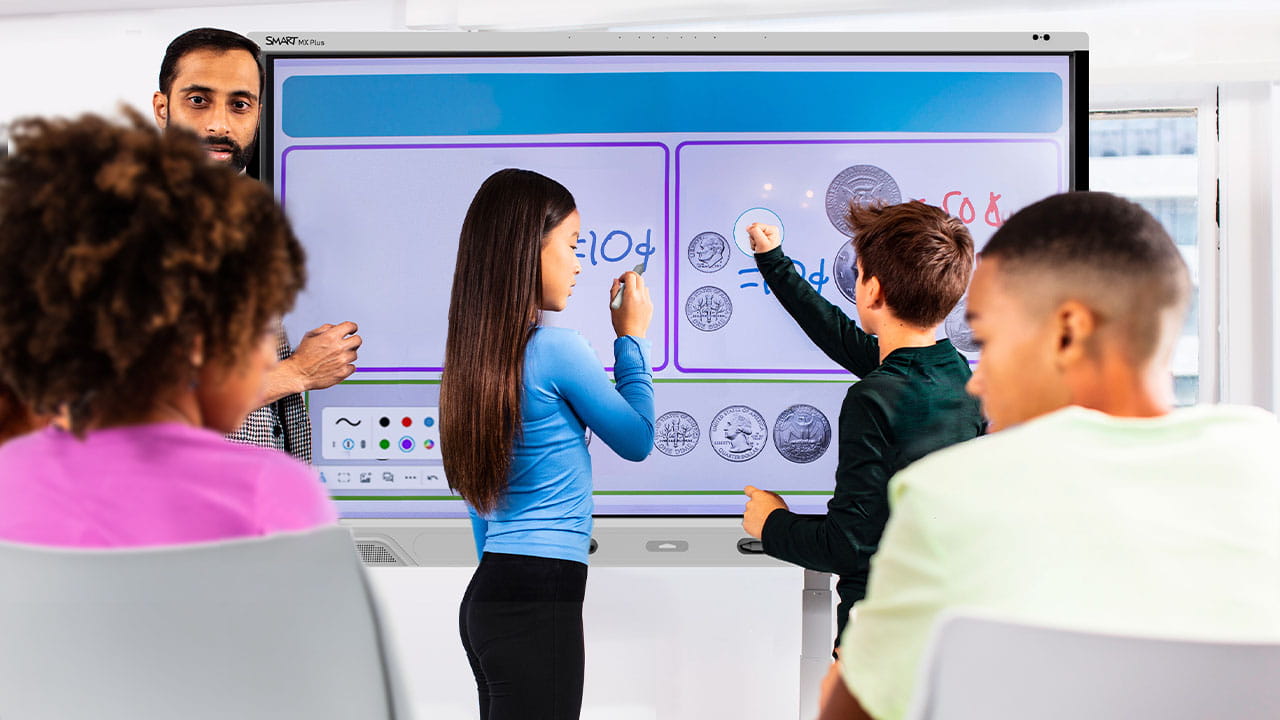
Experience true multi-user interactivity
Make room for more
More ideas. More collaboration. More people. More brilliance. The SMART MX Plus series offers true multi-user interactivity with a touch experience that our competitors don't even come close to.
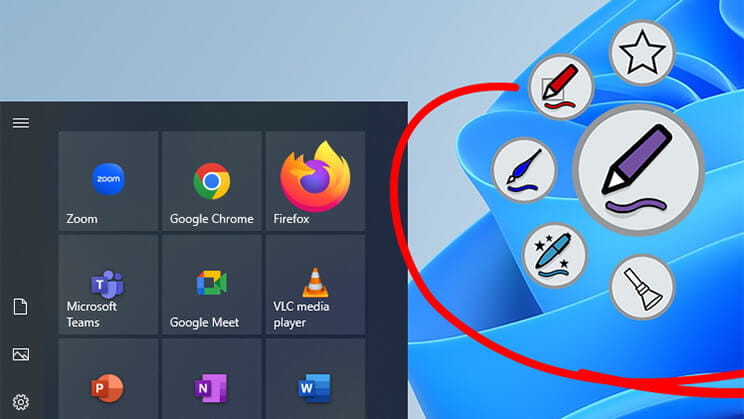
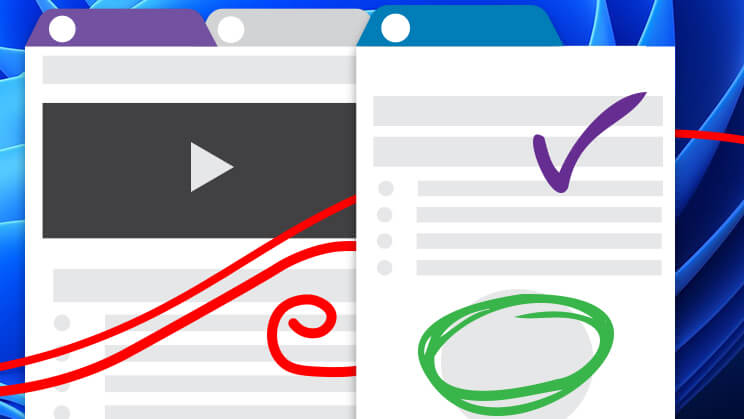
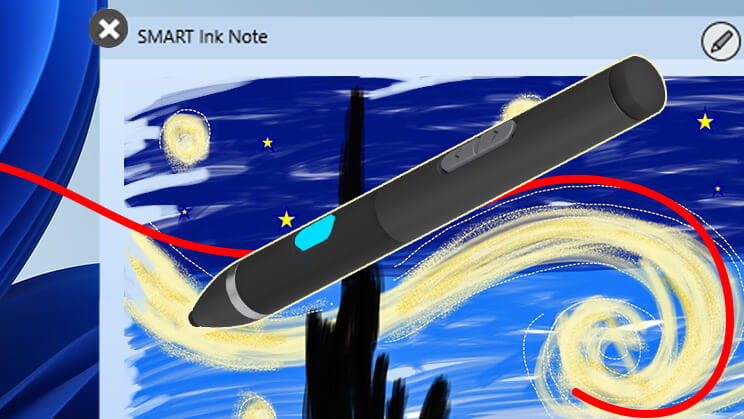
ONLY SMART gives everyone a chance to contribute effortlessly. Multiple users can write, erase, and touch simultaneously without interfering with each other's work.
See how SMART comparesEffortless inking
Powered by iQ 4
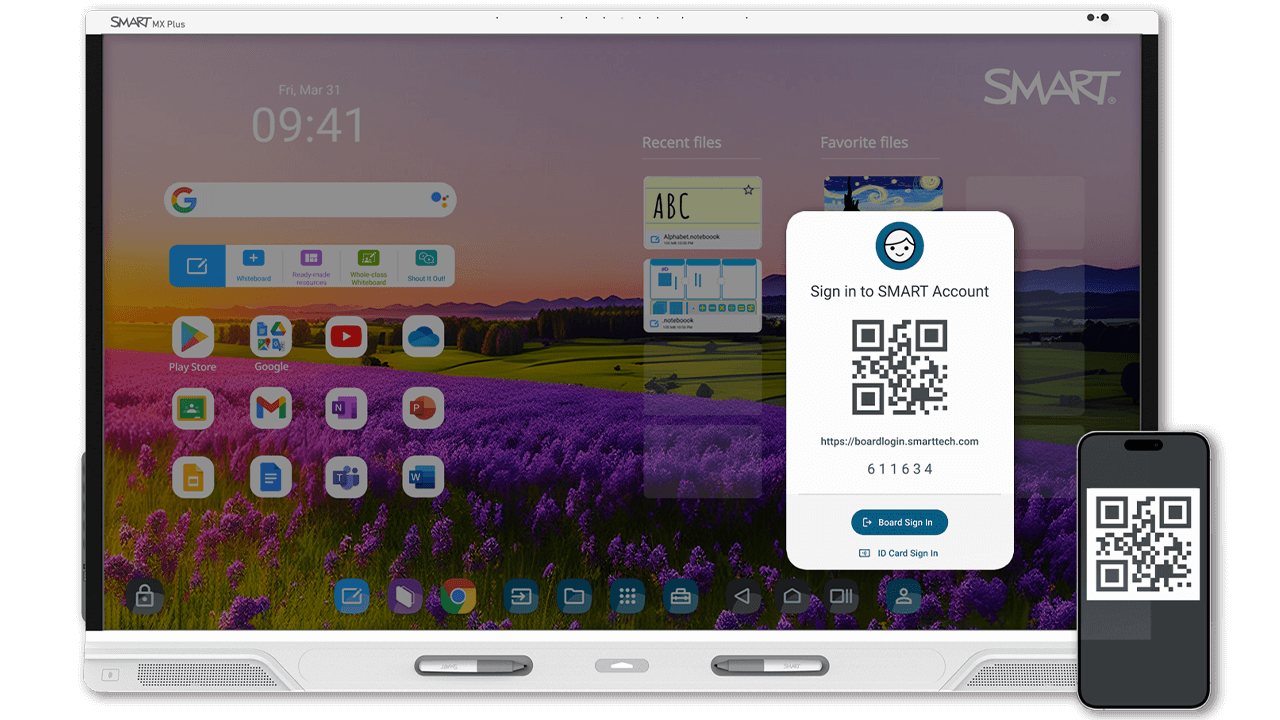
The purpose-built OS by the most preferred interactive display brand.* Make the most of your tech budget with future-proofed hardware and upgradeability that keeps things fresh and running smoothly for years to come. Designed for organisation-wide consistency, simplified management and ease of use, iQ 4 lets teachers teach, students learn and admins manage – without unnecessary tech complexity.
* Explore our OS advantageWalk-up-and-teach engagement tools
-
Easily teach any topic
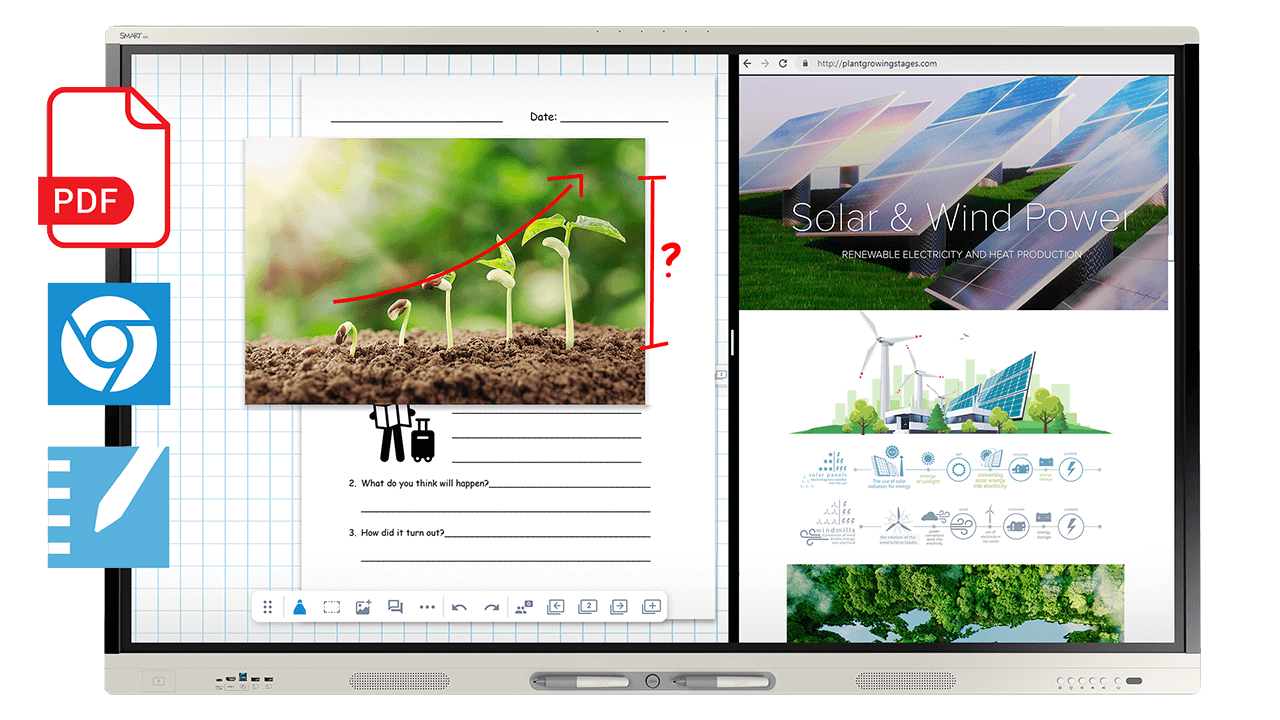
The MX series with iQ helps teachers:
- Import multi-page PDFs effortlessly
- Easily use split screen or picture-in-picture to deliver lessons from more than one input
- Save any annotation as an editable file. Add it to your lesson and keep annotating!
- Use integrated video and image search with persistent search results that save time
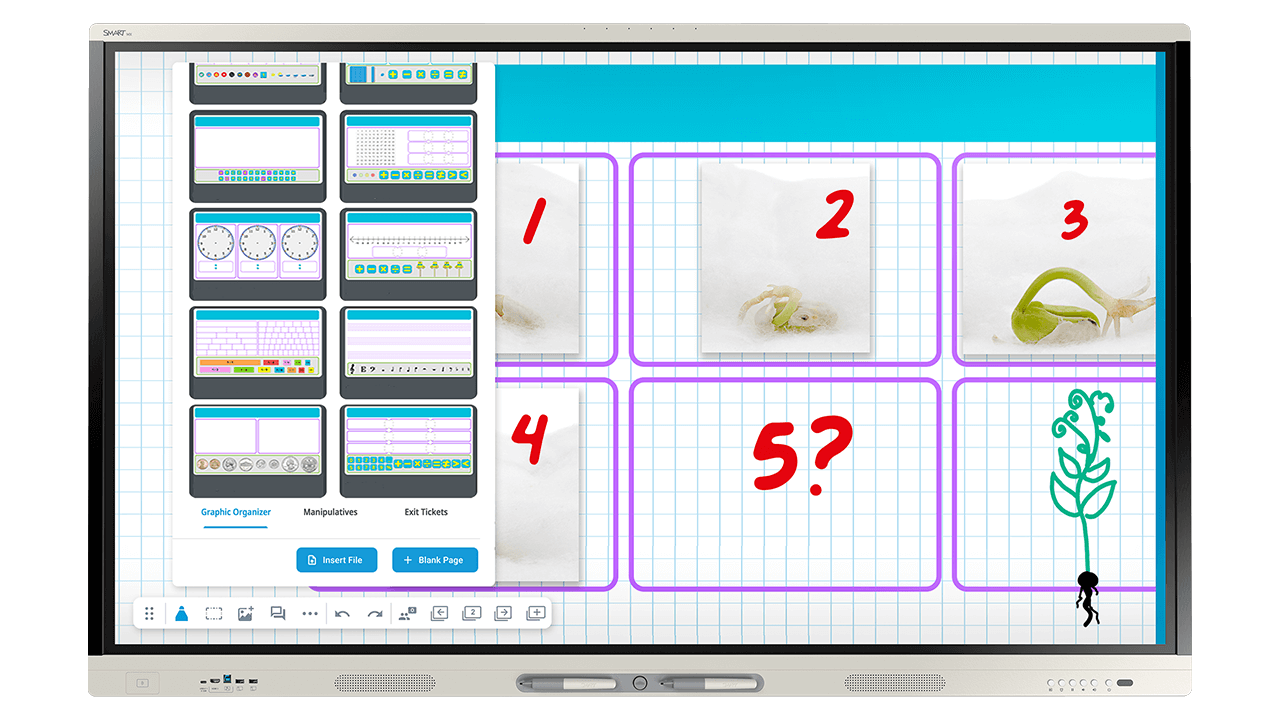
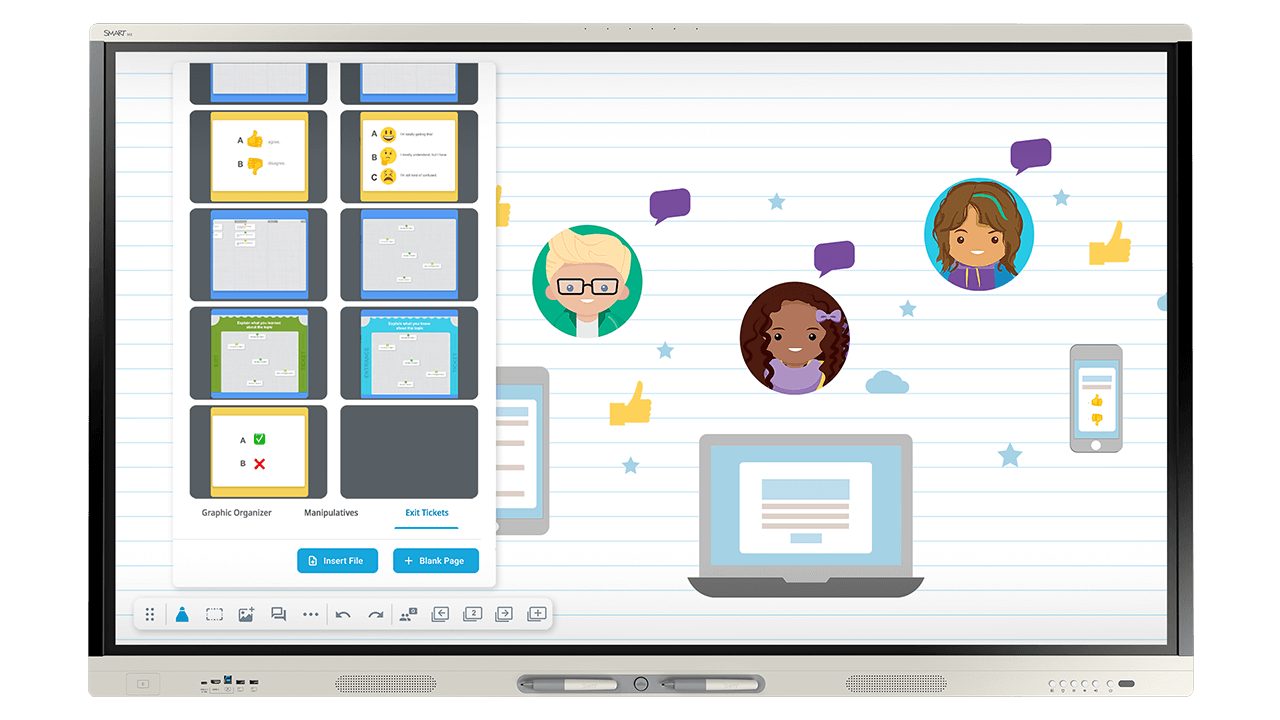

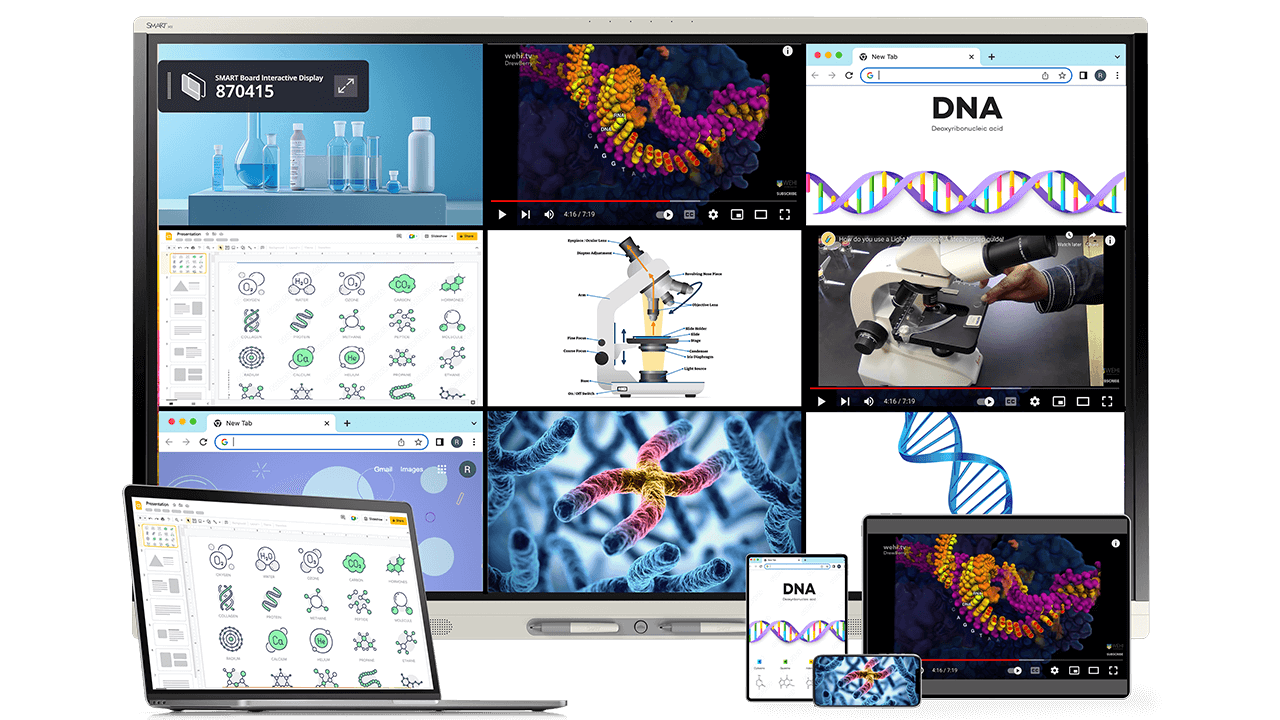
Discover what your SMART Board can do
The SMART Board MX series can double as digital signage, emergency alert system endpoints, teacher audio amplification and more, saving you money and making the most of your tech investment.
Extend your classroom interactive display with purpose-built options that adapt to how and where teaching happens.


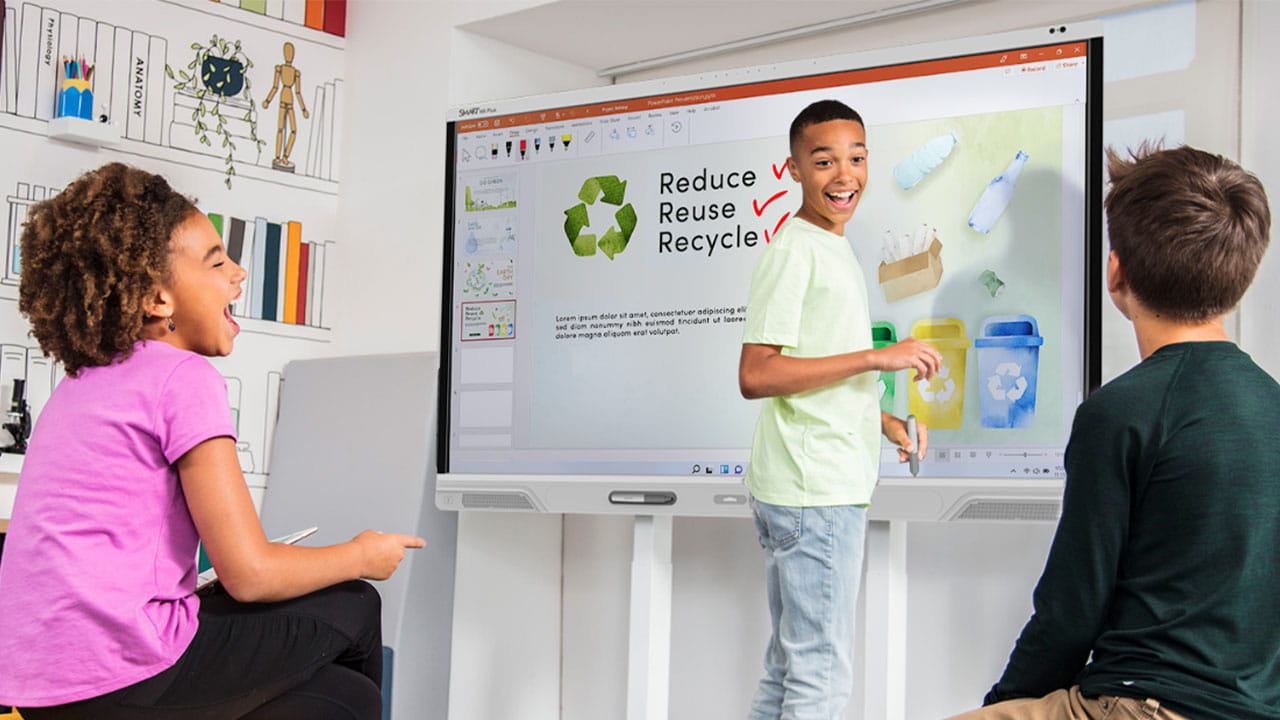
A sustainable investment, designed to last
Quality and interactivity for up to 10 years
Longevity: This is a display that ages gracefully. With over-the-air updates and OPS-based upgrade paths, the future-proofed MX Plus series is designed to evolve alongside your classroom.
Quality: Our Accelerated Life Testing minimises product failures, cutting e-waste and CO2 emissions from unnecessary replacements.
Sustainability: Minimise your environmental impact with the Energy Star certified and Ecodesign compliant MX Plus. Enjoy increased energy savings, optimised packaging initiatives, ISO 14001:2015 certification, and more.
Learn more about sustainability with SMARTSpeak with an expertSMART keeps it simple for you and your teachers
Easy to adopt
We put in the effort so you don’t have to.
When you buy SMART, you buy peace of mind, easy setup, and easy implementation.
- Technology designed for out-of-the-box use – no setup or training required.
- Self-serve iQ user profiles and NFC setup through familiar Google and Microsoft workflows.
- Professional learning – Extend capability with complimentary professional learning plans, online courses, and webinars that cover both functional and pedagogical topics.
The peace of mind you need
Partner with a best-in-class company
We’re committed to providing you technology that is as effortless as it is ethical. Learn more about:
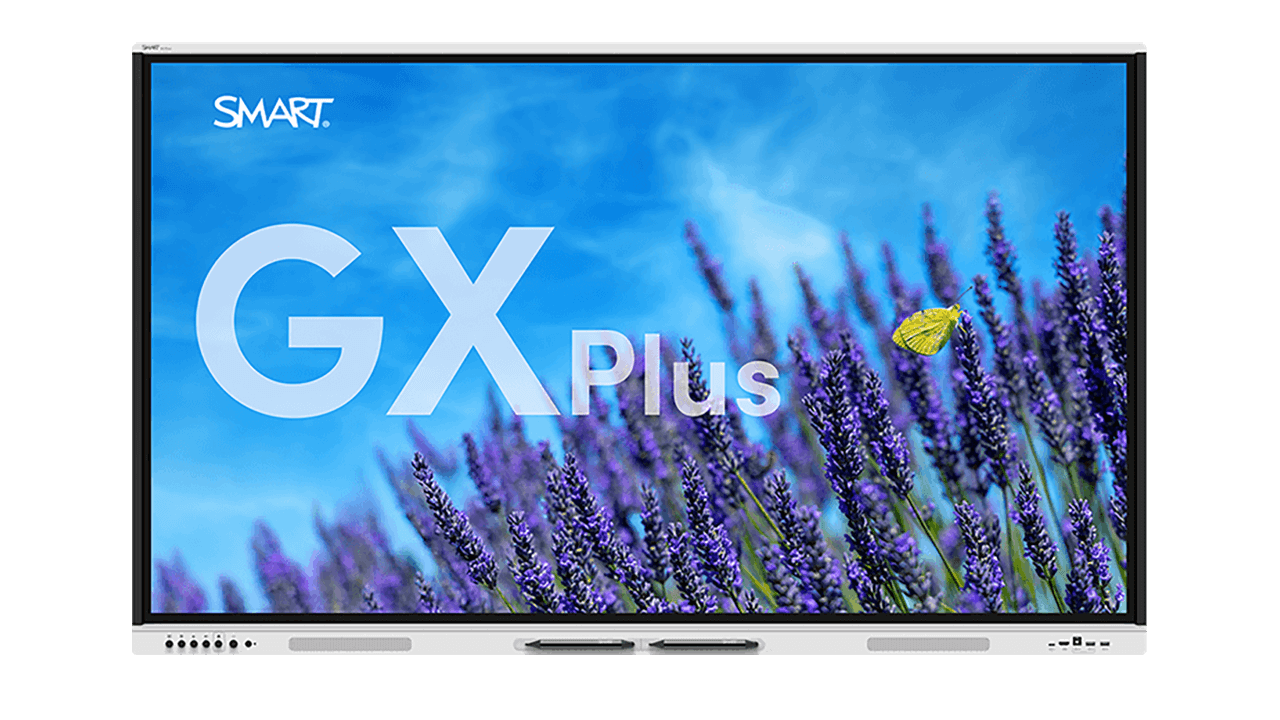
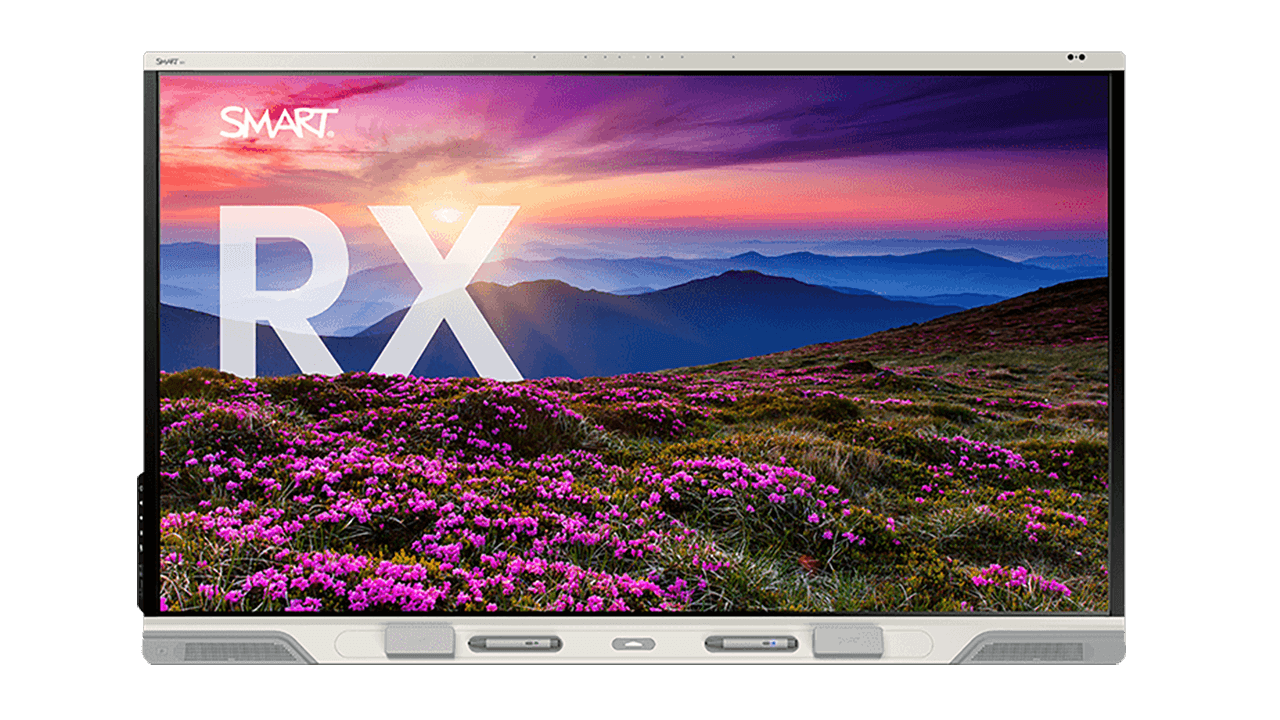

Find the perfect fit for your modern classroom.


